
Equipment rental website builder
Build a branded rental storefront without a separate catalog
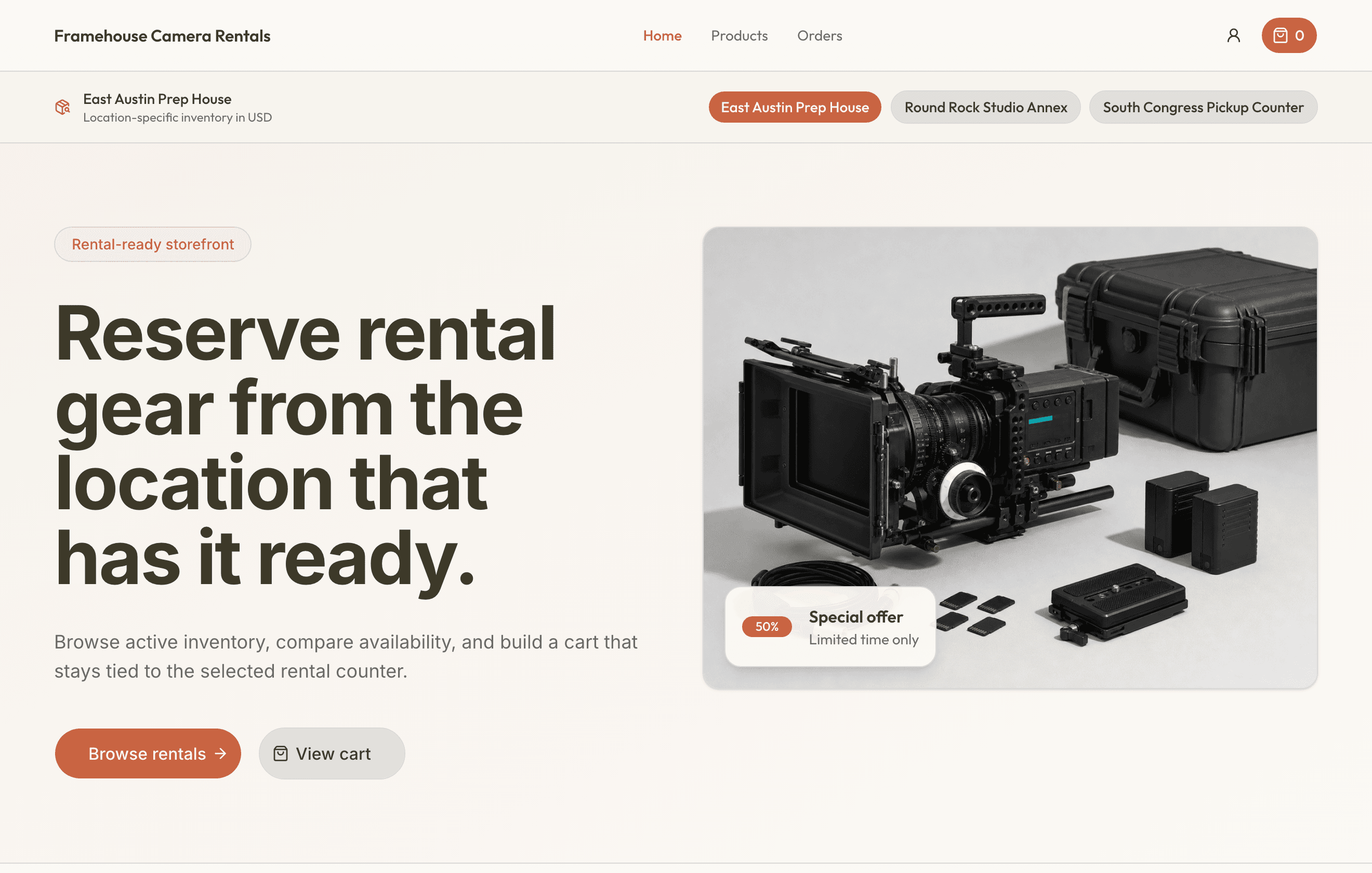
Configure content blocks, theme tokens, template variants, featured products, checkout choices, publishing status, and domains from the same RentalBench workspace.
Start free trial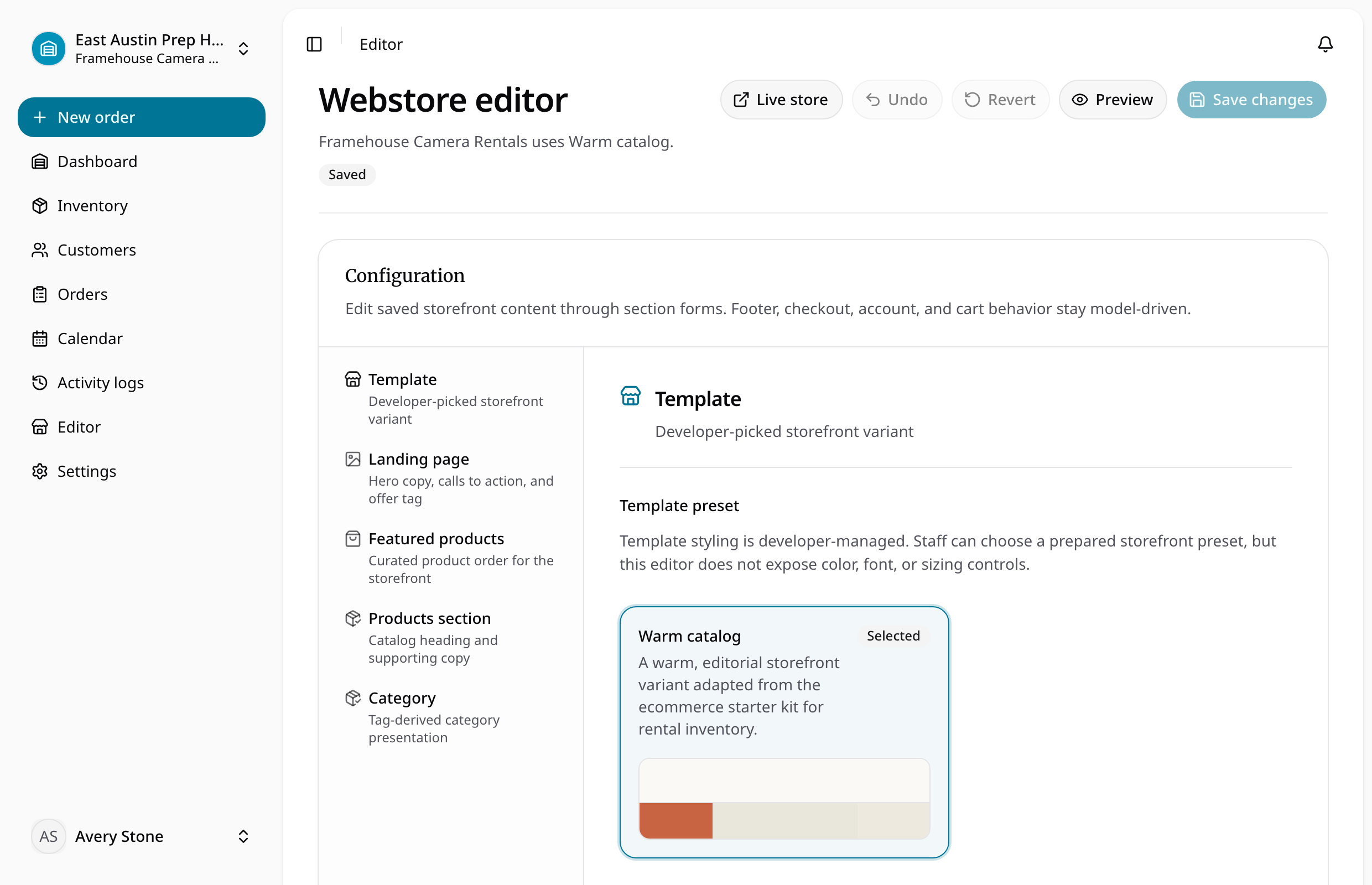
Quick answer
Reviewed July 11, 2026
An equipment rental website builder should publish the products, variants, rates, deposits, images, and fulfillment choices already used by the rental operation, then turn customer selections into structured requests.
Keep the rental details with the item
The item record tells the whole story
Storefront templates, template variants, block content, theme, typography, and featured products
The next handoff has what it needs
Published or draft status with a RentalBench storefront address
See how the rental moves
Set up the record
Choose the template, variant, brand content, theme, and featured products.
Check what is available
Configure checkout, locations, payments, and customer account behavior.
Complete the handoff
Publish on the RentalBench address or configure a domain.
Keep the rest of the rental in sync
- Product and item details
- Customer-managed custom domains or domain purchase flows
- Dates and availability
- Checkout settings for pickup, delivery, customer accounts, and payment choices
- Orders update inventory
- Reservations, checkout, and returns all update the same item record.
- Online requests include the details staff need
- Customer, dates, deposit, pickup, and delivery details arrive together.
- Each location shows what it can rent
- Staff can see the location, hours, assigned items, and return status.
- Spreadsheets become usable records
- Map products, units, rates, deposits, and notes before importing them.
Ready for a more connected rental day?
Bring inventory, dates, customers, orders, checkout, and returns together in one practical workspace.
14-day Plus trial · Start monthly begins after the trial unless you change plans