
Tool and equipment rental software
Keep tools moving without losing the exact unit
RentalBench connects the counter, inventory shelf, calendar, customer record, and return inspection so staff can answer availability without checking several systems.
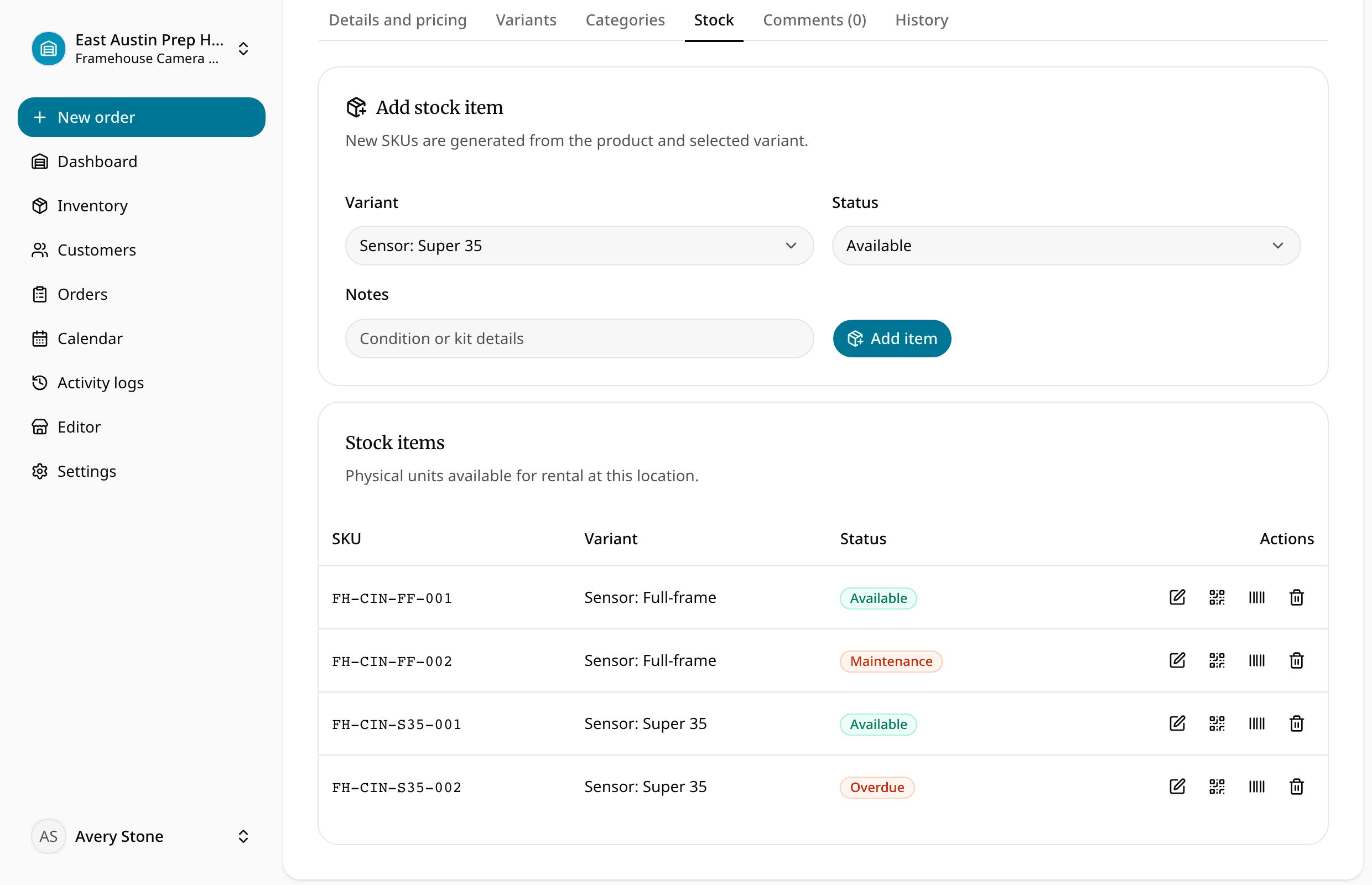
Know what is ready, reserved, checked out, overdue, under maintenance, or waiting for inspection.
For independent tool shops, contractor supply counters, maker spaces, shared equipment programs, and small equipment yards.
What staff need to know
What the team can manage in RentalBench
For independent tool shops, contractor supply counters, maker spaces, shared equipment programs, and small equipment yards.
Where the day usually breaks
The problems show up before the software does
- 01
A product count hides which unit is actually ready.
Staff need the condition and status of the exact saw, mixer, drill, or attachment they will hand over.
- 02
A late return becomes tomorrow's counter problem.
The next request should reflect what is still out and when it was expected back.
- 03
Maintenance is noted but not connected to availability.
A unit in service should stay out of reservations until the team marks it ready again.
One rental, four decisions
Keep the answer moving with the order
- 1
Is it ready for the next rental?
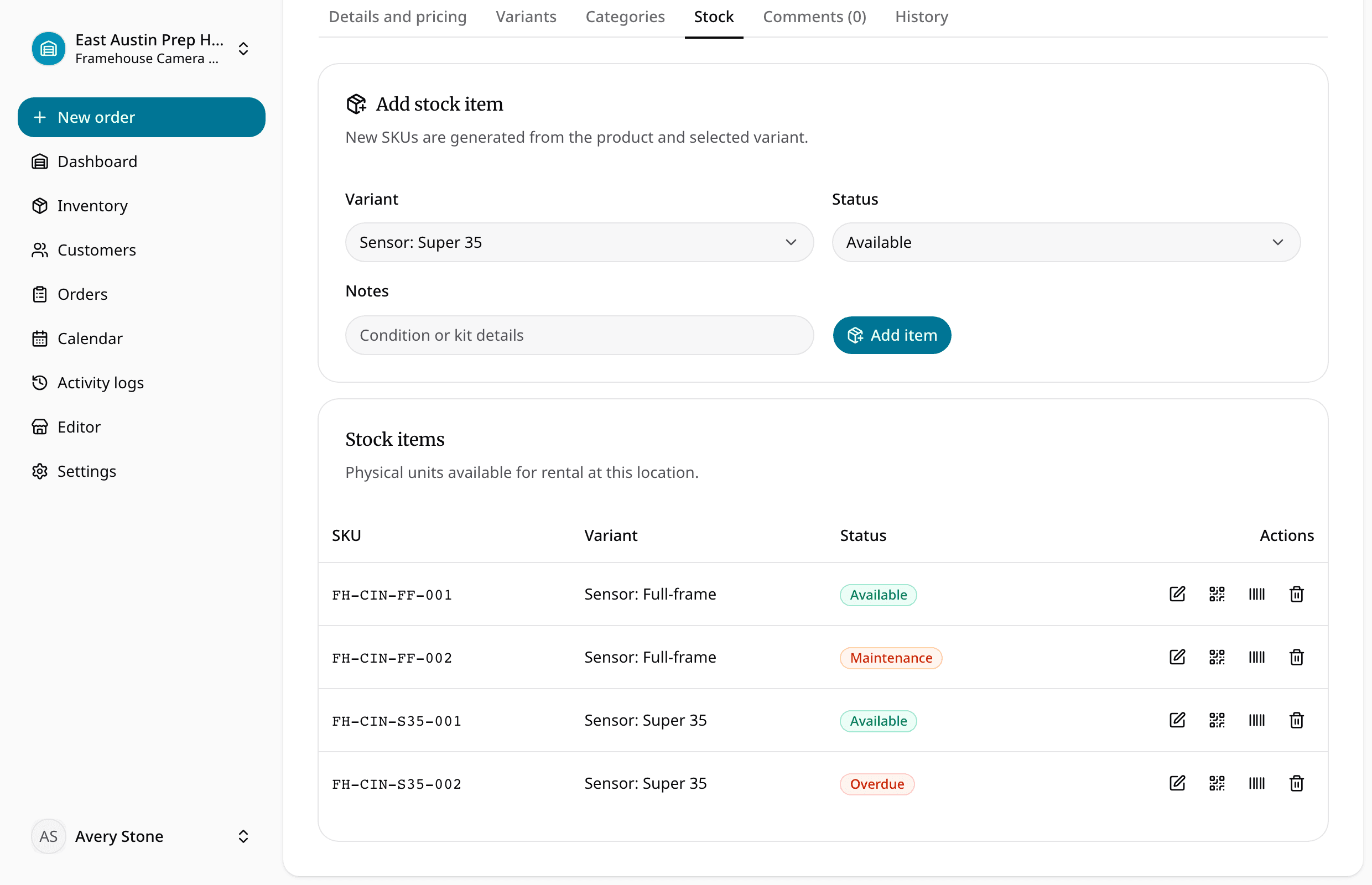
Import or add products, rates, deposits, variants, and physical items.
- 2
Does the handoff have the full context?
Check the requested dates and reserve available stock.
- 3
Can staff see what changed while it was out?
Assign exact units at checkout and record the handoff.
- 4
Is it actually ready to rent again?
Inspect the return and reopen only the units ready for rent.
What stays with the rental
Small details become expensive when they go missing
Inventory is clear at a glance
Track each physical tool by SKU, status, notes, location, and product variant
Availability is checked before staff commit
Reserve inventory by date before accepting a counter or online request
Order details stay together
Keep customer, address, deposit, and order history with the rental
Online requests reach the same queue
Use return status and maintenance notes to protect the next booking
Camera and AV rentals
Bodies, lenses, lighting, audio, kits, prep, and returns.
Trailer rentals
Availability, deposits, pickup windows, and return timing.
Keep going
What teams usually fix next
Ready for a more connected rental day?
Bring inventory, dates, customers, orders, checkout, and returns together in one practical workspace.
14-day Plus trial · Start monthly begins after the trial unless you change plans