
Equipment checkout software
Know exactly what left, with whom, and when it should return
RentalBench connects the product, exact physical unit, customer or borrower, dates, condition, document, and return status in one checkout record.
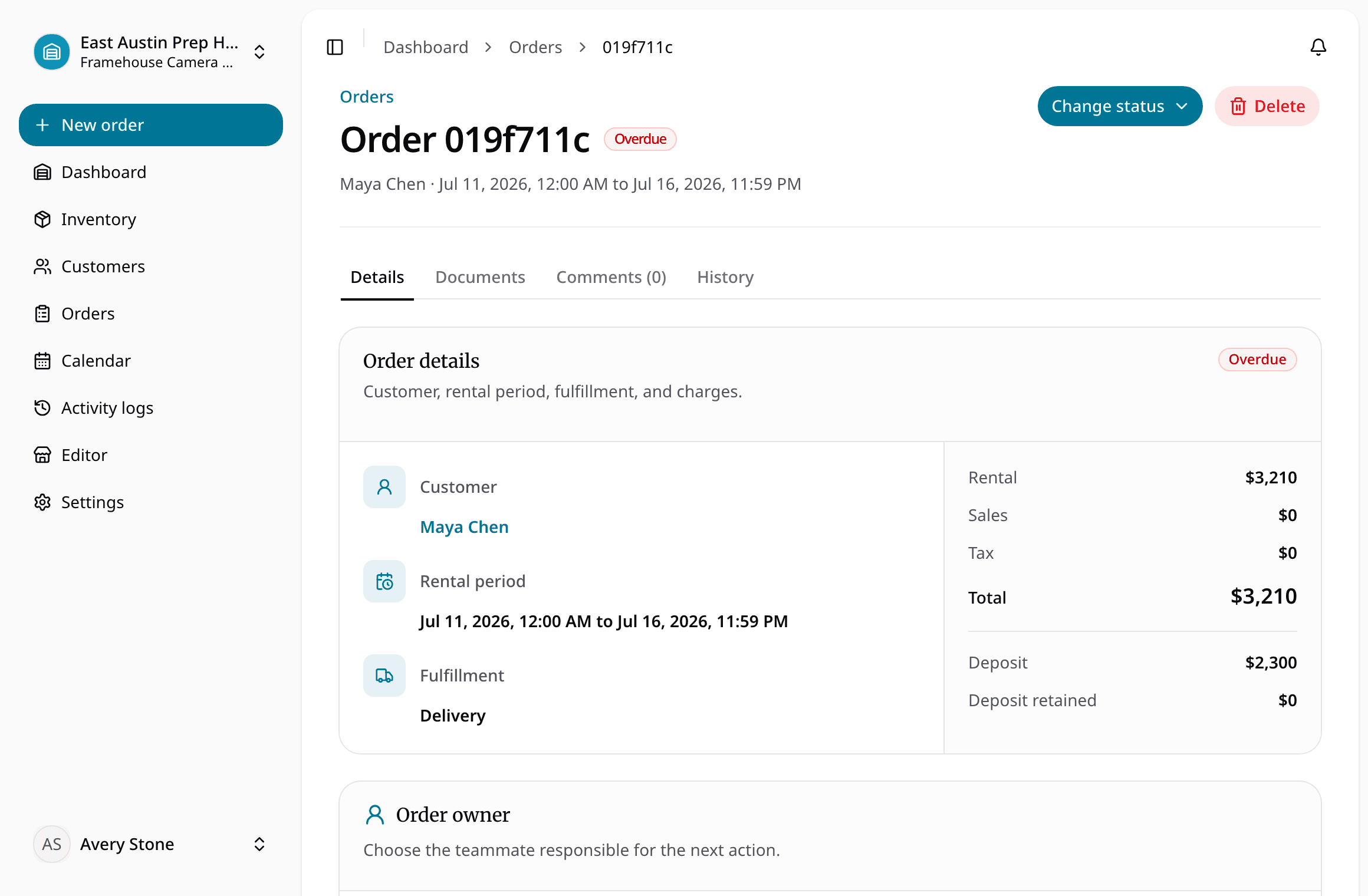
Turn every handoff into a traceable checkout and return workflow.
For rental counters, schools, media labs, clubs, nonprofits, internal equipment teams, and shops replacing sign-out sheets.
Equipment checkout software
What this workflow keeps together
For rental counters, schools, media labs, clubs, nonprofits, internal equipment teams, and shops replacing sign-out sheets.
Where the day usually breaks
The problems show up before the software does
- 01
The sign-out sheet names a product, not the exact unit.
The handoff needs a clear connection between the person, dates, physical item, and condition.
- 02
Due dates are visible only when someone checks the sheet.
The order queue and calendar should surface what is due, overdue, and needed by another reservation.
- 03
A returned item goes straight back into circulation.
Inspection, damage, loss, and maintenance decisions must happen before the next checkout.
One rental, four decisions
Keep the answer moving with the order
- 1
Is it ready for the next rental?
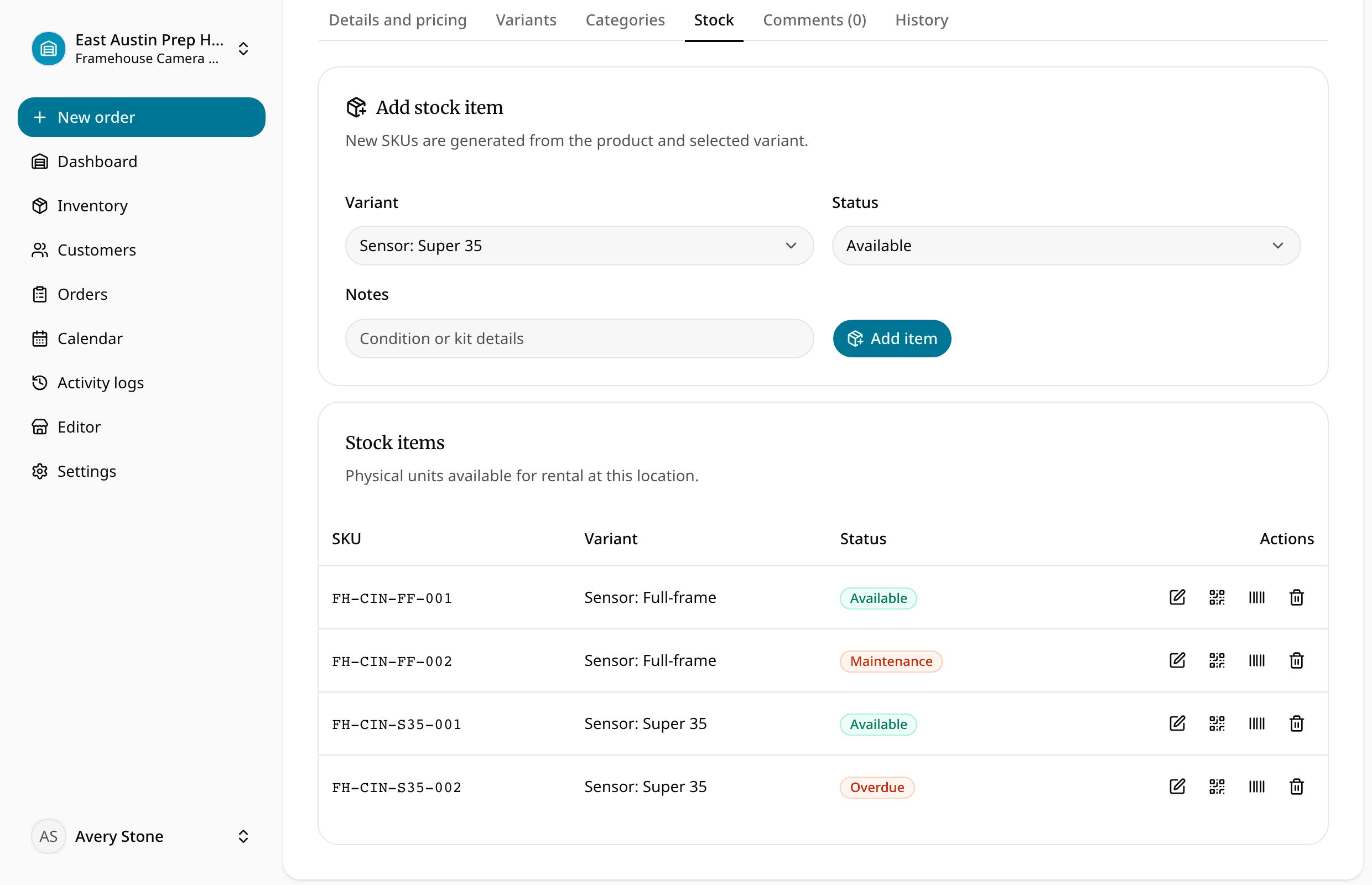
Create products and identify exact physical units.
- 2
Does the handoff have the full context?
Reserve the requested dates and attach the customer or borrower.
- 3
Can staff see what changed while it was out?
Assign items, record condition, and complete checkout.
- 4
Is it actually ready to rent again?
Return, inspect, and update each unit before reuse.
Solve the next bottleneck
Feature
Rental checkout software
Check out rental orders, track active rentals, process returns, inspect gear, and move items back to ready status from one workflow.
Feature
Rental item tracking
Track individual rental items by SKU, status, condition, location, notes, and assigned order so staff know what is ready to rent.
Industry
Equipment checkout software for schools
Equipment checkout software for schools and universities managing cameras, lab gear, AV, tools, kits, borrowers, due dates, condition, and returns.
Common questions
What teams ask before replacing spreadsheets with equipment checkout software.