
Heavy equipment rental software
Protect every high-value equipment handoff
RentalBench keeps the unit, customer, jobsite, deposit, document, delivery window, and condition history visible from reservation through return.
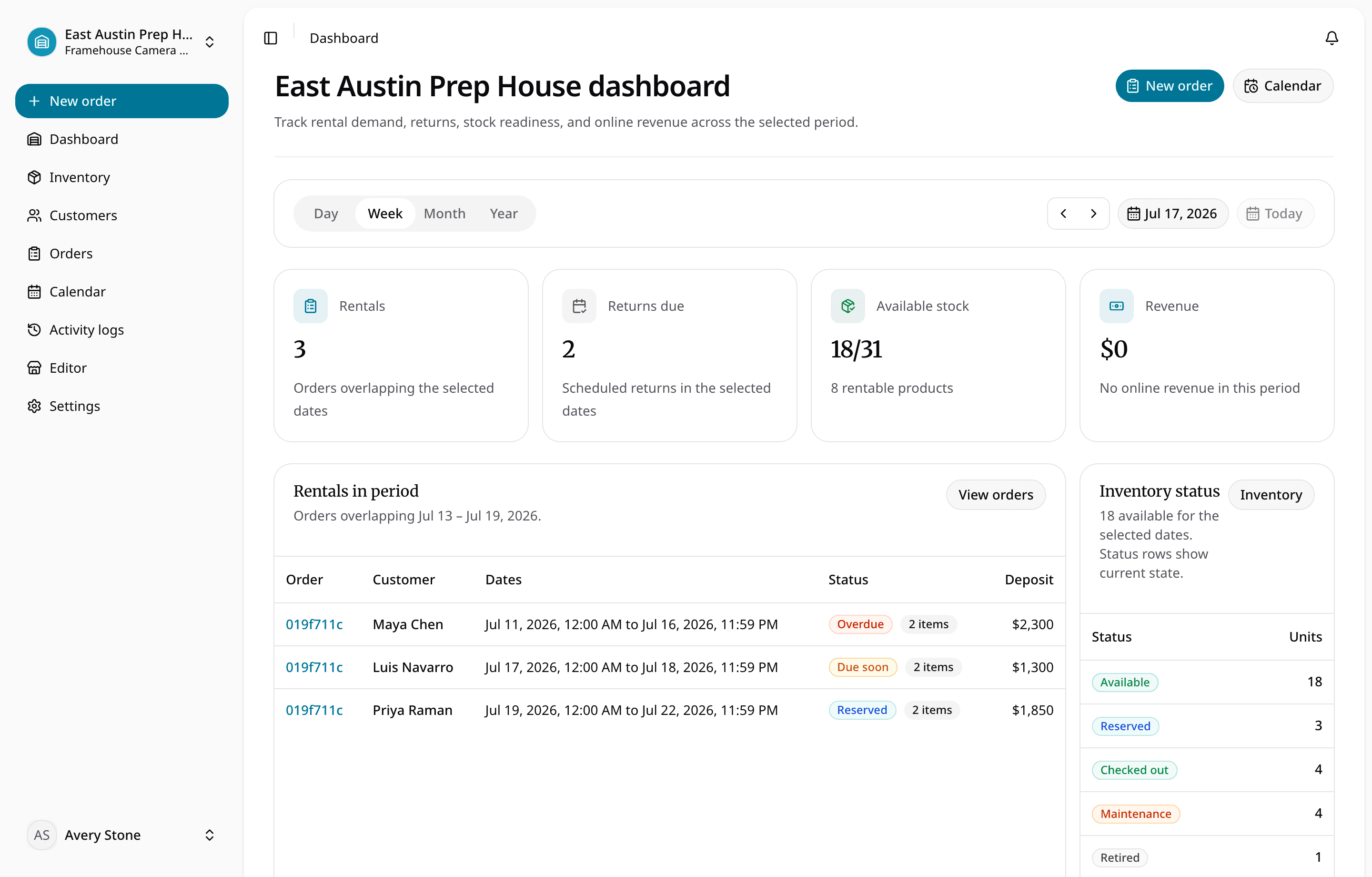
Keep high-value units out of conflicting promises and move every handoff through a clear approval and inspection process.
For small heavy-equipment yards that need disciplined rental records without implementing a broad enterprise ERP.
What staff need to know
What the team can manage in RentalBench
For small heavy-equipment yards that need disciplined rental records without implementing a broad enterprise ERP.
Where the day usually breaks
The problems show up before the software does
- 01
Availability is only one part of readiness.
A unit may be on-site, under inspection, awaiting service, or missing a required handoff detail.
- 02
The commercial record separates from the physical unit.
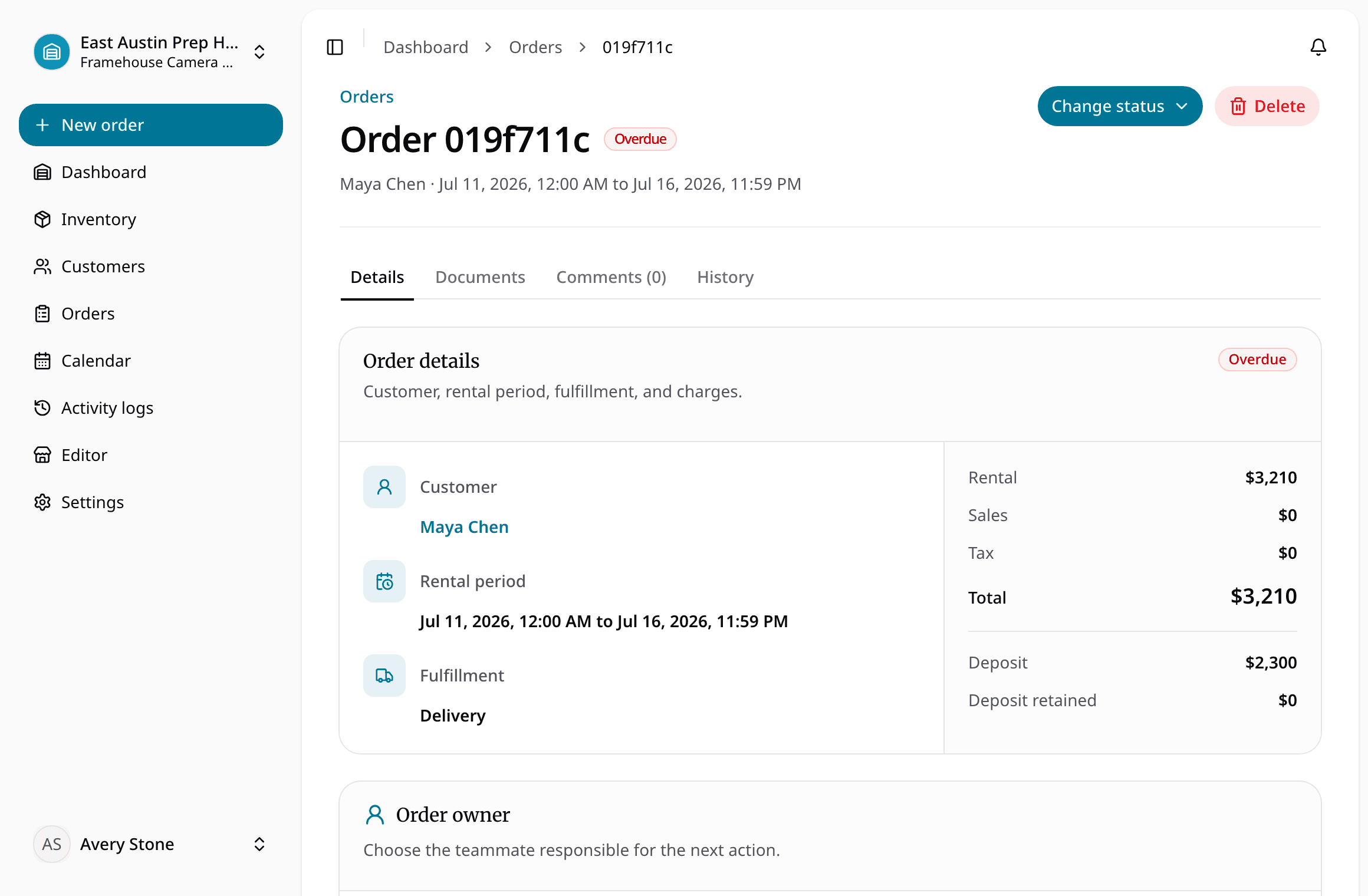
Deposits, documents, customer approvals, and assigned equipment need to stay attached to one order.
- 03
Return condition affects the next reservation.
Damage, loss, tax overrides, and maintenance decisions must change availability before staff promise the unit again.
One rental, four decisions
Keep the answer moving with the order
- 1
Is it ready for the next rental?
Create exact equipment records with pricing, deposits, location, and status.
- 2
Does the handoff have the full context?
Approve and reserve only after checking dates, documents, and customer details.
- 3
Can staff see what changed while it was out?
Record checkout, delivery, and payment readiness before dispatch.
- 4
Is it actually ready to rent again?
Inspect the return and resolve damage, loss, or service before reopening the unit.
What stays with the rental
Small details become expensive when they go missing
Inventory is clear at a glance
Track exact units, status, location, rates, deposit exposure, and notes
Availability is checked before staff commit
Use reservations and due-back dates to protect future availability
Order details stay together
Keep order documents, signatures, customer details, and jobsite addresses together
Online requests reach the same queue
Record damage, loss, tax, payment, return, and inspection decisions
Camera and AV rentals
Bodies, lenses, lighting, audio, kits, prep, and returns.
Tool and equipment rentals
Counter workflows for tools, kits, compact equipment, and shared gear.
Keep going
What teams usually fix next
Ready for a more connected rental day?
Bring inventory, dates, customers, orders, checkout, and returns together in one practical workspace.
14-day Plus trial · Start monthly begins after the trial unless you change plans