
Rental agreement e-signature software
Keep rental documents attached to the order they describe
RentalBench creates order documents from the live rental record, supports secure customer access and signatures, and keeps the finalized PDF with the customer and order history.
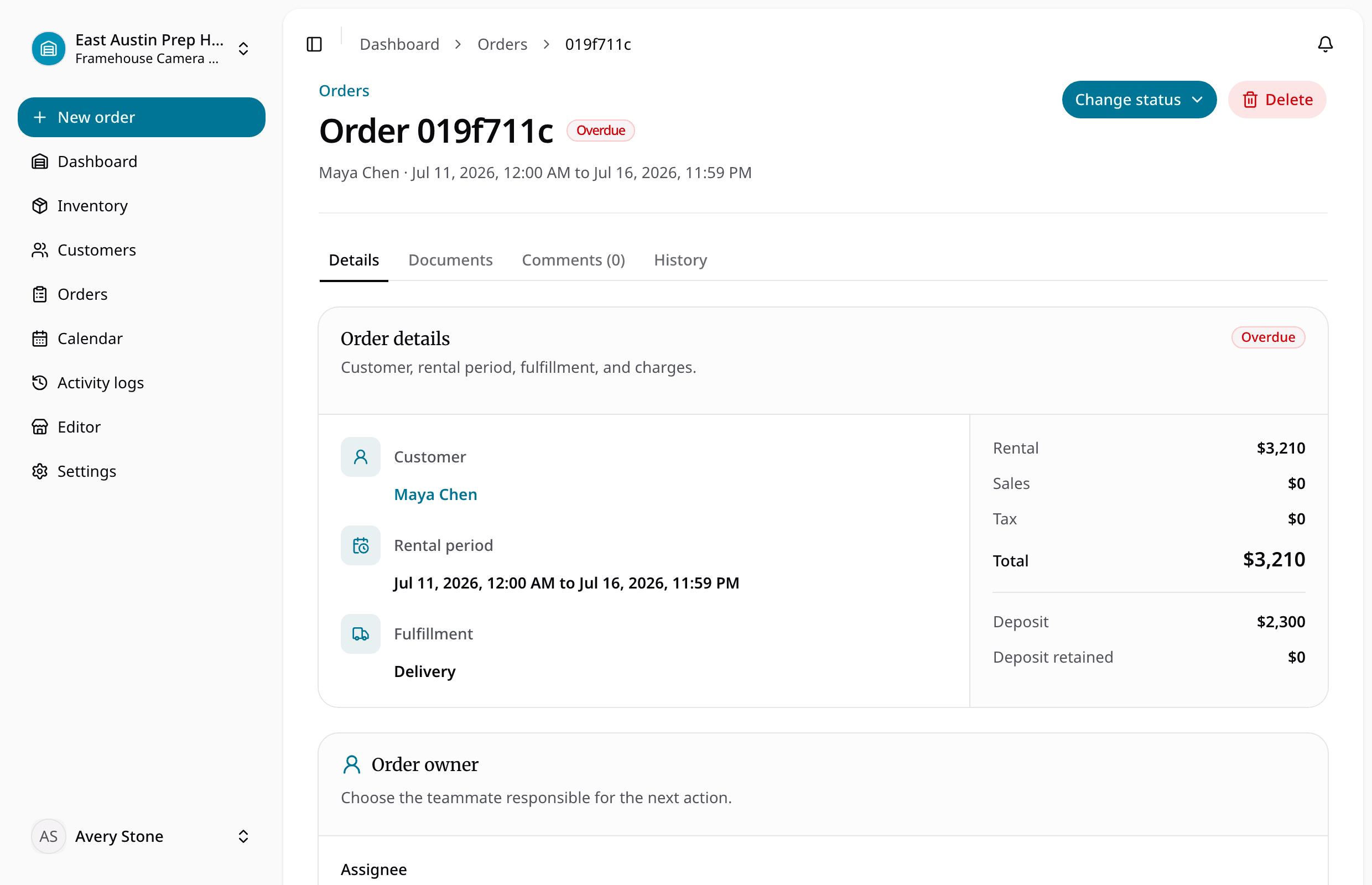
Give staff and customers one traceable document record for what was agreed, handed over, and returned.
For teams that need rental agreements, checkout records, return inspections, and customer signatures without rebuilding the same details in a separate document tool.
Rental agreement e-signature software
What this workflow keeps together
For teams that need rental agreements, checkout records, return inspections, and customer signatures without rebuilding the same details in a separate document tool.
Where the day usually breaks
The problems show up before the software does
- 01
The document repeats data that already changed in the order.
Customer, dates, items, pricing, deposit, and fulfillment details should come from the rental record, not a second manual template.
- 02
A signature exists but is difficult to trace.
The signed version needs a clear relationship to the document, customer, order, timestamp, and finalized PDF.
- 03
Checkout and return paperwork live in separate folders.
Agreements and inspections should remain part of the same order history staff reviews later.
One rental, four decisions
Keep the answer moving with the order
- 1
Is it ready for the next rental?
Create the order with customer, dates, items, pricing, deposit, and fulfillment details.
- 2
Does the handoff have the full context?
Generate and issue the required rental document.
- 3
Can staff see what changed while it was out?
Share a secure link and collect the customer signature when required.
- 4
Is it actually ready to rent again?
Keep the finalized PDF and return documentation with the order history.
Solve the next bottleneck
Feature
Rental checkout software
Check out rental orders, track active rentals, process returns, inspect gear, and move items back to ready status from one workflow.
Feature
Rental customer management
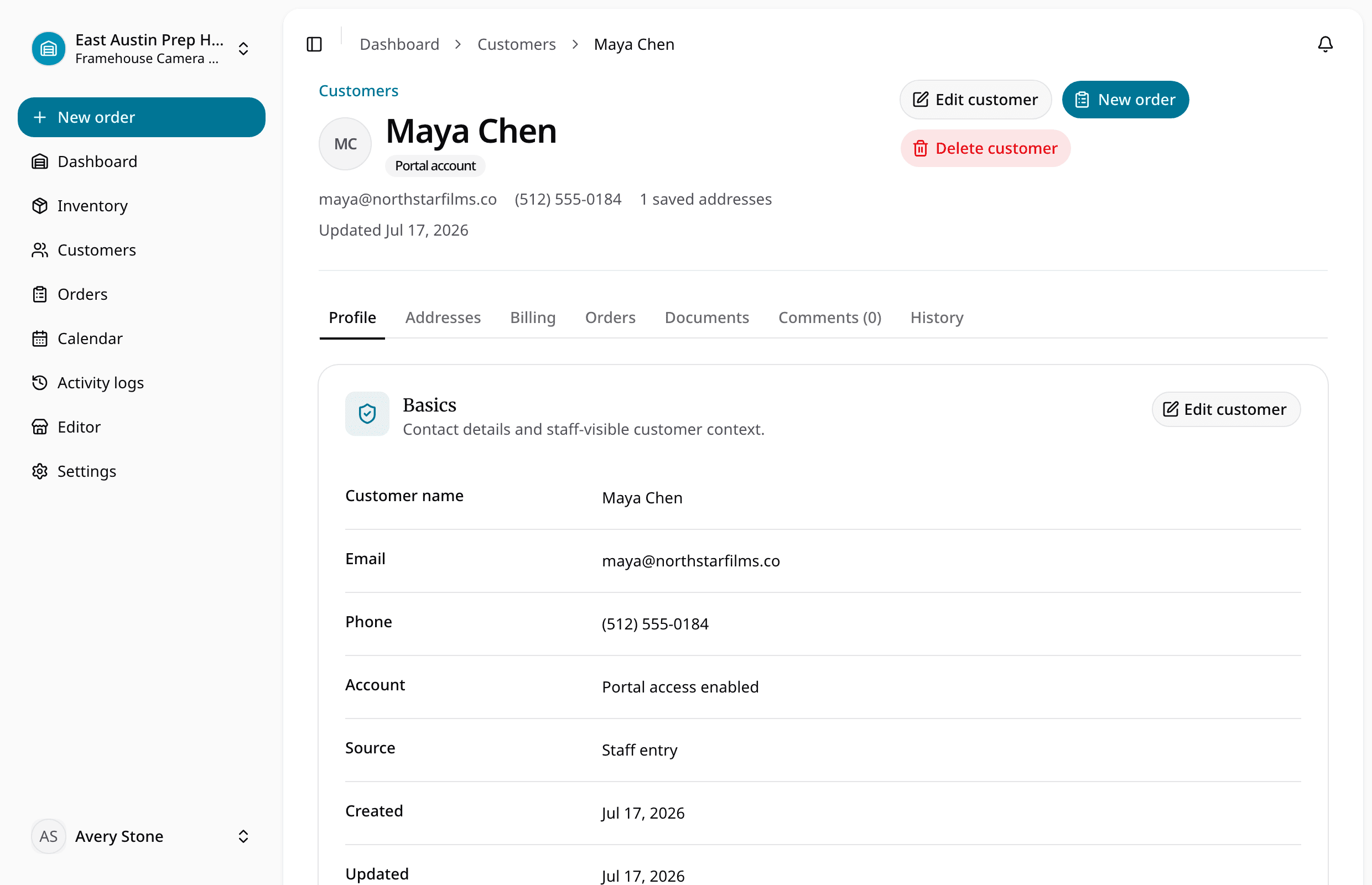
Manage rental customers, contact details, notes, tags, order history, customer accounts, saved addresses, and repeat rental context.
Feature
Rental customer address management
Track delivery and billing addresses, defaults, jobsite details, customer contacts, and address snapshots on rental orders.
Common questions
What teams ask before replacing spreadsheets with rental agreement e-signature software.