
Equipment rental software
Equipment rental software for the full request-to-return workflow
RentalBench keeps the products, exact items, dates, customer, documents, payments, handoff, and return decisions for each rental in one operational record.
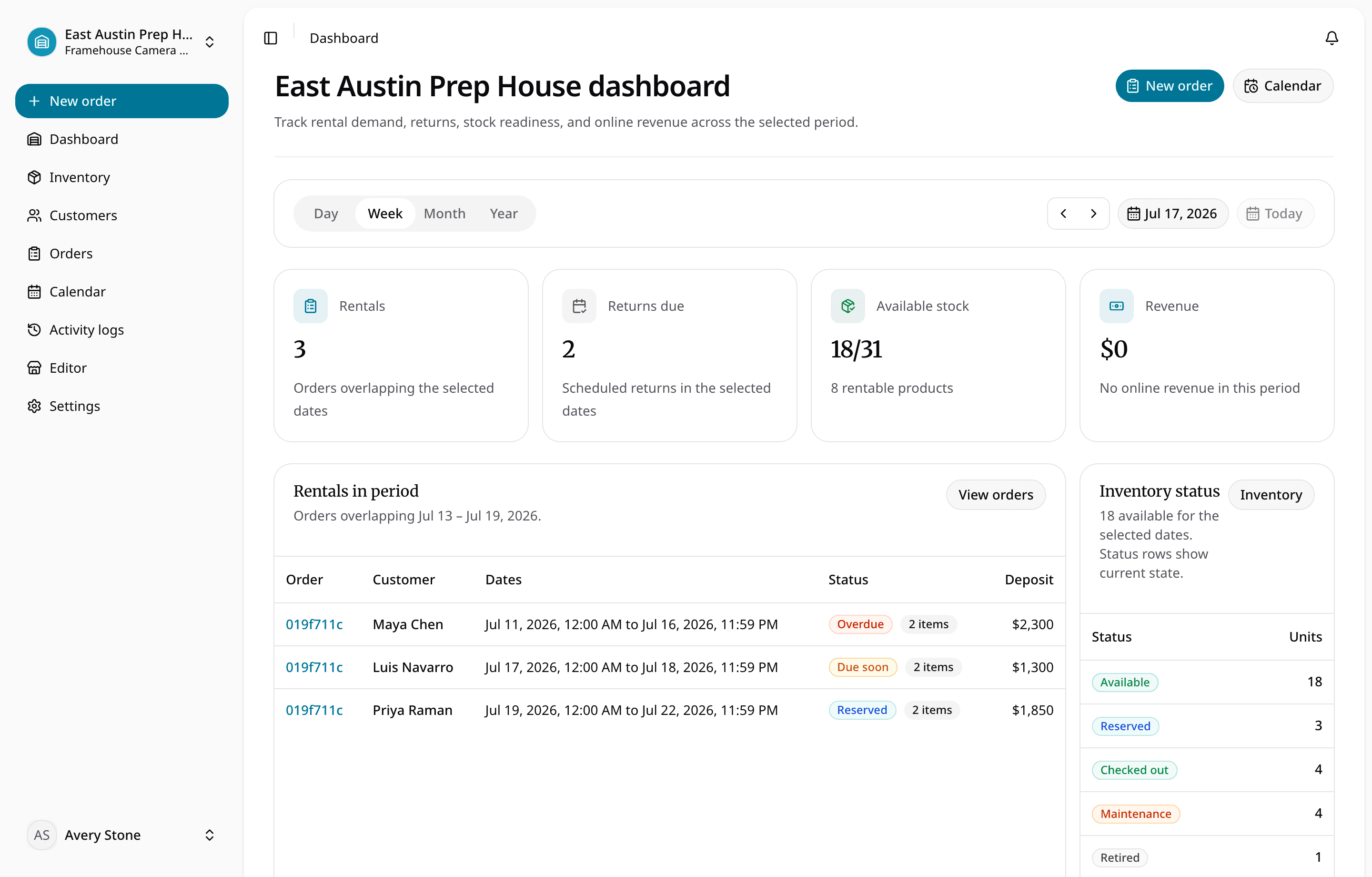
Know what exists, what can be promised, what is out, what is due back, and what needs attention before the next handoff.
For small camera, tool, equipment, trailer, event, outdoor, school, nonprofit, and internal rental teams that need more control than a booking calendar and less overhead than enterprise ERP.
Equipment rental software
What this workflow keeps together
For small camera, tool, equipment, trailer, event, outdoor, school, nonprofit, and internal rental teams that need more control than a booking calendar and less overhead than enterprise ERP.
Where the day usually breaks
The problems show up before the software does
- 01
The answer lives in three different places.
Staff should not need a spreadsheet, calendar, and text thread to decide whether one item can go out.
- 02
A reservation without the exact gear is only a promise.
The order needs the products, physical units, customer, dates, and handoff details that make it fulfillable.
- 03
Returned does not always mean ready.
An item can be back in the building and still need inspection, cleaning, or repair before the next rental.
One rental, four decisions
Keep the answer moving with the order
- 1
Is it ready for the next rental?
Import or add the catalog, variants, pricing, deposits, quantities, and physical units.
- 2
Does the handoff have the full context?
Capture a staff or storefront request and check date and location availability.
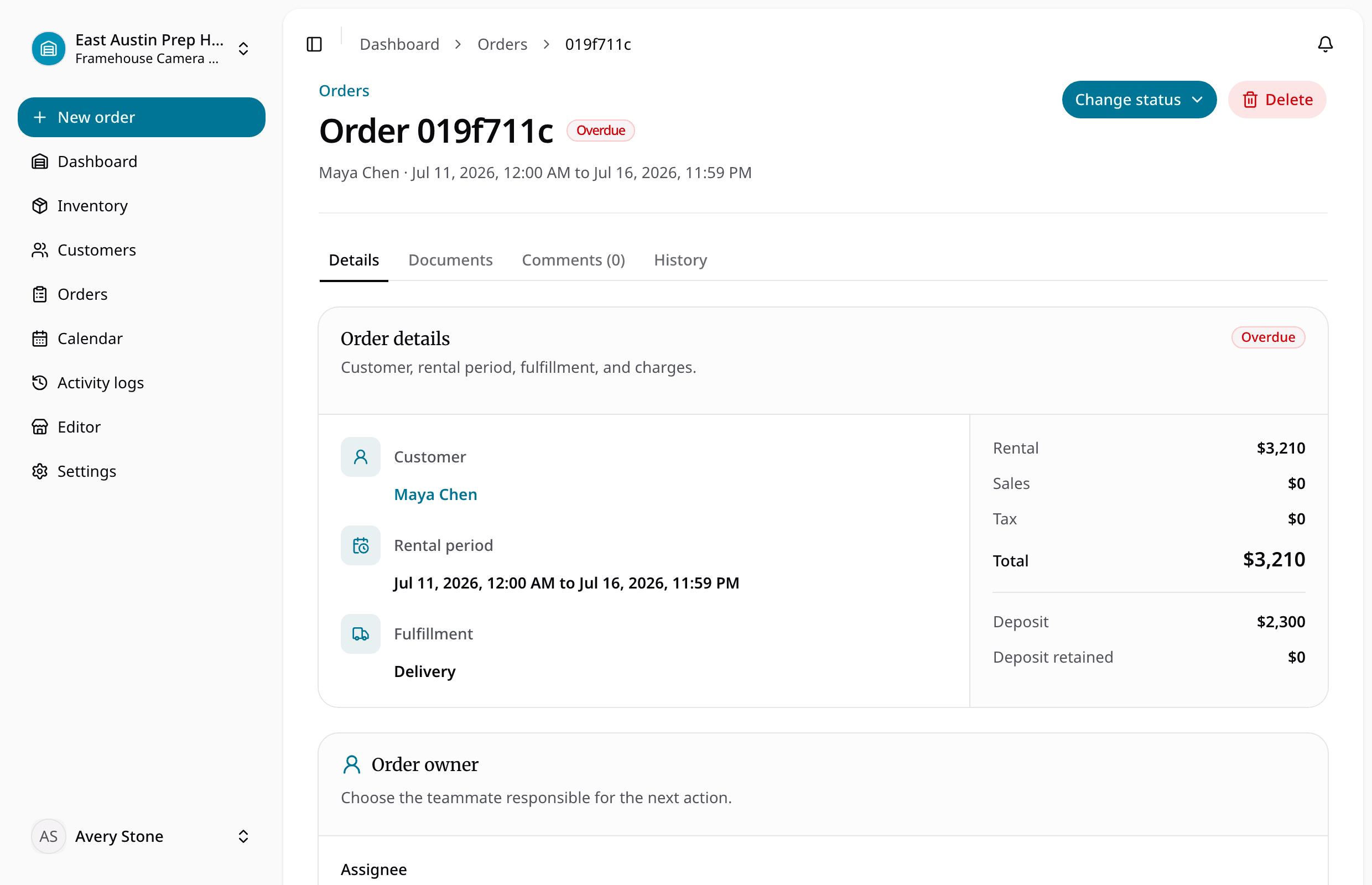
- 3
Can staff see what changed while it was out?
Approve, reserve, document, collect payment, and assign exact inventory at checkout.
- 4
Is it actually ready to rent again?
Return, inspect, resolve damage or maintenance, and reopen only ready stock.
Solve the next bottleneck
Feature
Rental inventory management software
Manage rental products, variants, rates, deposits, physical items, SKUs, availability, item status, and readiness in one inventory view.
Feature
Rental order management
Manage requested, reserved, approved, checked-out, returned, cancelled, rejected, due-soon, and overdue rentals in one order queue.
Feature
Online rental storefront
Publish an online rental storefront and rental ecommerce experience with product pages, cart, checkout, accounts, pickup, delivery, and deposits.
Use case
Rental software for small teams
Rental software for small teams managing inventory, availability, customers, orders, storefront intake, checkout, returns, and multiple locations.
Common questions
What teams ask before replacing spreadsheets with equipment rental software.