
Construction equipment rental software
Keep jobsite rentals tied to equipment, dates, and delivery details
RentalBench gives a small construction rental team one record for the customer, jobsite, equipment load, reservation window, deposit, and return status.
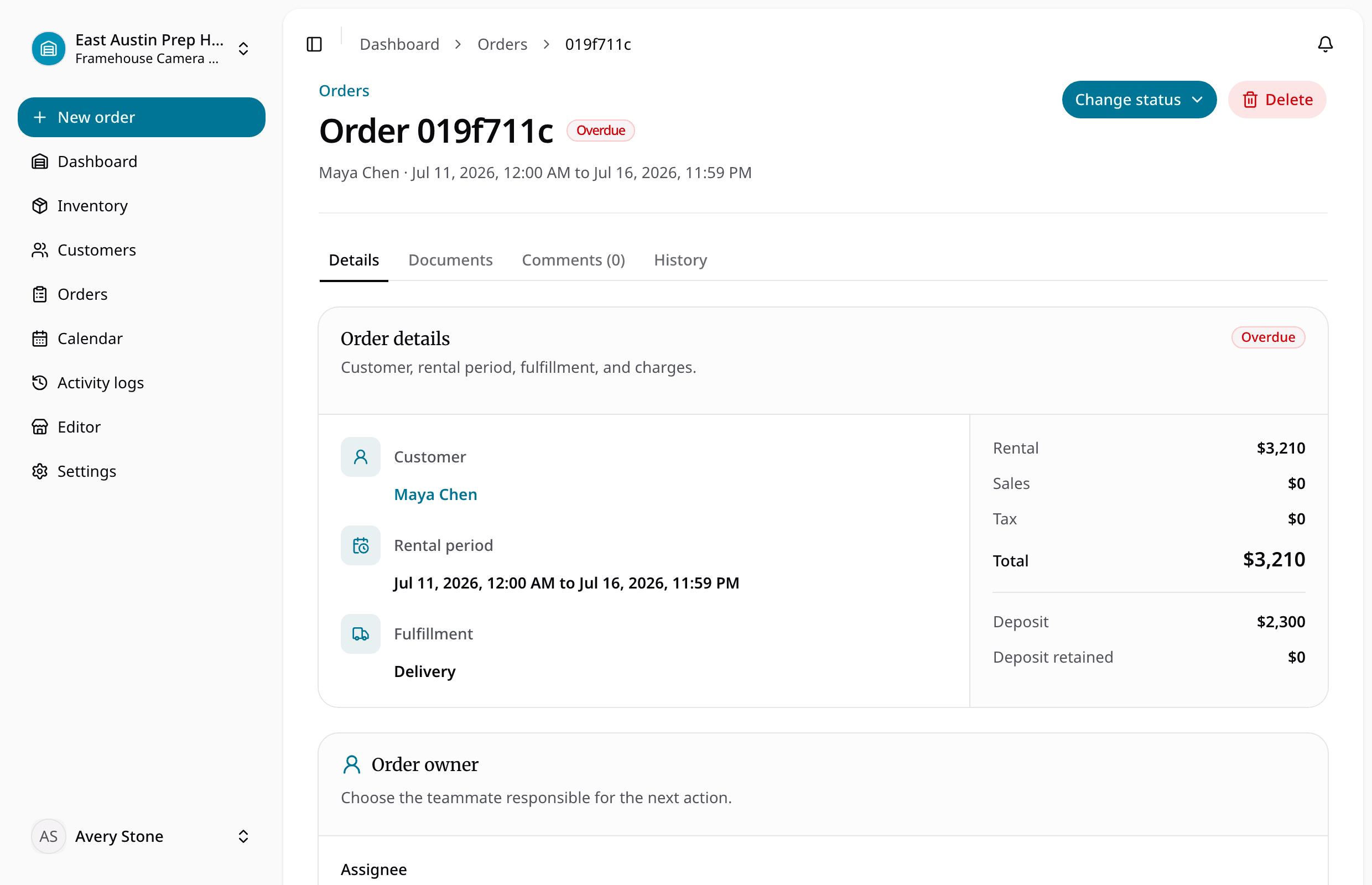
Approve the order only when the equipment, date range, location, and handoff details are ready.
For independent construction rental operators managing compact equipment, attachments, tools, support gear, and local delivery.
What staff need to know
What the team can manage in RentalBench
For independent construction rental operators managing compact equipment, attachments, tools, support gear, and local delivery.
Where the day usually breaks
The problems show up before the software does
- 01
The unit is available but the attachment is not.
The complete load needs to be visible before staff approve the requested jobsite window.
- 02
The driver has an address but not the order context.
Jobsite contact, delivery notes, dates, equipment, and return expectations belong together.
- 03
A maintenance issue becomes a scheduling issue too late.
Unavailable units should be blocked from the next promise as soon as the problem is recorded.
One rental, four decisions
Keep the answer moving with the order
- 1
Is it ready for the next rental?
Build an equipment catalog with units, attachments, rates, and deposits.
- 2
Does the handoff have the full context?
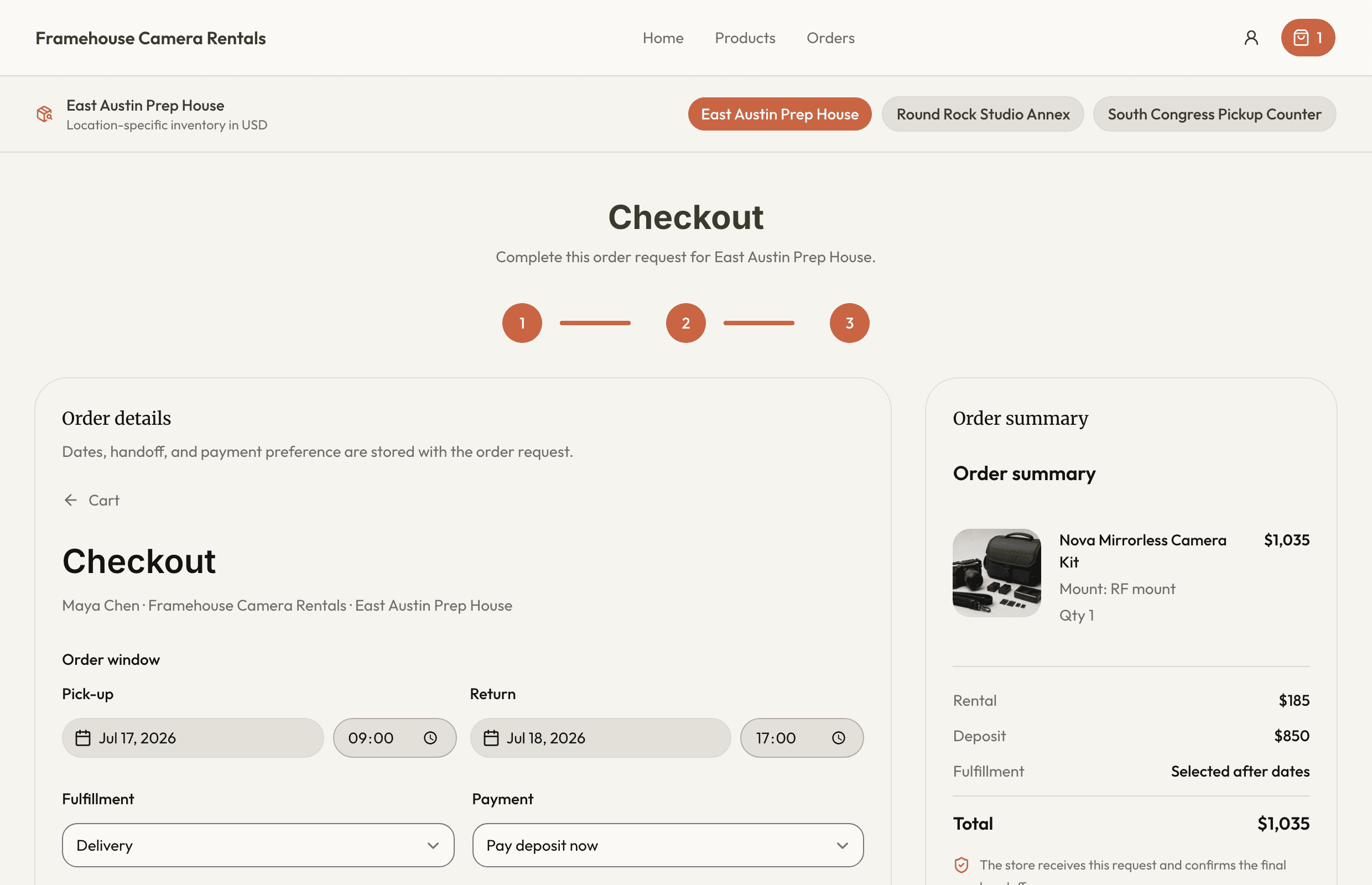
Check date and location availability for the full requested load.
- 3
Can staff see what changed while it was out?
Reserve, assign, and dispatch equipment with jobsite details.
- 4
Is it actually ready to rent again?
Inspect returns and update maintenance and availability together.
What stays with the rental
Small details become expensive when they go missing
Inventory is clear at a glance
Track compact equipment, attachments, exact units, and maintenance status
Availability is checked before staff commit
Connect jobsite and billing addresses to each customer and order
Order details stay together
Coordinate reservation, pickup or delivery, checkout, return, and inspection
Online requests reach the same queue
Review deposits and payment readiness before valuable equipment leaves
Camera and AV rentals
Bodies, lenses, lighting, audio, kits, prep, and returns.
Tool and equipment rentals
Counter workflows for tools, kits, compact equipment, and shared gear.
Keep going
What teams usually fix next
Ready for a more connected rental day?
Bring inventory, dates, customers, orders, checkout, and returns together in one practical workspace.
14-day Plus trial · Start monthly begins after the trial unless you change plans