
Rental deposit and payment tracking
Make the deposit decision visible before the handoff
RentalBench keeps product deposit rules, the order's deposit snapshot, payment method, payment status, and return decisions in the same rental record.
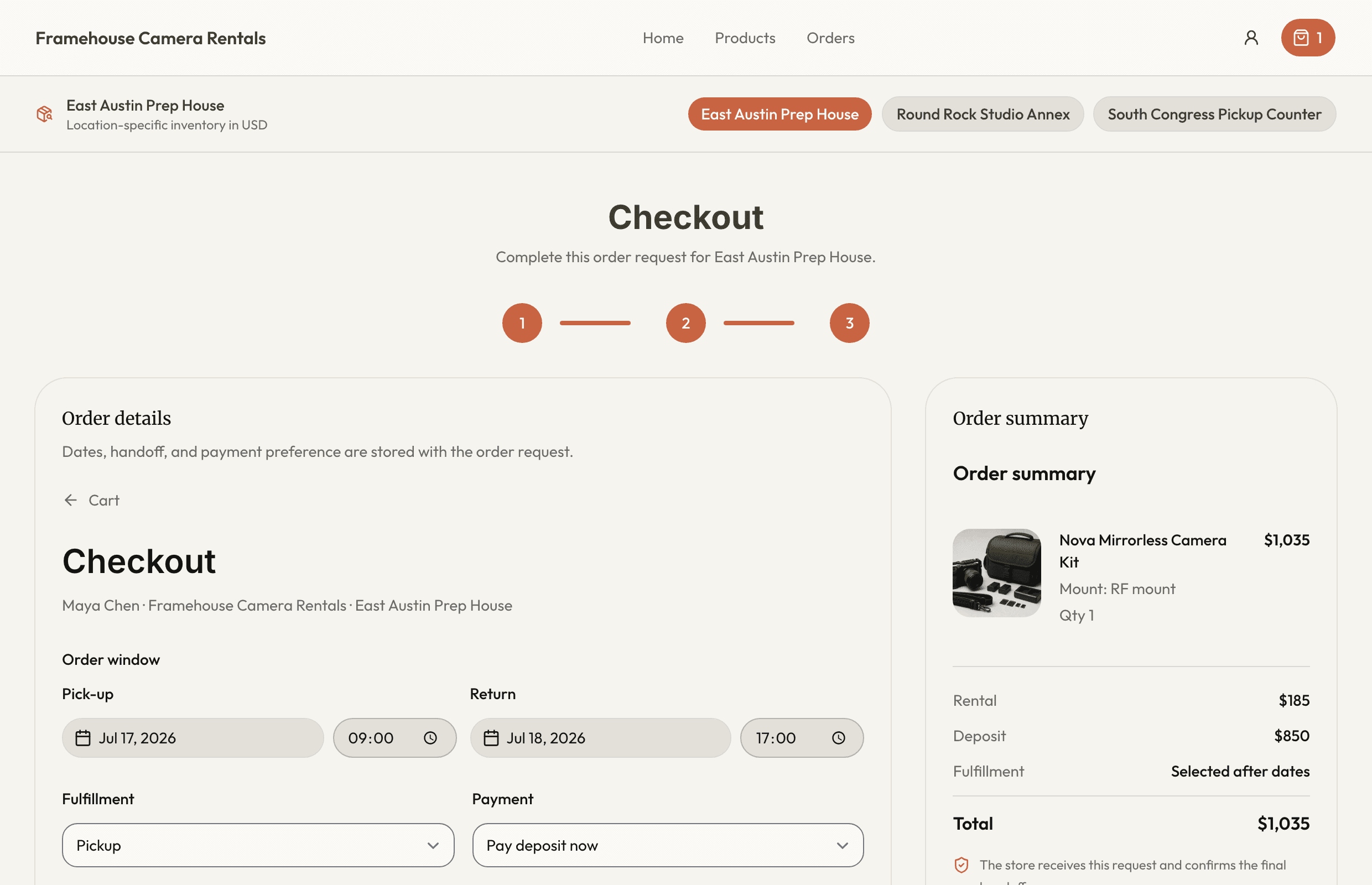
Know what was required, what was paid, and what still needs action before checkout or after return.
For teams renting valuable equipment that need a clear payment and deposit trail without checking a separate note or dashboard.
Rental deposit and payment tracking
What this workflow keeps together
For teams renting valuable equipment that need a clear payment and deposit trail without checking a separate note or dashboard.
Where the day usually breaks
The problems show up before the software does
- 01
The catalog deposit changes after the order was agreed.
The rental needs a stable snapshot of the requirement the customer accepted.
- 02
Payment status lives outside the handoff record.
Staff should see paid, pending, not required, retained, or refunded in the same place as the assigned gear.
- 03
Return condition and deposit decisions separate too soon.
Damage, loss, inspection, retention, and refund context belong in one closeout process.
One rental, four decisions
Keep the answer moving with the order
- 1
Is it ready for the next rental?
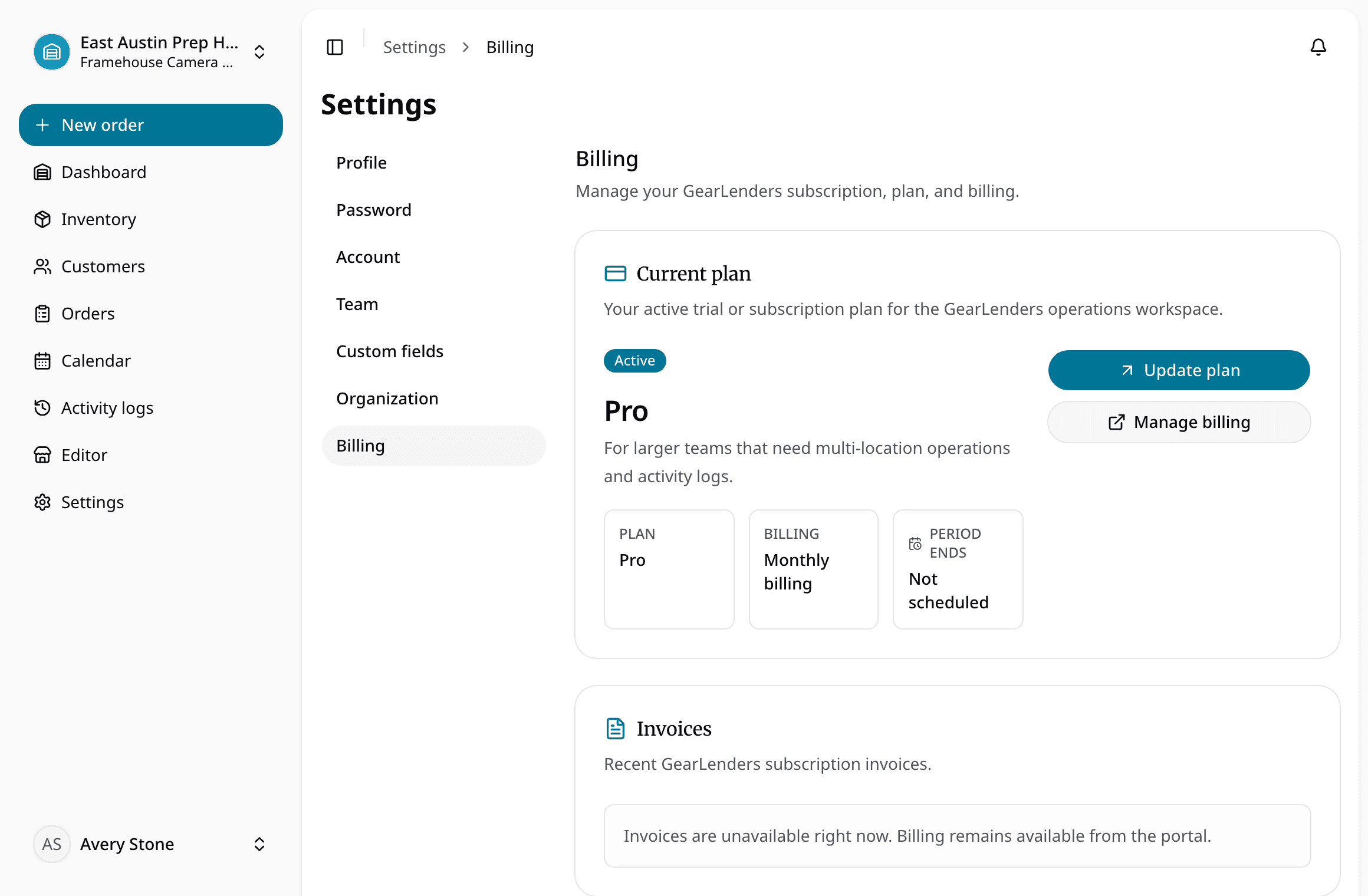
Set deposit rules and complete payment onboarding if accepting online payments.
- 2
Does the handoff have the full context?
Create or receive an order with a deposit snapshot and payment choice.
- 3
Can staff see what changed while it was out?
Review payment readiness before checkout.
- 4
Is it actually ready to rent again?
Inspect the return and record refund or retention decisions.
Common questions
What teams ask before replacing spreadsheets with rental deposit and payment tracking.