
Checkout
Use an equipment sign-out record that survives the handoff
A useful sign-out process identifies the person, exact unit, condition, dates, and return expectation—not only the product name and a signature.
Quick answer
Reviewed July 22, 2026
Link each handoff to a customer or borrower record and the serialized items or quantities actually leaving. Name and contact details. Product, variant, SKU, QR, or barcode.
01
Identify the borrower and the exact unit
Link each handoff to a customer or borrower record and the serialized items or quantities actually leaving.
Name and contact details
Product, variant, SKU, QR, or barcode
Checkout and due-back date
Location and fulfillment method
02
Record the condition and agreement
Capture what was handed over, the visible condition, included accessories, deposit or payment status, and any required document or signature.
Condition notes and photos where needed
Accessories and kit contents
Deposit and payment readiness
Agreement or acceptance document
03
Close the record after inspection
A return should record what came back and decide whether each unit is ready, damaged, lost, under maintenance, retired, or still overdue.
Return timestamp
Inspection notes
Damage or missing-item action
Final inventory status
Put the guide to work
Use the same checks inside RentalBench
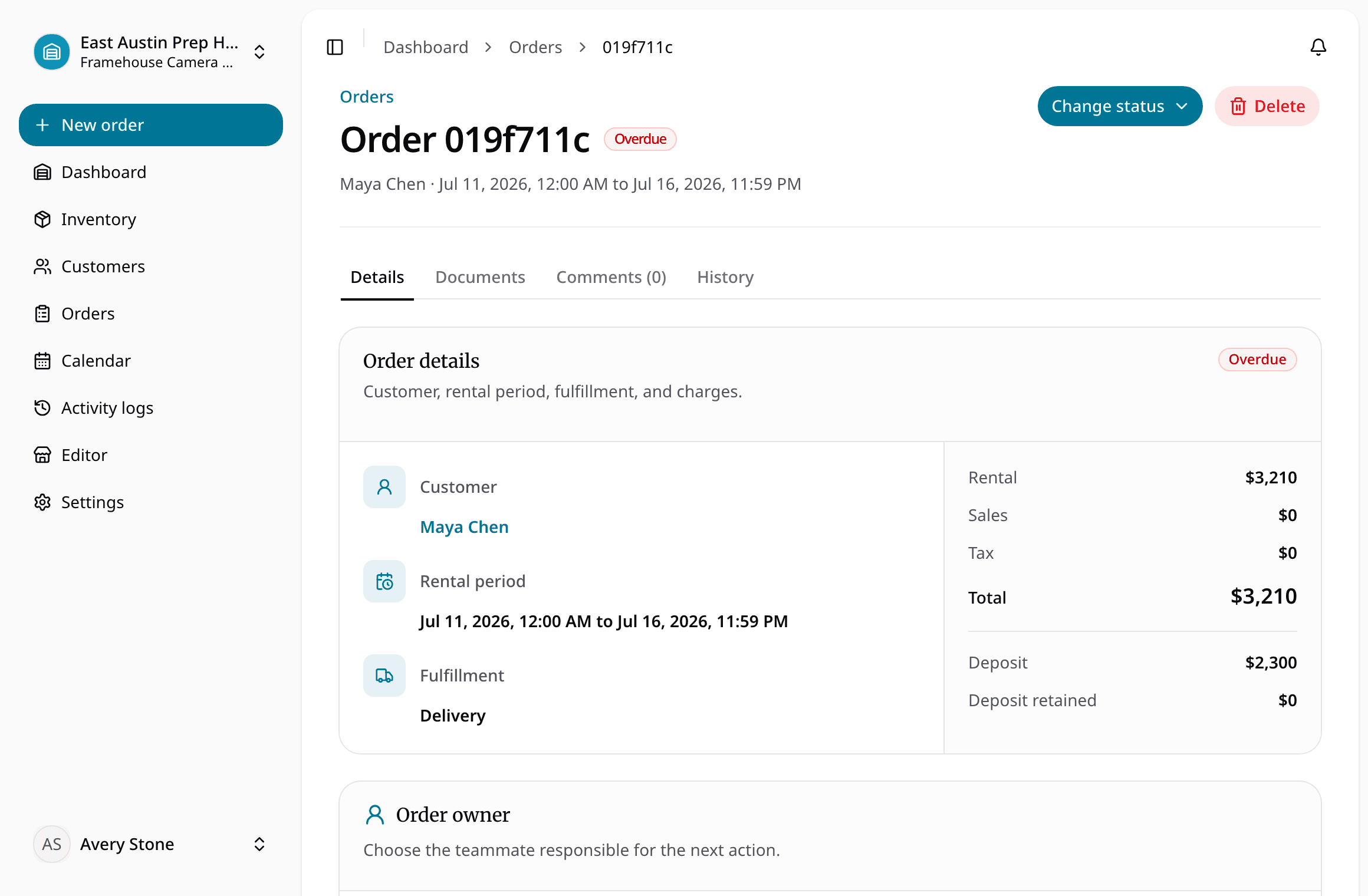
Checkout and returnsKeep checkout, return, inspection, and item readiness in the same order workflow.Orders and reservationsMove requests through reservation, checkout, return, cancellation, and overdue states.Item trackingAttach the exact physical unit or SKU to each rental instead of tracking only product names.
Keep reading
More rental guides
Rental Deposit Policy for Tools and Equipment
Pickup and Return Checklist
Equipment Maintenance Log for Rental Inventory
Equipment Rental Agreement Checklist
Resource guide
Run this checklist in RentalBench
Tell us what is hardest about checkout today, and we can show you how RentalBench keeps the records out of separate sheets and notes.
Inventory, SKUs, and item status
Availability, reservations, and due-back dates
Orders, deposits, checkout, and returns
Prefer email? Reach us at hello@rentalbench.com. We reply directly.