
Equipment Checkout System vs Spreadsheet: When the Sheet Stops Working
Compare an equipment checkout system with a spreadsheet across exact items, borrowers, due dates, reservations, condition, documents, and returns.
May 24, 2026 · 3 min read
Key takeaways
The practical answer
- A spreadsheet is reasonable while one person can keep every handoff current.
- A checkout system becomes necessary when dates, exact units, borrowers, status, and history must update together.
- Migration should preserve clean source data and replace the manual coordination around it.
A spreadsheet can be the right first equipment checkout tool. It is familiar, flexible, and inexpensive. The problem begins when the sheet is expected to behave like inventory, reservation, borrower, handoff, due-date, maintenance, and audit history at the same time.
The decision is not “spreadsheets are bad.” It is whether the team can still trust the shared answer.
Where a spreadsheet works
A sheet may be enough when:
- One person manages a small collection.
- Checkout volume is low.
- Future reservations are uncommon.
- Items do not move between locations.
- Condition and maintenance are simple.
- The team can update every handoff immediately.
Use one row per physical unit, not only one row per product. Include a stable SKU, current borrower, checkout date, due-back date, status, location, and notes.
If you need a clean starting point, the free equipment checkout form template generator creates an editable sheet for rental customers, schools and AV teams, construction jobsites, or internal equipment pools.
Where a spreadsheet starts to fail
Common warning signs include:
- Two people edit availability differently.
- A product count does not identify the exact unit that left.
- Future reservations live in another calendar.
- Overdue items do not block the next promise.
- Returned items look available before inspection.
- Damage and maintenance live in notes or messages.
- Borrower history is overwritten by the latest checkout.
- Several locations maintain separate files.
At that point, the issue is coordination rather than data storage.
What an equipment checkout system should add
The system should connect:
| Requirement | Spreadsheet approach | Connected checkout approach |
|---|---|---|
| Item identity | Manual row and naming rules | Product, variant, SKU, QR, barcode, and exact item |
| Borrower | Name typed into a cell | Customer or borrower profile with reusable history |
| Future dates | Separate calendar or extra columns | Request, approval, reservation, and availability workflow |
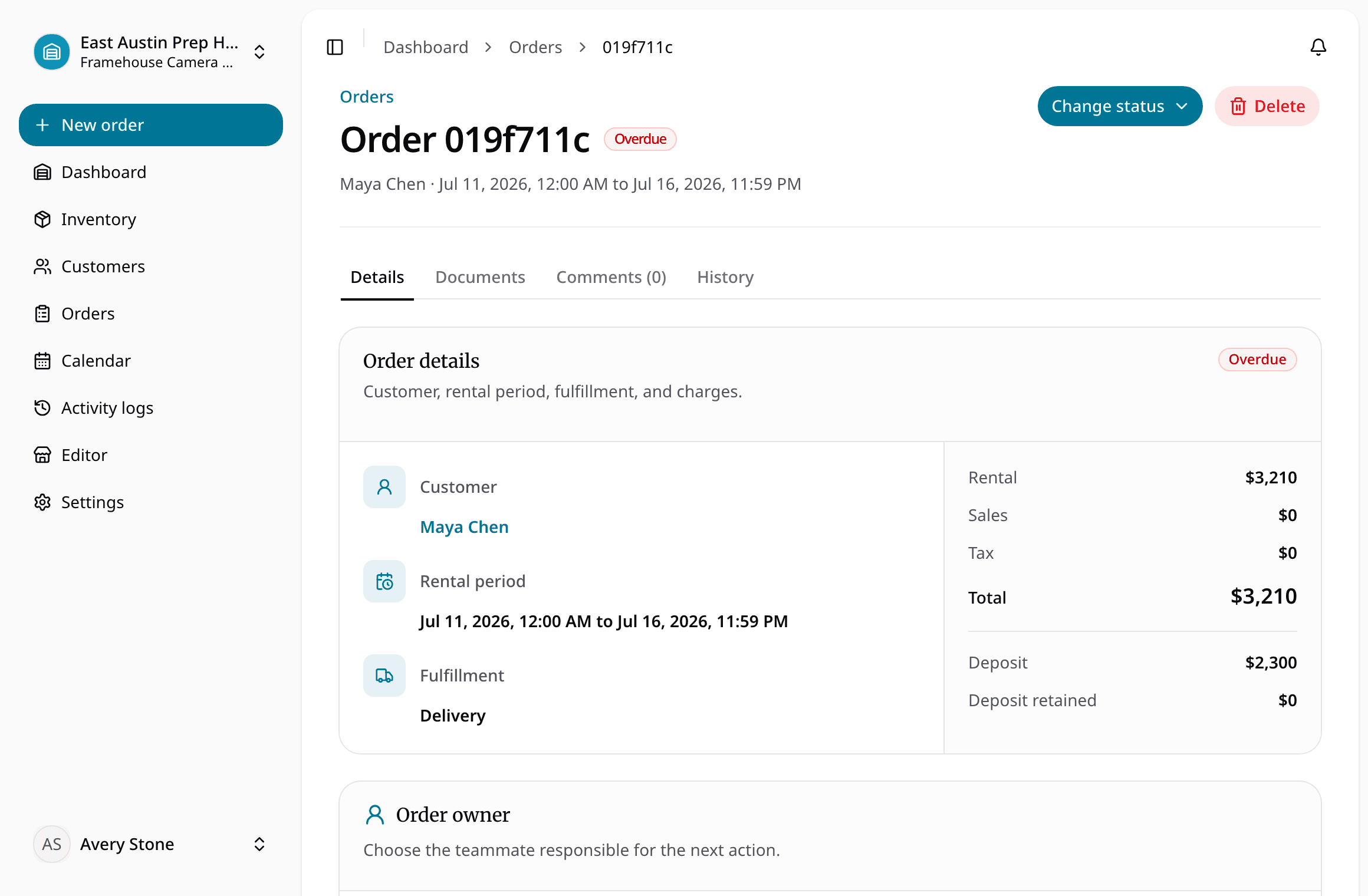
| Handoff | Status and note edits | Checkout action with assigned units, documents, condition, and due-back |
| Return | Row marked returned | Return plus inspection, damage, loss, maintenance, and readiness |
| History | Copied tabs or overwritten values | Recorded order and item history |
| Locations | Separate files | Location-scoped inventory and orders |
The goal is not to add complexity. It is to make the important state changes happen together.
Migrate without discarding useful data
Prepare the source sheet with explicit columns for:
- Product type: rental or consumable
- Product and description
- Variant name and value
- Pricing and deposit
- Quantity or physical unit
- SKU and barcode
- Status and location
- Notes
Then map and preview before committing records. Use a test order to confirm that the imported inventory supports reservation, exact-item checkout, due-back, return, and inspection.
The spreadsheet migration guide covers the data work. The equipment checkout software page shows the connected operational model.
A practical decision rule
Stay with the spreadsheet while the team can answer these questions quickly and consistently:
- What exact unit is available?
- Who has each unit?
- When is it due back?
- What future reservation depends on it?
- What came back damaged or incomplete?
- Which item is under maintenance?
- What history should be preserved?
When the answer requires several files, messages, or one person's memory, the sheet has reached its operational limit.
About Ciprian Redinciuc
Ciprian Redinciuc writes RentalBench product and rental operations guides based on the workflows implemented in RentalBench: inventory, availability, orders, storefront intake, deposits, checkout, and returns.