
Multi-Location Rental Inventory: How to Know Which Yard Can Promise What
Learn how multi-location rental inventory tracking helps small rental teams see availability, due-back dates, transfers, and item status.
March 20, 2026 · 8 min read
Key takeaways
The practical answer
- Organization-wide stock is not enough; every promise needs location context.
- Keep items, consumable quantities, hours, staff, orders, and storefront availability scoped correctly.
- Use one operating model across locations while preserving local inventory truth.
Multi-location rental inventory gets difficult when the business grows past one yard, one counter, and one person who knows where everything is.
At one location, a good operator can often keep the picture in their head for longer than they should. They know the trailers, tool kits, camera cases, generators, attachments, late customers, and items that need attention.
Add a second location and that shortcut starts breaking.
Now the question is not only, "Do we have it?"
The better question is, "Which location has it, is it actually available for those dates, and can that location safely promise it?"
That is the real job of multi-location rental inventory. It is not just a list of items by branch. It is a working view of inventory, reservations, due-back dates, item status, checkout, returns, maintenance, and location-specific availability.
For small rental teams, this matters because many mistakes happen before the item leaves the yard. A staff member sees that the company owns three dump trailers and says yes. Later, the team realizes one is checked out, one is due back late, and the third is sitting at another yard with a bad jack.
The customer heard a promise. The operation only had a guess.
Define what each location can promise
Multi-location rental inventory means each rentable item has a location context that affects availability.
That location could be a main yard, satellite yard, shop, warehouse, storage unit, jobsite container, mobile trailer, or internal equipment cage. The name matters less than the rule: if staff at one location can promise inventory, the system needs to show what that location can actually fulfill.
Rental inventory is time-based. A physical item may be at Yard A today, reserved from Yard B next week, due back from a customer on Friday, and blocked for maintenance after return. If the system only says "available: 1," it hides the operational details that decide whether the next promise is safe.
That is why multi-location rental inventory belongs inside purpose-built rental inventory software, not only in a spreadsheet tab labeled by branch.
Stop trusting spreadsheets for cross-yard promises
Spreadsheets are a reasonable starting point. Many rental businesses begin with a tab for inventory, a tab for reservations, and a few color-coded notes.
The problem is that spreadsheets do not naturally understand rental state.
They do not know that an item can be available at one yard and unavailable at another. They do not stop a counter employee from promising an item that is already reserved from a different location. They do not connect a late return at Yard A to a pickup promise at Yard B.
The failure usually looks small.
Someone filters the sheet by "skid steer attachment" and sees one available. The location column says East Yard. The customer wants pickup at West Yard tomorrow morning. A transfer is possible, but only if the item comes back clean, a truck is available, and the shop does not need to inspect it first.
The sheet did not lie. It just did not answer the full rental question.
Common problems include:
- Locations tracked as notes instead of rules
- Reservations entered without an assigned fulfillment yard
- Transfers handled in text messages
- Maintenance holds that do not affect availability
- Customer requests accepted before the right yard confirms
As the business gets busier, the spreadsheet becomes a place people check after decisions are already made. That is backwards. Availability should guide the promise before the customer gets an answer.

Use a promise test before saying yes
Before any yard promises an item, the team should be able to answer a simple test.
Can this location provide this item, for this customer, on these dates, in rentable condition?
First, the item has to exist in your catalog. The team needs clear product names, SKUs, categories, photos, and notes. "14 ft utility trailer" should mean the same thing to every location. If one yard calls it "small landscape trailer" and another calls it "single axle trailer," availability checks will be messy from the start.
This is where clean inventory management matters. The catalog gives staff a shared language for what customers request.
Second, the exact physical item or eligible pool has to be clear. If you own four similar trailers, the system should show which units are at which yard, which are reserved, and which are down for service. For serialized tools, compact machines, kits, and trailers, item-level tracking is usually safer than loose quantity tracking.
That is the reason item tracking becomes more important as locations multiply. A quantity is useful, but it is not enough when the actual unit has its own location, condition, plate number, meter reading, accessories, or maintenance history.
Third, the date range has to be checked against real availability. It is not enough to see that the item is in the yard today. It may be reserved tomorrow, due back late, or held for another order.
A reliable availability calendar should show requested, reserved, checked out, due back, returned, blocked, and ready status by date. For multi-location rentals, it should also make location visible enough that staff do not confuse company-wide inventory with local availability.
Fourth, the item has to be ready to rent. If a generator is physically at the right yard but needs inspection, it should not be treated the same as a cleaned, tested unit.
The promise is only as good as the weakest part of that chain.
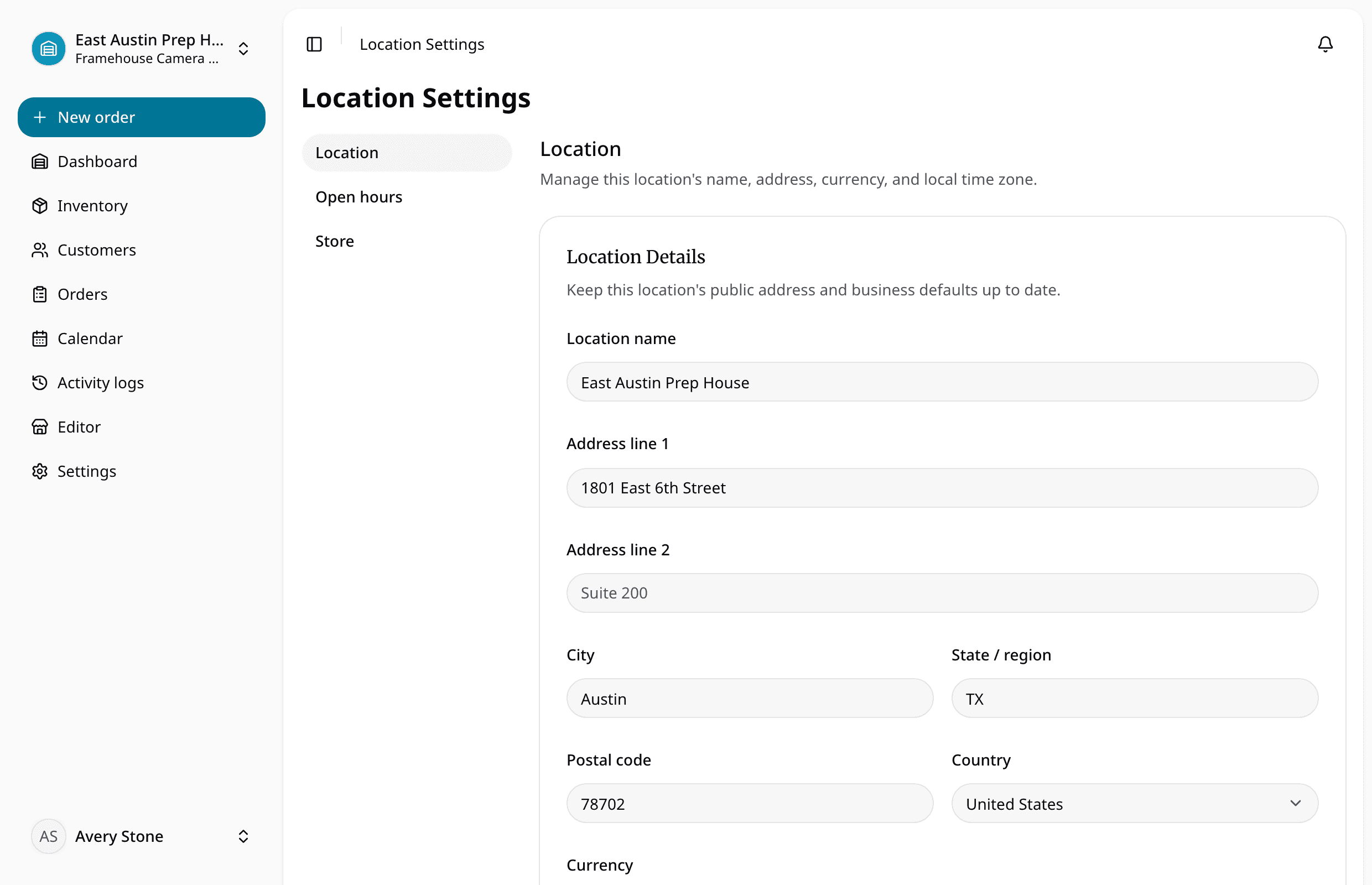
Set up real locations before adding notes
Many teams try to solve multi-location confusion with more notes:
"Located at North Yard." "Move to South before Friday." "Do not rent from Main." "Reserved for downtown job."
Notes help people understand context, but they should not carry the workflow by themselves. If a location affects who can promise the item, where checkout happens, or what the customer expects, it deserves structure.
Start by defining the locations your team actually uses.
For some operators, that may be two rental yards. For others, it may be a main warehouse, a repair shop, a pickup counter, and a storage container. Keep the list practical. Do not create a location for every temporary stop unless your team needs to filter or promise inventory from that place.
Each location should help answer operational questions:
- Which items are normally assigned here?
- Which orders are being fulfilled here?
- Which items are due back here?
- Which items are physically here but not ready?
- Which transfers are needed before pickup?
The goal is not to build a complex branch system. The goal is to make the rental promise visible enough that staff stop relying on memory.
Assign every reservation to a fulfillment location
A reservation is more than a calendar block. It is the point where a request becomes a promise.
In a multi-location operation, that promise should include a fulfillment location.
Suppose a customer asks for a plate compactor next Thursday through Saturday. Your company owns three. One is at Main Yard, one is checked out from East Yard, and one is in maintenance at West Yard.
If the order only says "plate compactor," the team still has to decide which yard is responsible. That decision may get delayed until pickup day, which is exactly when mistakes become expensive.
A better workflow is to assign the request or reservation to the location that will fulfill it. Then staff can see whether that location has the item, needs a transfer, or should decline the request and offer another pickup point.
This is where connected orders and reservations matter. The customer, dates, item, location, deposit notes, pickup details, and internal notes should stay together. Staff should not have to approve a request in one system and track the location promise in a text thread.
When reservations have fulfillment locations, managers can also see where pressure is building. One yard may look short while another has idle units. That gives the team a cleaner decision.
Keep transfers visible until they are done
Transfers are normal in multi-location rental work. A trailer moves from one yard to another. A camera kit comes back to the warehouse but needs to be staged downtown. A generator is sent from the shop to a customer pickup point.
The problem is not the transfer. The problem is when the transfer lives outside the rental workflow. Staff should be able to tell whether the transfer is planned, completed, or still assumed.
Keep transfer handling simple:
- Do not mark an item ready at the receiving location until it is there.
- Do not promise a tight pickup window if the transfer depends on an unfinished return.
- Keep transfer notes close to the order that needs the item.
- Make sure the sending location knows the item is no longer locally available.
Small teams do not need a warehouse-grade transfer system. They need fewer assumptions between "we have it somewhere" and "the customer can pick it up here."
Make returns update the next promise
Returns are where many multi-location mistakes start.
An item is due back at Main Yard at 4:00 PM. Another customer is scheduled to pick it up from East Yard the next morning. On paper, that may work. In real life, the item may come back late, dirty, missing an accessory, or needing repair.
If the return workflow automatically treats the item as available, the next promise becomes fragile.
A good checkout and returns process should confirm what left, what came back, where it came back, and whether it is ready for the next rental. For multi-location teams, return location matters as much as return status.
Ask these questions on return:
- Did the item come back to the expected location?
- Is it complete?
- Does it need cleaning or inspection?
- Does it need to move before the next pickup?
Those answers should affect availability. A returned item is not always a ready item. A ready item at the wrong yard is not always available for the customer standing at the counter.
Block the exact item that needs maintenance
Maintenance notes are easy to lose across locations. One yard notices a broken latch, weak battery, missing charger, hydraulic leak, worn tire, or damaged case. The note goes into a message. Another yard later sees the item as available and promises it.
That is not a people problem first. It is a visibility problem.
Maintenance status should follow the physical item and affect availability wherever that item is assigned. If Trailer 04 has a wiring issue, the system should block Trailer 04. It should not block every trailer or leave Trailer 04 available because the note was written at the wrong yard.
RentalBench treats item statuses and maintenance as part of rental operations for this reason. Status is not only documentation. It affects what the team can promise.
For multi-location inventory, this matters because staff may not be able to walk outside and inspect the item before answering the customer. The system has to carry that context.
Use this setup checklist
If your current process feels loose, start with the parts that protect customer promises.
- Define real operating locations and keep the list short enough that staff will use it correctly.
- Clean up product names and SKUs so every location uses the same language.
- Separate product types from physical units where it matters.
- Assign every active item to a current location and status.
- Review upcoming reservations and add a fulfillment location to each one.
- Make transfer assumptions visible before pickup day.
- Decide when a returned item becomes ready and who confirms it.
Keep the takeaway simple
Multi-location rental inventory is not about making a small rental business feel bigger than it is.
It is about keeping ordinary work from becoming guesswork.
When inventory, SKUs, physical items, requests, reservations, due-back dates, checkout, returns, deposits, customer records, and maintenance status live in separate places, each location builds its own version of the truth. That may work when the business is quiet. It gets harder during busy mornings, late returns, and short-notice requests.
A better system gives every yard the same operational picture, while still showing what each location can actually promise.
That is the standard to look for.
Not more dashboards. Not more fields for their own sake. Just a clear answer to the question rental teams ask all day:
Which yard can promise what?
About Ciprian Redinciuc
Ciprian Redinciuc writes RentalBench product and rental operations guides based on the workflows implemented in RentalBench: inventory, availability, orders, storefront intake, deposits, checkout, and returns.