
Equipment Rental Tax and Deposit Checklist for Order Setup
Organize tax profiles, deposit rules, order snapshots, payment status, return inspection, refunds, and customer records for equipment rentals.
July 10, 2026 · 2 min read
Key takeaways
The practical answer
- Tax and deposit are separate rules and should remain separately traceable.
- Snapshot the agreed values on the order so catalog changes do not rewrite history.
- Refund and retention decisions should follow recorded return inspection.
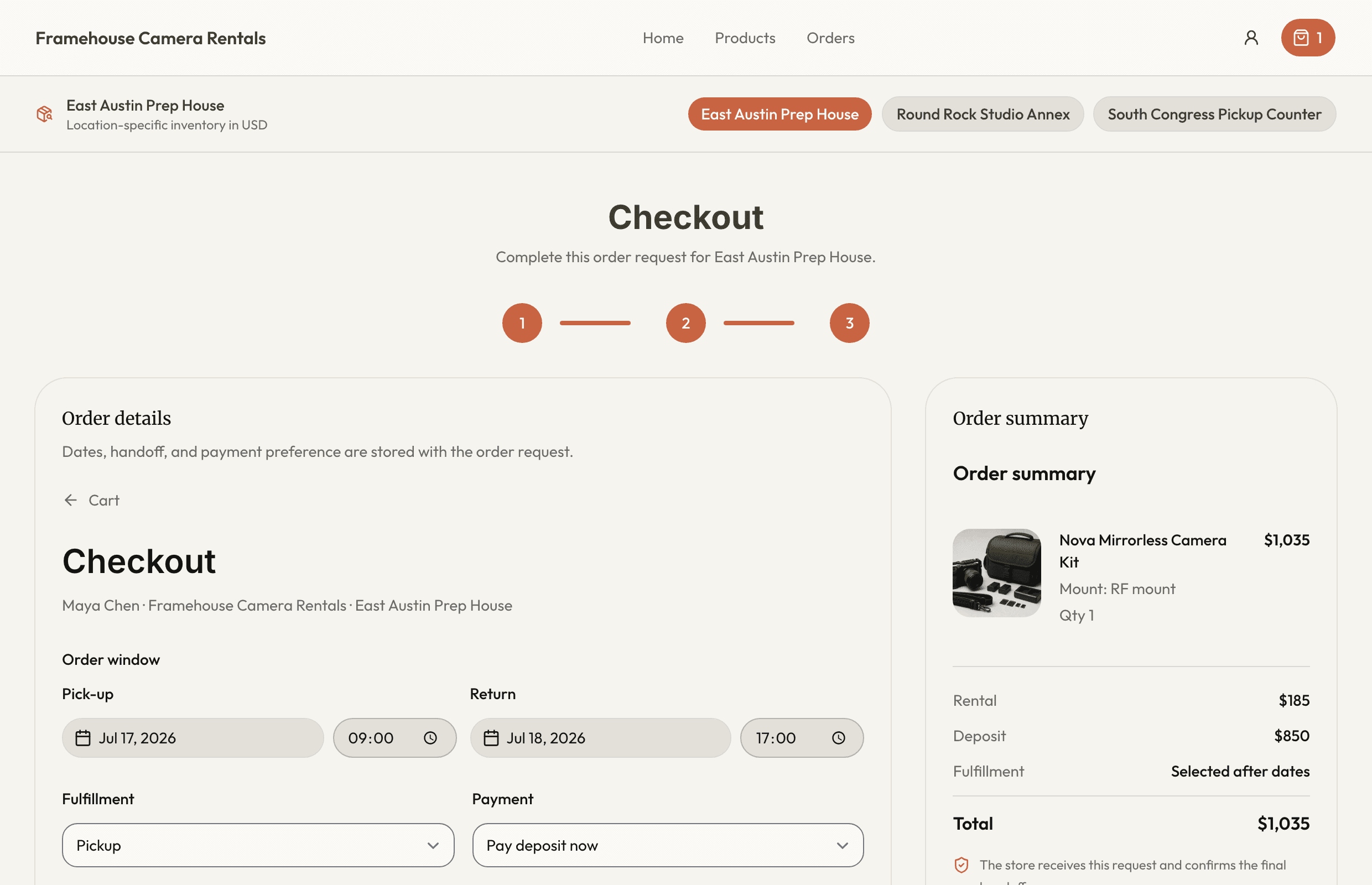
Tax and deposit both affect the order total, but they solve different problems. Tax is a regulatory calculation. A deposit is a commercial risk-control mechanism. Keep the rules, snapshots, payments, and return decisions separately traceable.
This checklist is operational guidance, not tax or legal advice. Have qualified professionals define the rules that apply to your jurisdiction and business.
Define tax profiles
Document each tax profile with:
- Clear internal name
- Applicable rate
- Products or categories that use it
- Effective dates or review ownership
- Whether staff may override it and under what authority
Assign the profile to products consistently. Consumable sale items and rental charges may have different treatment depending on the jurisdiction.
Define deposit rules
Decide:
- Which products require a deposit
- Default and product-level amount
- Customer or order exceptions
- When the deposit is collected
- Accepted payment methods
- What return conditions may affect refund or retention
- Who can approve a different amount
Explain the policy before checkout. Do not wait until the customer is standing at the counter.
Snapshot the order
When the order is agreed, preserve:
- Product and line-item pricing
- Tax profile and calculated tax
- Deposit requirement
- Payment method
- Payment status
- Customer and address
- Dates and fulfillment
A later catalog or tax-profile update should not silently rewrite the historical agreement.
Review before checkout
Staff should be able to see:
- Required documents and signatures
- Deposit required and amount
- Paid, pending, not required, or other payment status
- Tax calculation
- Assigned inventory
- Customer and handoff details
Keep payment-processor requirement names internal. Customer-facing language should explain only what the customer needs to do.
Close after return inspection
Inspect the exact items and record:
- Return time
- Condition
- Missing accessories or quantity
- Damage or loss
- Cleaning, fuel, or late-return issue where policy allows
- Maintenance status
- Deposit refund or retention
- Customer notification
The decision should follow the documented policy and qualified advice, not an improvised note.
Use the rental deposit policy checklist to write the policy and deposit and payment tracking for the connected workflow.
About Ciprian Redinciuc
Ciprian Redinciuc writes RentalBench product and rental operations guides based on the workflows implemented in RentalBench: inventory, availability, orders, storefront intake, deposits, checkout, and returns.