
Online Rental Storefront Intake Without Losing Staff Control
Learn how online rental storefront intake can capture rental requests while staff keep control of availability, approvals, and orders.
February 26, 2026 · 8 min read
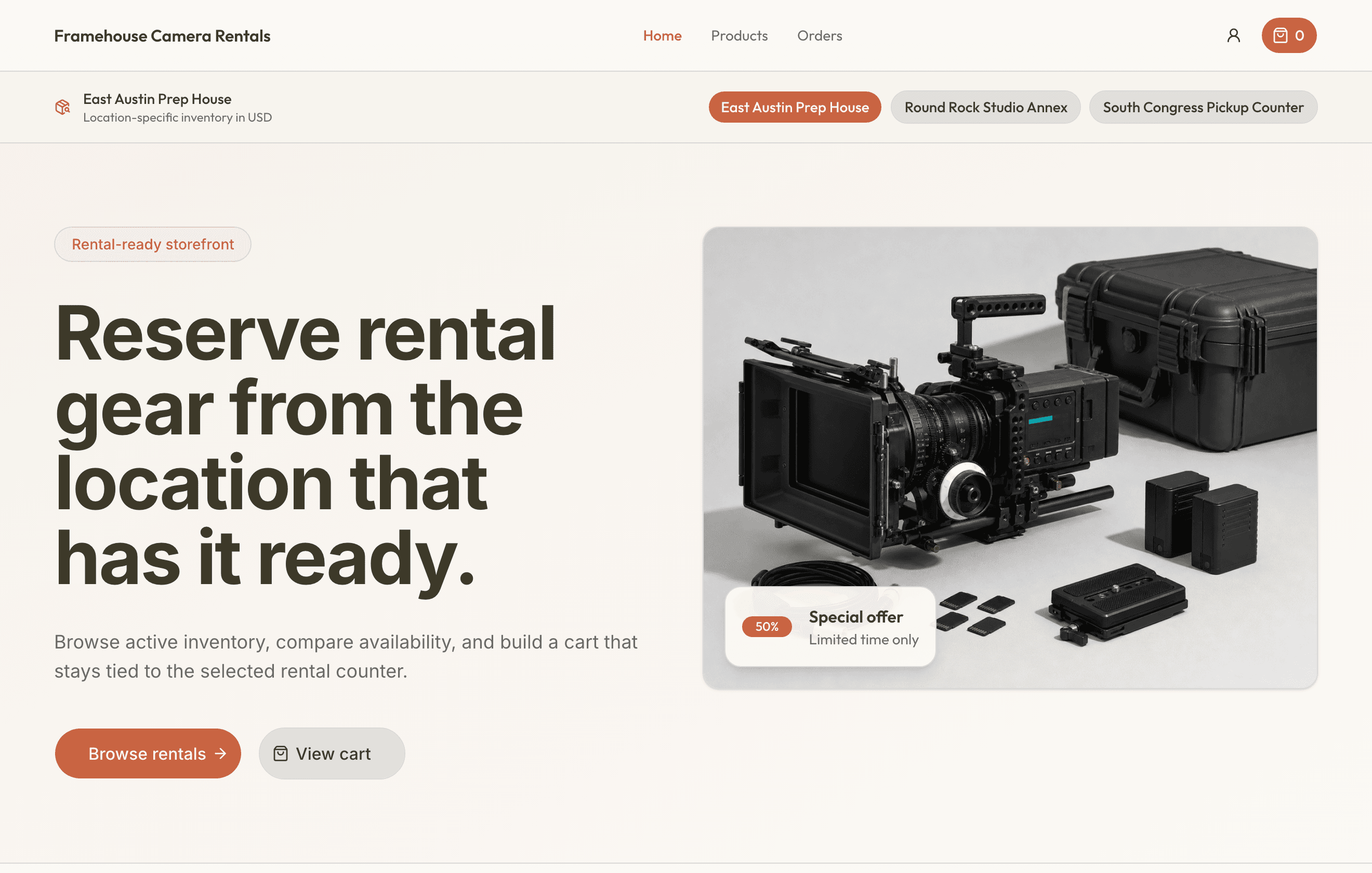
Key takeaways
The practical answer
- A rental storefront should collect a complete request, not create another inbox.
- Products, variants, pricing, deposits, dates, location, and fulfillment should use the operational catalog.
- Staff approval should happen before online demand becomes a reservation.
Online rental storefront intake sounds simple. Put the catalog online, let customers choose what they want, collect dates and contact details, and send the request to the team.
For a small rental operator, that can reduce phone tag, clean up vague emails, and give customers a better way to start the rental process.
But if the storefront behaves like a normal ecommerce checkout, it may promise inventory before staff have reviewed the request. That is risky when you rent physical items that need inspection, deposits, customer context, location checks, accessories, and due-back control.
A rental request is not the same as a shipped order.
A customer may ask for a utility trailer, but the team still needs to confirm towing details. A contractor may request a compact machine, but staff need to check availability, attachment fit, delivery timing, and deposit status.
The goal is not to stop customers from starting online. It is to let them start online without forcing the business to accept every request automatically.
What Online Rental Storefront Intake Means
Online rental storefront intake is the front-end workflow where customers browse rental inventory and submit structured requests.
It usually includes:
- A customer-facing rental catalog
- Product photos, names, categories, and basic descriptions
- Requested start and end dates
- Customer name, email, and phone
- Pickup, delivery, or jobsite notes
- Requested quantities, accessories, or add-ons
- Internal staff review before confirmation
The important word is "intake."
Intake means the storefront captures the request and moves it into operations. It does not have to mean the rental is instantly approved, charged, assigned, and confirmed.
That distinction matters for small rental teams replacing spreadsheets, paper calendars, and generic booking tools. A basic form may only create another inbox. A generic booking tool may confirm a request before the team has checked physical item status, deposits, or return timing.
A better online rental storefront sits between those two extremes. It gives customers a clean way to request inventory and gives staff a controlled way to review, approve, adjust, or decline the request.
Why Staff Control Still Matters
Many rental businesses should not confirm every online request automatically.
That is not old-fashioned. It is operationally sensible.
Rentals involve physical inventory. The item leaves your shop, yard, trailer, storage room, or warehouse. It comes back later, and it may not be ready for the next customer.
Before staff confirm a request, they may need to check:
- Whether the item is available for the full date range
- Whether the exact SKU or physical unit is ready
- Whether the return window gives enough time for inspection
- Whether a deposit is required
- Whether pickup or delivery is realistic
- Whether accessories are included
- Whether the item is blocked for maintenance
- Whether the request should be edited before approval
None of that means the website is useless. It means the website should collect the right details and hand them to staff in a useful format.
For many operators, the best workflow is request first, confirmation second.
The storefront starts the conversation with structure. Staff make the promise.
What Goes Wrong With Instant Booking
Instant booking can work when the product is simple, plentiful, low-risk, and easy to substitute. Many rental businesses are not that clean.
Imagine a customer requests a trailer from Friday afternoon to Monday morning. The storefront sees one trailer available and confirms the rental.
Then staff notice the problem.
The trailer is due back Friday at noon from another customer. It needs a light check before the next rental. The request includes no tow vehicle details. A deposit is required, but it was not captured.
The website did its job based on the information it had. The operation still has a problem. Appointment booking asks whether a time slot is open. Rental intake has to ask whether a real item can safely be promised for a date range.
Purpose-built equipment reservation software should keep those pieces connected: inventory, dates, customer details, approval status, reservation status, checkout, return, and maintenance.
A Practical Storefront Intake Workflow
A good storefront intake process does not need to be complicated.
It needs to protect the handoff from customer interest to staff decision.
Here is a practical workflow for small rental operators.
1. Publish a Catalog Customers Can Understand
Start with the catalog.
Customers should be able to browse rental categories and understand what each item is for. That does not mean writing long marketing copy for every product. It means using names and descriptions that reduce confusion.
"14 ft dump trailer" is clearer than "DT-14."
"Plate compactor with water tank" is clearer than "Compactor 1."
"Event speaker kit for up to 75 people" is clearer than "Audio package B."
The internal SKU, serial number, asset ID, VIN, or maintenance notes still matter. They just do not need to be the first thing a customer sees.
The storefront catalog should connect to the operational catalog behind the scenes. If a product is inactive, retired, blocked, or no longer offered, it should not keep generating customer requests that staff have to reject.
This is where rental inventory software is stronger than a standalone website. The catalog is not only a brochure. It is tied to what the business actually rents.
2. Ask for Dates Before Promising Anything
Rental availability depends on time.
A saw may be available today and reserved tomorrow. A trailer may be out all weekend but open next Tuesday. A kit may be technically back on Monday but unavailable until missing accessories are replaced.
Your storefront intake should ask for the requested rental window early:
- Pickup or start date
- Expected return or end date
- Preferred pickup time
- Return time if it matters
- Delivery date if delivery is offered
- Jobsite or event date if different from pickup
The system should then help staff review those dates against actual inventory.
A connected availability calendar is important because the storefront should not create another place where dates are stored separately from inventory status. Staff need to see what is requested, what is reserved, what is out, what is due back, and what is blocked.
3. Capture the Details Staff Usually Ask For
The best online intake form is not the longest form. It is the form that captures the details staff repeatedly need before approving a rental.
For a tool rental shop, that may include blade type, power requirements, or accessories. For trailer rentals, it may include tow vehicle, hitch size, pickup time, load type, and return expectations. For compact equipment, it may include jobsite address, attachment needs, delivery constraints, and start time.
Do not ask for everything. Ask for the details that prevent a bad handoff.
Good intake should help staff answer three questions quickly:
- What does the customer want?
- When do they need it?
- What needs review before we confirm?
If the request still requires a phone call, that is fine. The call should start from a structured request record, not from a blank page.

4. Keep Request Status Separate From Reservation Status
A request is not a reservation. A reservation is not checked out. Checked out is not returned. Returned is not always ready.
When those statuses blur together, the team starts making promises from bad information.
Use clear status language. For example:
- New request
- Under review
- Approved
- Declined
- Reserved
- Ready for pickup
- Checked out
- Due back
- Returned
- In maintenance
- Closed
Your exact labels may differ. The point is to make the stage visible. If the item comes back damaged, it should not automatically become available just because the return date passed.
RentalBench handles this kind of handoff through orders and reservations, where intake, approval, and fulfillment stay connected instead of becoming separate records.
5. Let Staff Edit Before Approval
Rental requests often need adjustment.
That is normal.
A customer may request the wrong item. They may choose an impossible return date. They may forget an accessory. They may request pickup when delivery is required. They may request a product that is technically available but not a good fit for the job.
Staff need room to edit before confirming:
- Swap the requested item
- Change quantity
- Adjust start or end dates
- Add accessories
- Assign a specific physical unit
- Add deposit notes
- Add pickup or delivery instructions
- Decline the request with a clear internal reason
This is where staff control creates a better customer experience, not a slower one.
The team can prevent bad bookings before they become customer commitments. They can also suggest a practical alternative while the customer is still engaged.
6. Connect Intake to Checkout and Returns
Storefront intake should not stop at approval. The details collected online should follow the rental through checkout and return. Otherwise staff end up retyping the same information when the customer arrives.
At checkout, the order should already show:
- Customer details
- Approved dates
- Assigned items or SKUs
- Deposit status
- Pickup or delivery notes
- Accessories
- Staff notes
The checkout step confirms what actually left.
At return, the team should record what actually came back. That may include condition notes, missing accessories, late return details, cleaning needs, maintenance status, or deposit follow-up.
A connected checkout and returns workflow keeps the storefront request from becoming a dead-end lead. It becomes the first step in the rental record.
7. Treat Maintenance as Part of Availability
One of the biggest risks with online storefront intake is showing inventory that is not really rentable. An item may be physically present but unavailable because it is:
- Damaged
- Dirty
- Missing accessories
- Waiting for inspection
- Reserved for internal use
- Assigned to another location
- Retired but still listed
If that status lives only in a notebook, the storefront may keep inviting requests for the item. The fix is simple in principle: item status should affect availability.
This is why item statuses and maintenance belong close to storefront intake. The website should reflect operational reality, not just catalog intent.
How to Set Up Storefront Intake Without Overbuilding
Do not start by trying to automate everything. Start by replacing the messiest handoff.
For many rental teams, that is the path from customer inquiry to staff-approved reservation.
Use this checklist:
- Clean up the rental catalog before publishing it.
- Decide which items customers can request online.
- Ask for start and end dates on every request.
- Capture only the customer details staff actually need.
- Make request status visible to the whole team.
- Require staff approval before confirmation for limited or high-risk inventory.
- Connect approved requests to reservations and orders.
- Make checkout and return status update availability.
- Block items that are damaged, incomplete, or in maintenance.
This is a practical way to move from spreadsheets and paper calendars into a more reliable workflow. You need one shared place where customer requests, inventory, availability, reservations, orders, deposits, checkout, returns, and maintenance status can line up.
The Bottom Line
Online rental storefront intake should make it easier for customers to start a rental request without making the business lose control of the rental promise.
It is a controlled workflow:
- Customers browse inventory and submit structured requests.
- Staff review availability, customer details, deposits, dates, accessories, and item status.
- Approved requests become reservations or orders.
- Checkout confirms what left.
- Return confirms what came back.
- Maintenance status protects the next promise.
For small rental teams, that is the real value of an online storefront. It reduces back-and-forth, keeps requests from disappearing, and gives staff the information they need before committing inventory.
That is how online rental storefront intake can support growth without turning the website into an uncontrolled booking machine.
About Ciprian Redinciuc
Ciprian Redinciuc writes RentalBench product and rental operations guides based on the workflows implemented in RentalBench: inventory, availability, orders, storefront intake, deposits, checkout, and returns.