
Equipment Rental Website Builder Guide: From Catalog to Fulfillment
Plan an equipment rental website that connects products, dates, location, cart, checkout, customer accounts, payments, and staff approval.
June 7, 2026 · 2 min read
Key takeaways
The practical answer
- The storefront catalog should use the same products and variants the rental desk fulfills.
- Checkout must collect dates, location, customer, fulfillment, address, and payment context.
- Online requests should enter the normal staff approval and rental lifecycle.
An equipment rental website should do more than display products and send a contact form. It should help the customer submit a complete request without pretending that every item is automatically bookable.
The best structure connects presentation to fulfillment.
Explain the rental offer in the hero
The first screen should answer:
- What do you rent?
- Who do you serve?
- Where do you operate?
- How does the customer start?
Use one primary action such as “Browse rental equipment” or “Check availability.” Avoid vague claims and unsupported customer logos.
Build categories around customer decisions
Categories should help customers narrow the job: cameras, lenses, lighting, trailers, concrete tools, event furniture, camping, or school equipment.
Each product page should show:
- Clear name and description
- Images
- Meaningful variants
- Rental pricing cadence
- Deposit where applicable
- Location or availability context
- Included items and preparation notes
- Date selection and add-to-cart action
Do not publish a second manually maintained catalog if the rental desk uses different product records. Drift creates pricing and fulfillment mistakes.
Collect a complete checkout request
The customer should be able to provide:
- Cart products, variants, and quantities
- Start and end dates
- Location
- Contact and account details
- Pickup or delivery
- Billing and delivery address
- Pay-on-pickup, deposit, or full-payment choice where supported
- Notes required for staff review
This is rental intake, not ordinary ecommerce. Staff may still need to verify exact availability, compatibility, condition, delivery, deposit, or customer context.
Keep accounts and order history useful
Customer accounts can support repeat rentals when they provide sign-in, password recovery, contact details, and order history without separating the customer from the staff-facing record.
Status notifications should explain what changed: submitted, approved, reserved, checked out, returned, cancelled, or rejected.
Make the site operational after checkout
The submitted request should enter the same queue used for staff-created orders. The team then checks availability, approves or rejects, reserves stock, issues documents, collects the required payment, assigns exact units, checks out, returns, and inspects.
If the website creates an email that staff must retype, it has not completed the job.
Plan the domain and publishing model
A rental website builder should support:
- Draft and published states
- A hosted storefront address
- Customer-managed custom domains
- Domain verification
- Domain purchase flow where offered
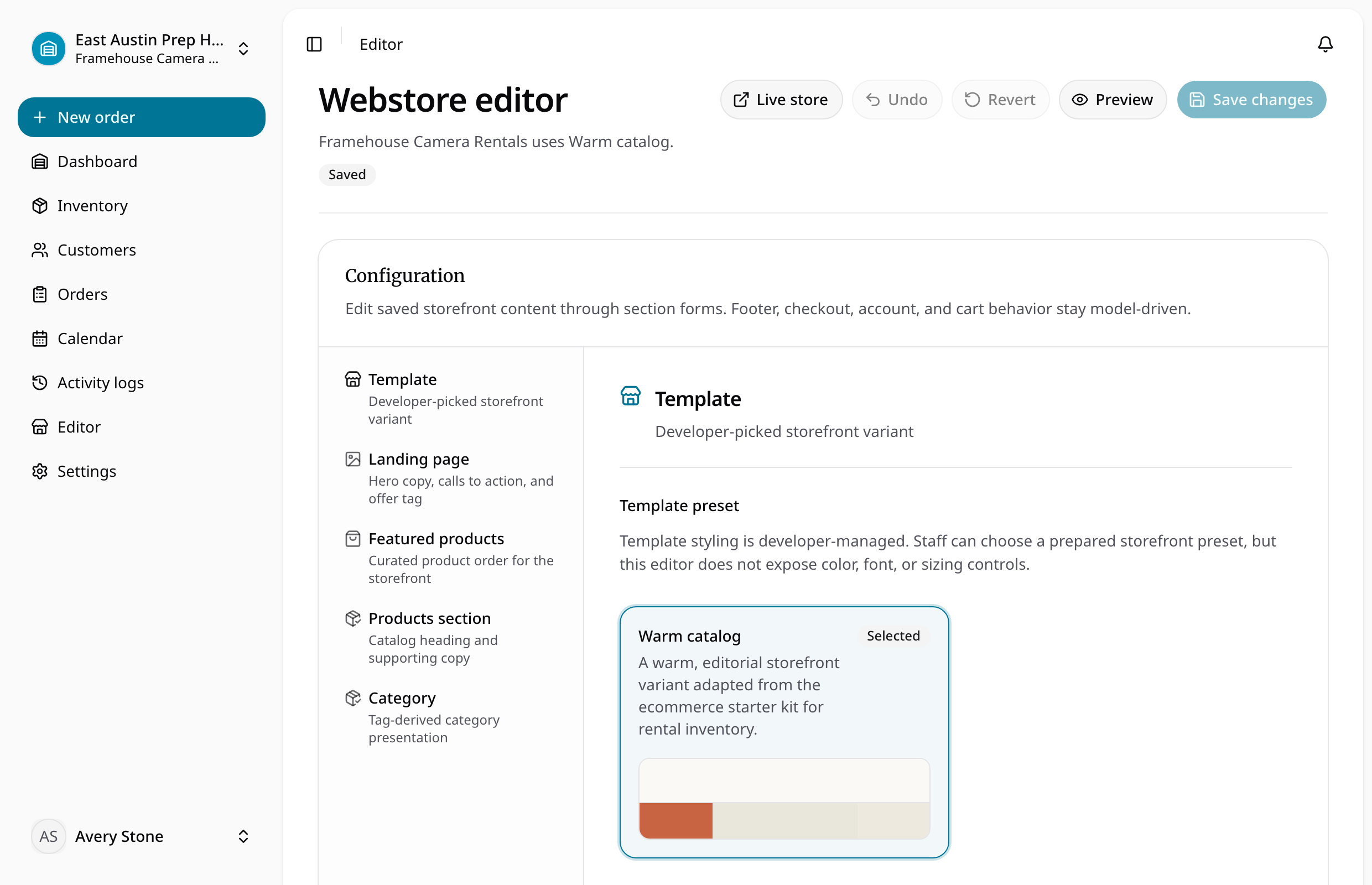
- Brand content, theme, typography, template variants, and featured products
Keep domain status visible so staff know whether the storefront is actually reachable.
Measure the useful events
Track more than page views:
- Product viewed
- Date or location selected
- Product added to cart
- Checkout started
- Request submitted
- Account created
- Staff approved or rejected
- Order completed
Do not claim conversion improvements without a measured baseline and enough data.
For the product workflow, see the equipment rental website builder and online storefront intake guide. For page structure, use the rental website template.
About Ciprian Redinciuc
Ciprian Redinciuc writes RentalBench product and rental operations guides based on the workflows implemented in RentalBench: inventory, availability, orders, storefront intake, deposits, checkout, and returns.