
CustomersAdminManagerStaffPlans: Start, Plus, Pro
Create and maintain customers
Select Customers and Add customer. Enter the name and any available contact details. The initial address is treated as billing, with an option to use it for delivery as well.
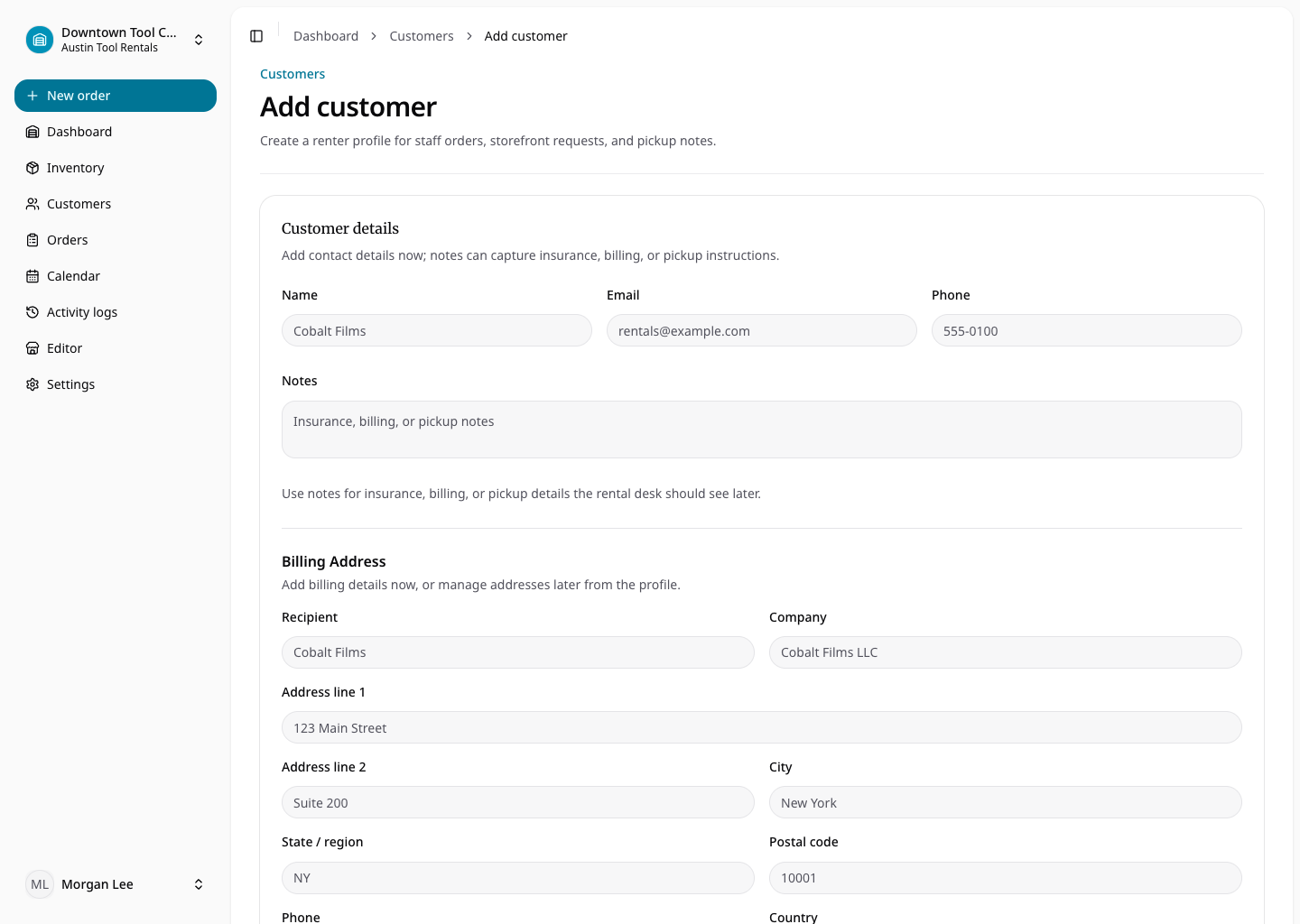
Open the saved profile to update contact information, internal notes, tags, addresses, and organization-defined customer custom fields. Tags support internal grouping without changing customer access.
Archiving hides a customer from new orders and storefront authentication while preserving previous orders, documents, and activity. Restore the customer to use the profile in new workflows again. Email addresses must be unique within the organization.