
Use customer addresses and history
An address may be usable for billing, delivery, or both. Set one default for each purpose. Delivery orders require delivery address data; every order requires a billing address snapshot.
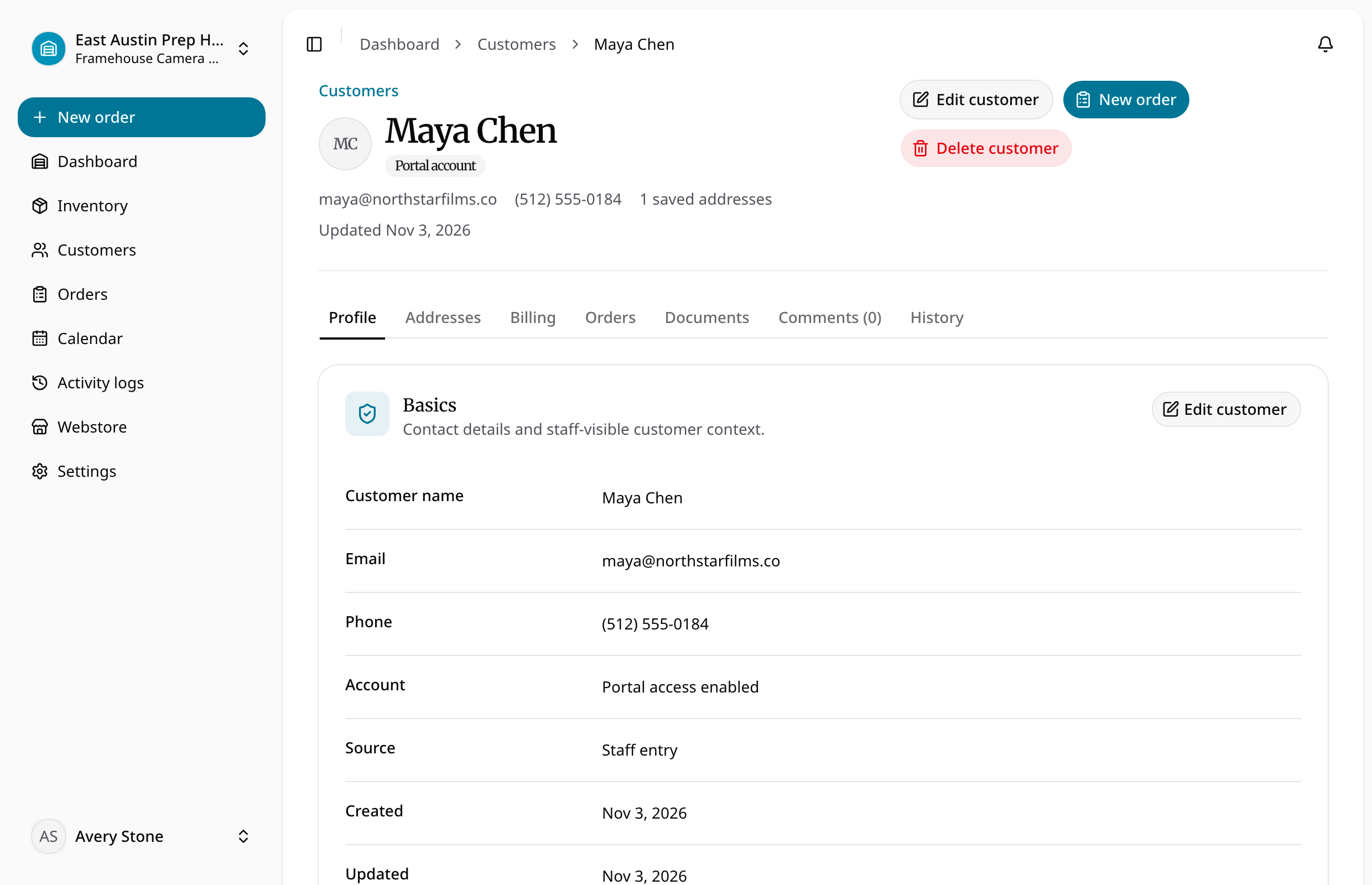
The customer profile displays paginated order history and groups available documents by order. Open an order to inspect its lifecycle, items, payments, and activity. Historical orders remain accessible even if the customer or order has been archived.
Choose Personal or Company billing
- Open the customer's saved addresses and add or update the relevant billing address.
- Choose Personal for an individual recipient or Company for a legal company name.
- Keep the address, optional tax identifier, and company registration number in their appropriate fields.
- Set billing and delivery roles and defaults to match how the address will be used.
- When creating an order, select the intended billing identity and review its captured Bill to details.
Personal billing omits company identifiers. A delivery address can still name a company recipient independently of the billing identity. VAT and tax IDs identify the customer; they do not automatically change tax calculations.
Changing the customer's current address does not rewrite earlier order snapshots or finalized PDFs. Review issued documents from the relevant historical order, rather than assuming they show the customer's latest profile data.