
Understand the dashboard
The dashboard is the operational starting point for the selected location. Change the period between day, week, month, and year to review work in the location’s time zone.
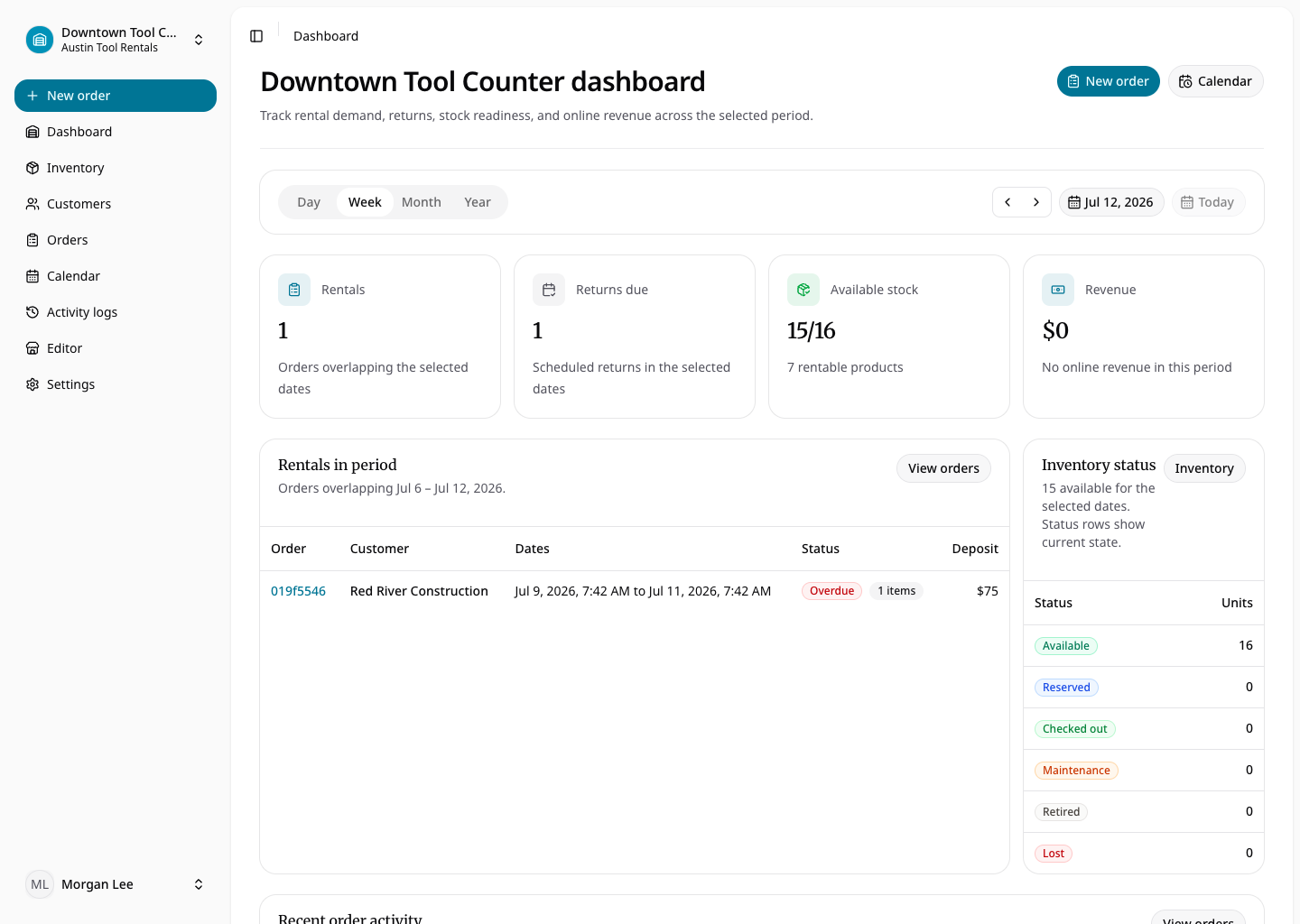
The dashboard surfaces rentals and returns due in the selected period, rental stock availability, inventory status, order activity, and synchronized rental and purchase revenue. Availability is range-aware: an item may be available now but committed to an overlapping reservation later.
Use due and overdue sections to decide what the counter team should prepare, check out, or follow up. Revenue reflects confirmed payment data; it should not be treated as a forecast of every requested order. Admins may also see the temporary Get Started checklist until the organization-wide setup milestones are complete.