
Inventory overview
Inventory starts with a product, the catalog-level description customers and staff recognize. Products are either rental items or consumables.
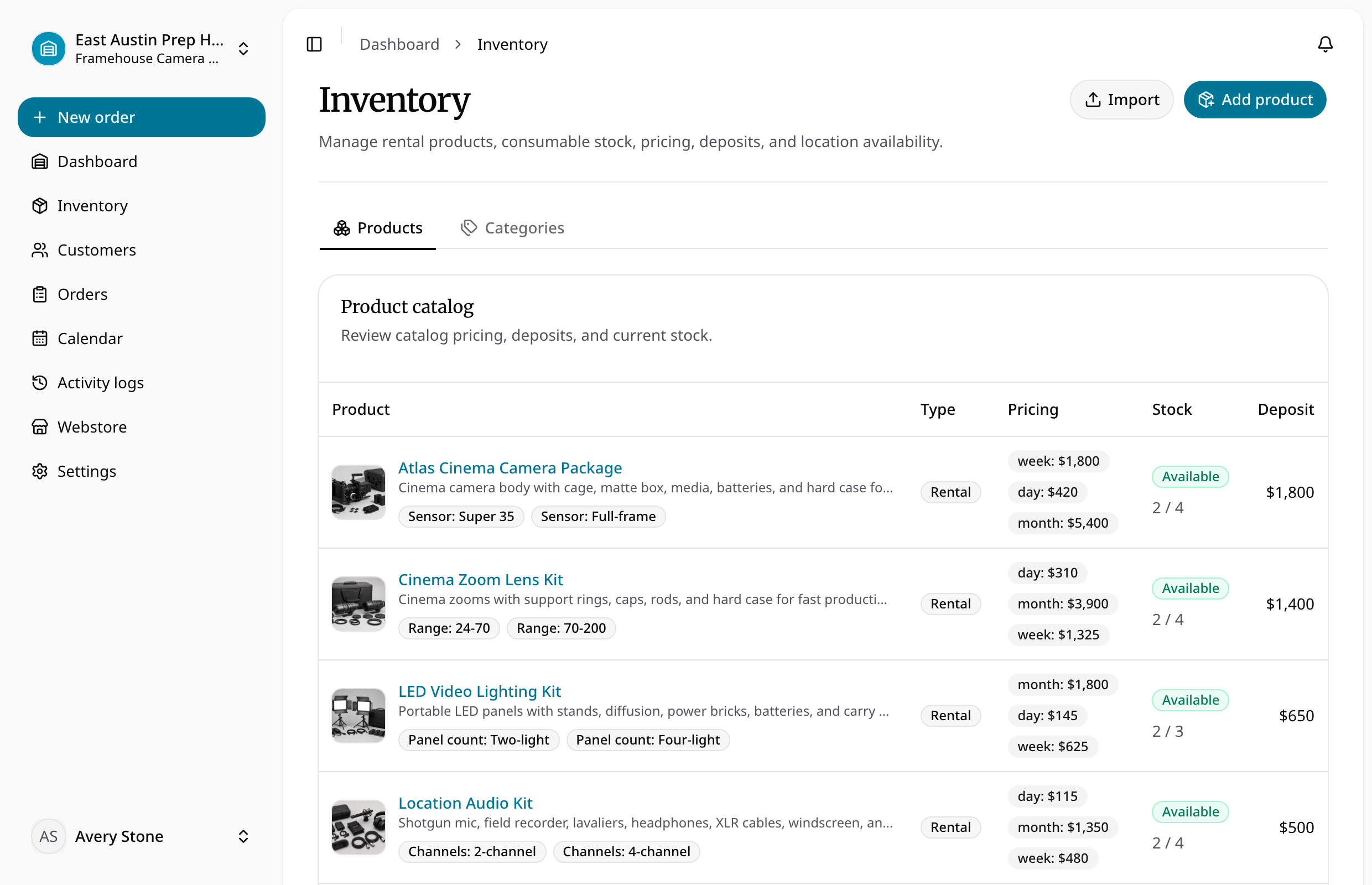
Rental products define one or more cadence prices, an optional deposit, variants, and individually tracked physical items. Every physical item has its own SKU and operational status. Consumables define a unit sale price, variant-level SKUs, and quantity on hand per location; they are fulfilled at checkout and are not returned.
Variants describe choices such as color, size, power, or kit configuration. A rental variant groups physical units. A consumable variant identifies a bulk stock level. Categories group products for staff and storefront browsing without owning or deleting the products.
Availability combines status, location, date overlap, variant, and reserved consumable quantity. Archiving uses reversible trash: records disappear from active workflows but remain attached to prior orders and history.
Inventory tasks
- Create and configure a product
- Manage variants and stock
- Understand pricing, deposits, and tax
- Understand availability and statuses
- Import inventory
- Archive and restore inventory
Choose the right stock model
Use a rental product for units you expect back, such as cameras or tools. Add a physical item for every unit the location can lend. Use a consumable for goods sold by quantity, such as batteries or supplies; these use variant stock quantities instead of one record per unit.
A variant is a choice within a product, not an extra physical rental unit. Adding a variant after the product exists does not automatically create rental stock. For future bookings, review the product's Bookings view: active physical items have individual timeline rows, including units without bookings.