
Use RentalBench with Claude and ChatGPT
Connect an existing RentalBench staff account to look up availability and work with rental orders through chat. The edited screenshots illustrate workflows tested with demo data. Live replies and interface controls can vary.
For prompts, supported actions, and permission requirements by workflow, see the RentalBench plugin guide.
Claude
- Open RentalBench in Claude’s directory and choose Connect.
- Sign in on RentalBench. Review the workspace, locations, and permissions before granting access.
- Enable RentalBench in a conversation. Ask about a piece of equipment and give the rental dates. Include the location if you work across more than one.
On Claude Team or Enterprise, a workspace owner enables the connector for your team. See Claude’s connector instructions.
To add RentalBench by URL, open Customize → Connectors → Add and choose Custom → Web. Name it RentalBench, enter https://app.rentalbench.com/mcp/claude, and select Use Claude’s published identity for OAuth.
RentalBench checks each unit’s Available status and overlapping bookings automatically. Date-only requests cover the full return day in the location’s time zone. For a same-day handoff, give the exact pickup and return times.
Which camera kits are available Nov 25–27 at Demo Central?
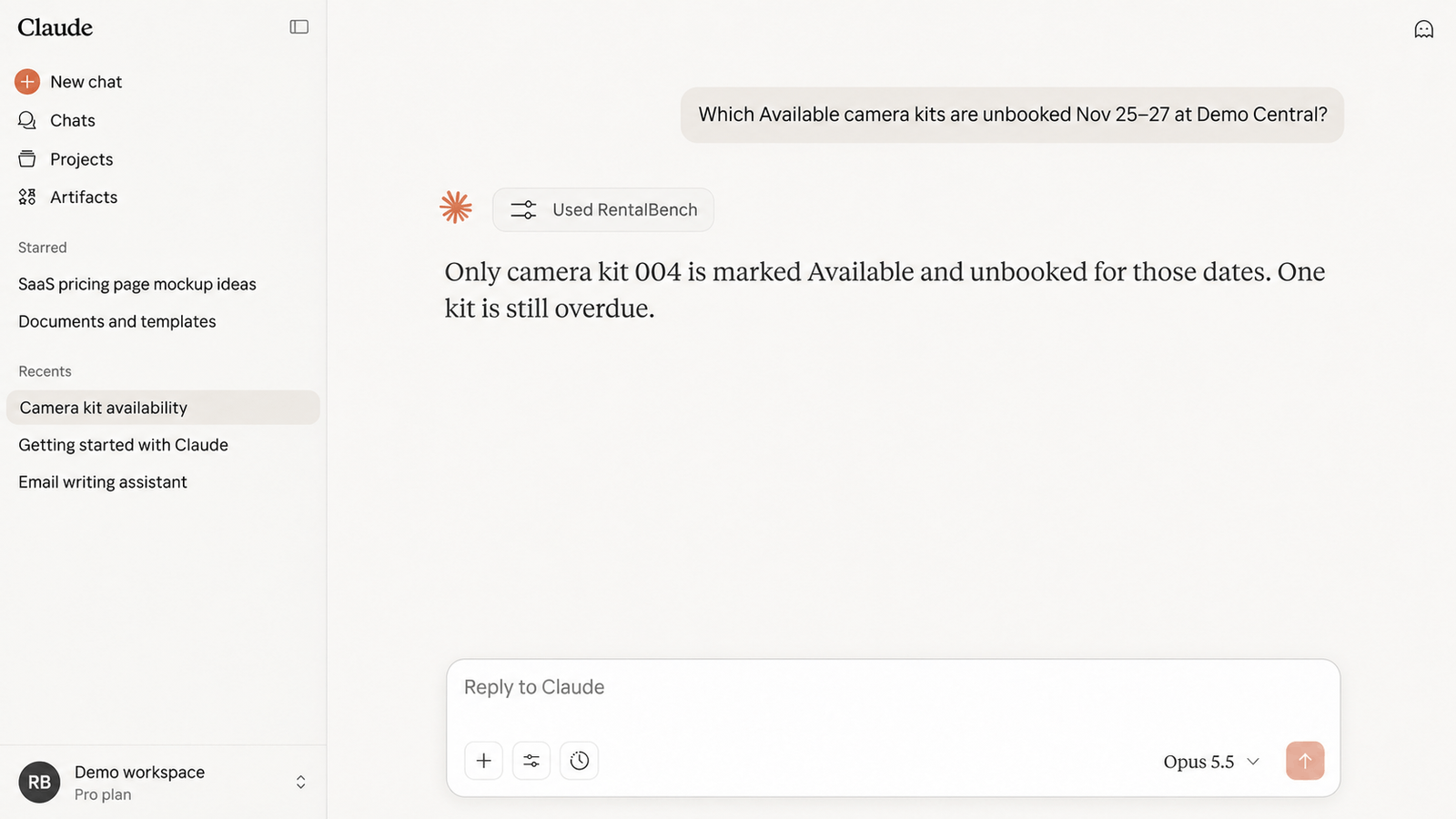
If an existing connection still checks full weeks, open Customize → Connectors → Yours → RentalBench and choose Refresh tools list from the menu. Then start a new chat.
See example prompts for Claude, the Claude connector reference, and how RentalBench checks availability.
ChatGPT
Open RentalBench in ChatGPT and choose Install plugin. Follow the connection flow to sign in on RentalBench. Review the workspace and permissions before granting access.
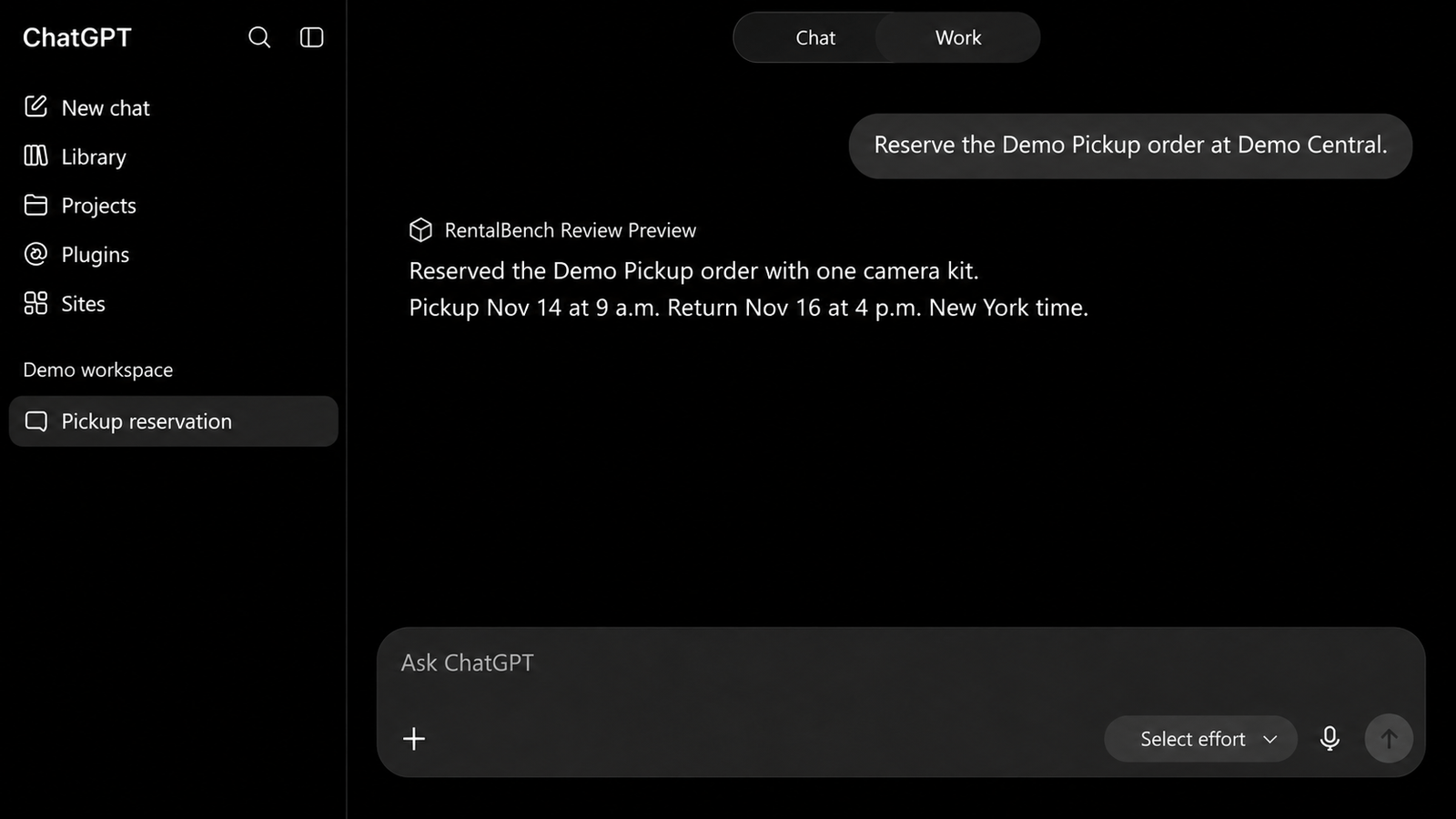
Ask which kits are available for your dates and location. To reserve an order through chat, you need write access and a requested pickup order that already has gear assigned.
Reserve the Demo Pickup order at Demo Central.
In the private review preview, the existing demo order moved from Requested to Reserved with one camera kit. ChatGPT reported the saved pickup of Nov 14 at 9 a.m. and return of Nov 16 at 4 p.m., both in New York time.
See example prompts for ChatGPT, the ChatGPT plugin reference, and how to reserve orders in RentalBench.
Access and privacy
Your staff role, assigned locations, and plan determine what the assistant can see or change. Manage account security and payment settings in RentalBench. Customers sign documents through their secure RentalBench link.
Disconnect from the assistant’s settings or revoke the assistant’s session in RentalBench.