InventoryAdminManagerStaffPlans: Start, Plus, Pro
Understand availability and inventory statuses
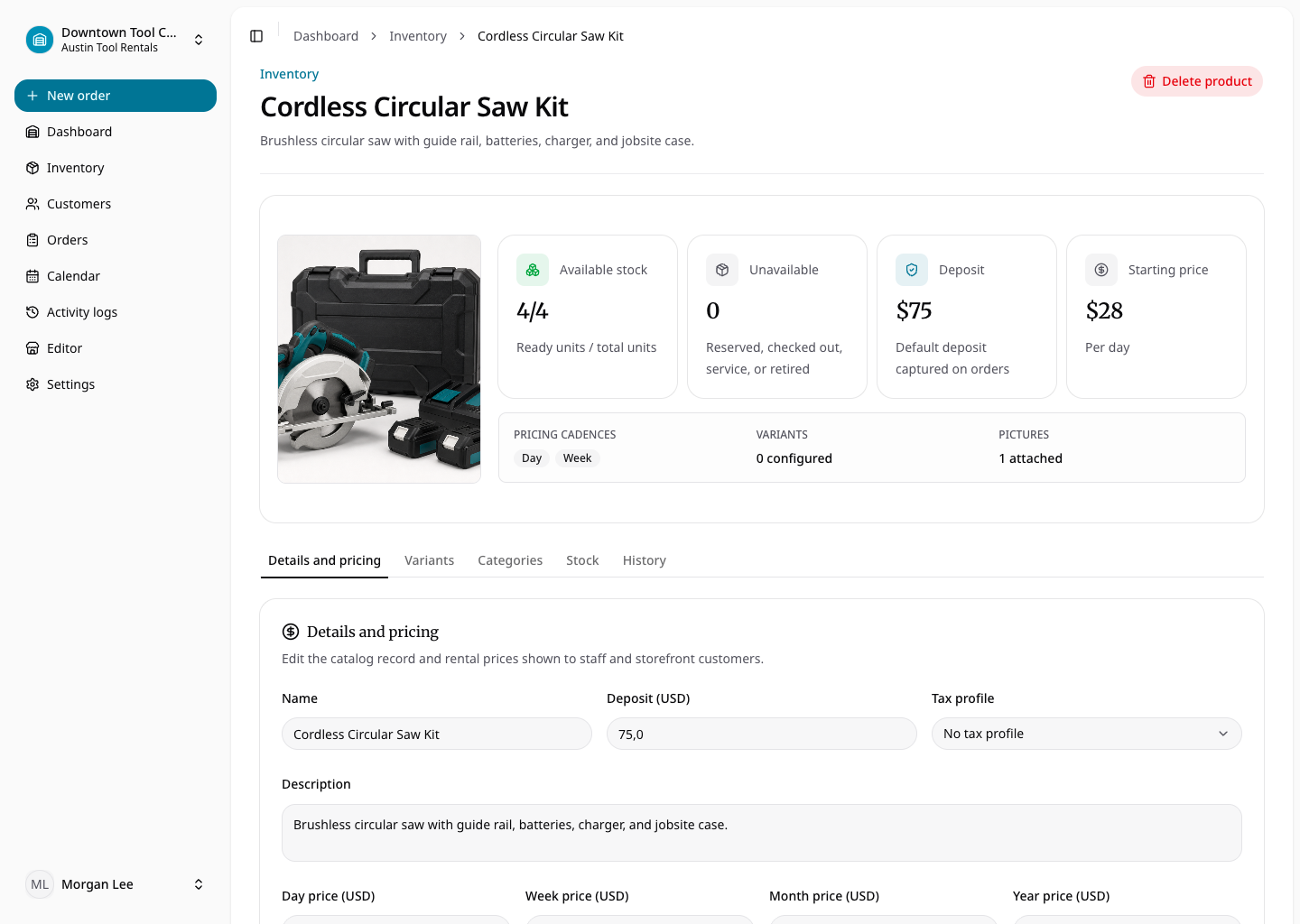
Rental units use available, reserved, checked out, maintenance, retired, and lost statuses. A checked-out unit whose order is past its end time is displayed as overdue. Only rentable, unarchived units without an overlapping inventory-blocking order can be allocated.
Requested orders do not yet block inventory. Reserved, approved, and checked-out orders do. Maintenance, retired, and lost units cannot satisfy new demand. Returning an item normally makes it available; damage moves it to maintenance and loss moves it to lost.
Consumables expose quantity on hand, held quantity, and available quantity. Reservation holds the requested amount. Checkout permanently deducts it and marks the line fulfilled. Cancelling a held line releases its quantity.