
Approve, reserve, or reject an order
Storefront checkout creates a requested order. Review the customer, dates, address, availability, payment requirement, and line-item pricing before acting.
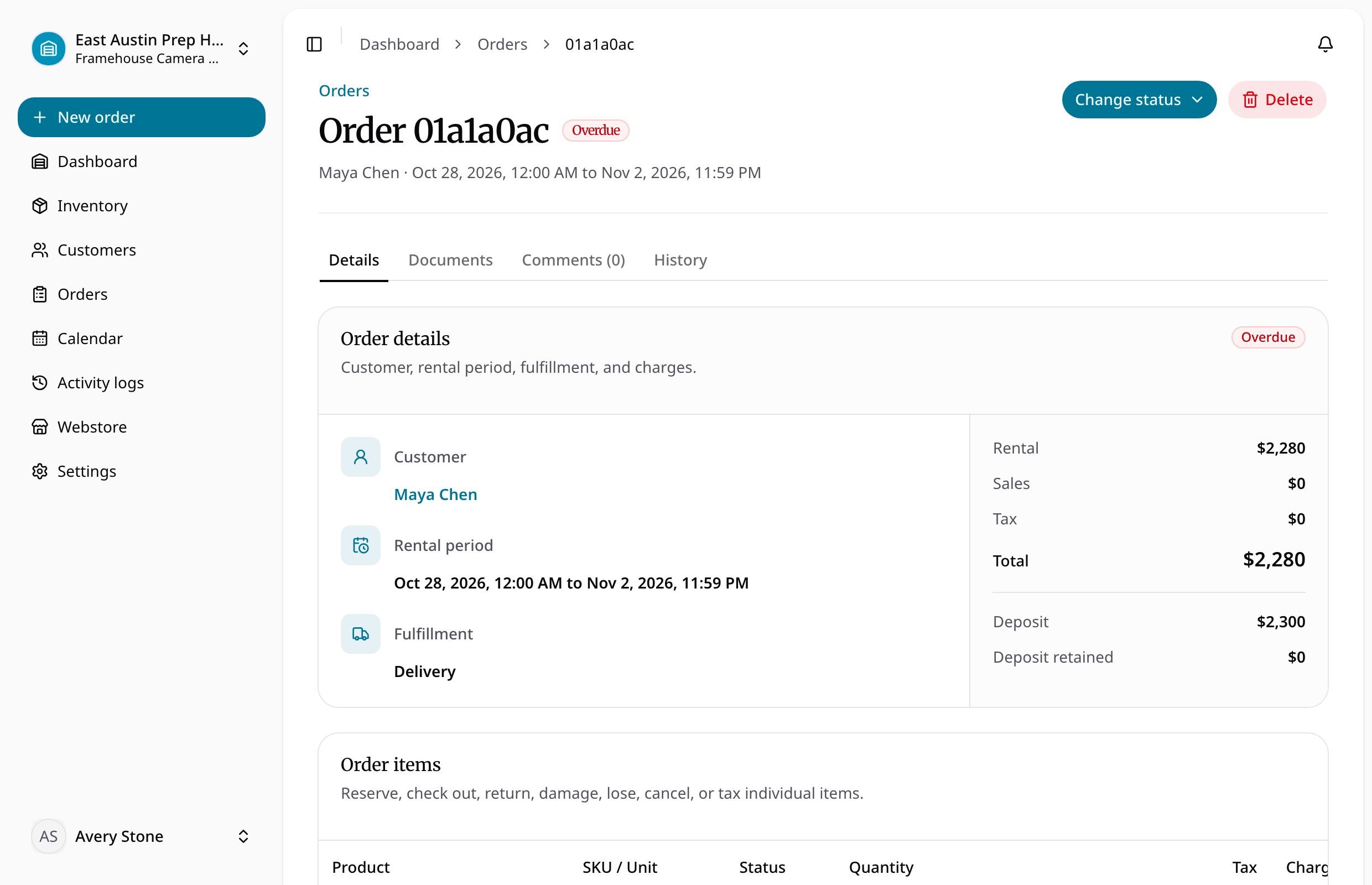
Approval confirms the request for the customer. Reservation commits the selected rental units and holds consumable quantities. Rejection ends a request without committing stock. Cancellation is available before checkout.
Item-level controls let staff reserve or cancel individual lines when a partial workflow is appropriate. Parent order status rolls up from its items. Required full-payment orders cannot be checked out until the online payment is marked paid.
Reserve available inventory
- Open the requested order at its location.
- Verify customer, dates, fulfillment details, variant quantities, and payment state.
- Check allocated rental units and available consumable quantity for the full period.
- Use the available approval or reservation action appropriate to the request.
- Confirm the resulting order and item statuses. Investigate an availability conflict before trying again.
Use item-level actions for a partial reservation and review the parent order's derived status afterward. Reject a request that will not proceed; cancel eligible pre-checkout work when it should be stopped. Reservation does not itself collect payment or finalize every document.