
Launch an online rental store
Launch an online rental store without separating it from operations
RentalBench publishes the catalog customers browse from the same products, variants, rates, deposits, locations, and order workflow the rental desk uses.
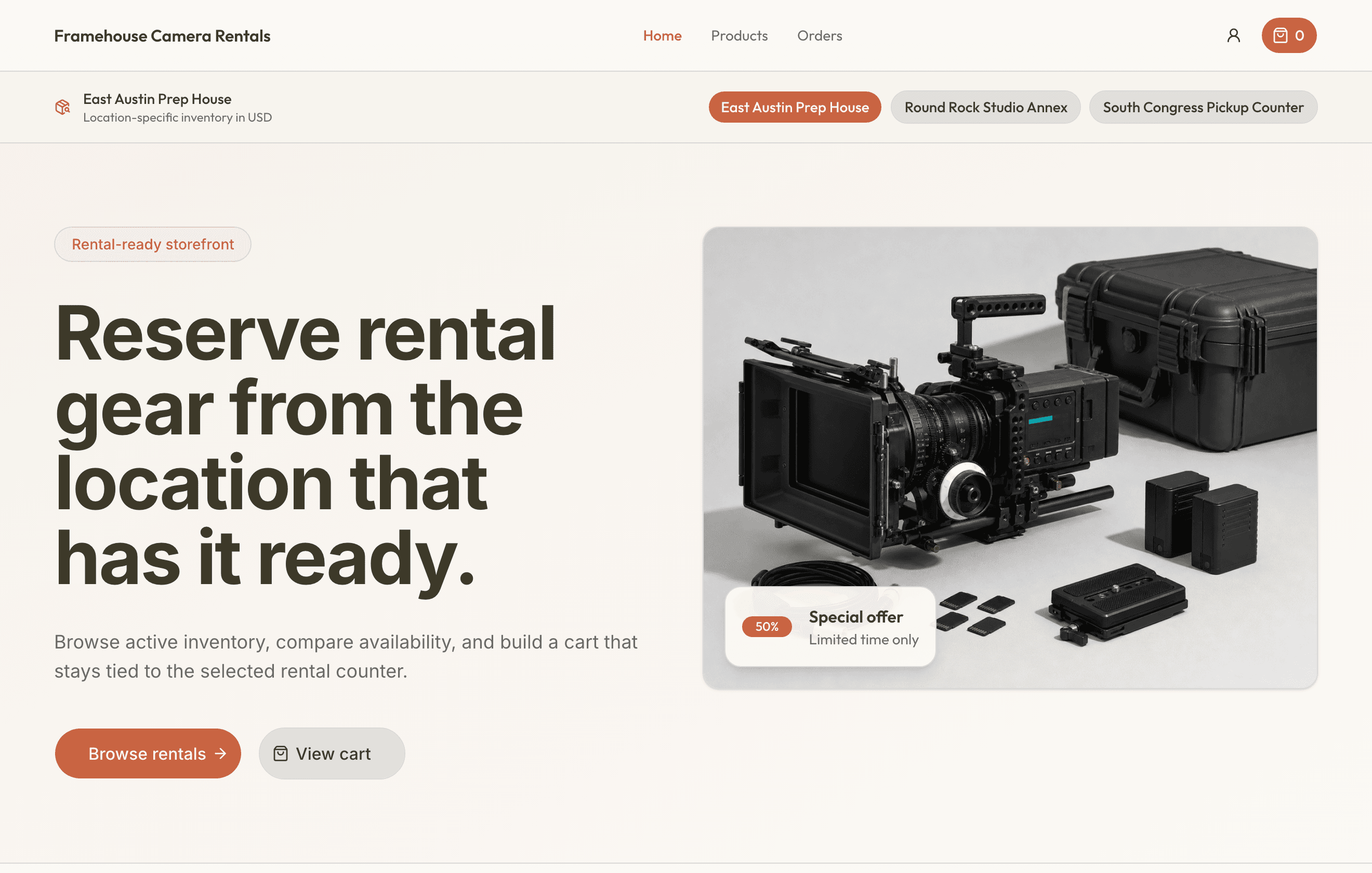
Let customers browse and request rentals online while staff keeps control of approval, reservation, checkout, and return.
To launch an online rental store, publish the catalog customers need, collect dates and fulfillment details, and route each request into the same approval, reservation, checkout, and return workflow staff already use.
Launch an online rental store
What this workflow keeps together
For small rental teams that want online intake without copying website requests into a separate inventory or fulfillment system.
Where the day usually breaks
The problems show up before the software does
- 01
The website creates an inbox instead of an order.
Customer selections, dates, fulfillment, addresses, and payment choices should arrive as structured rental work.
- 02
The storefront and counter catalog drift apart.
Products, variants, images, pricing, and deposits need one source rather than a second manual website catalog.
- 03
Online booking removes staff control too early.
A request should still be reviewed against real availability and operational readiness before the team reserves inventory.
One rental, four decisions
Keep the answer moving with the order
- 1
Is it ready for the next rental?
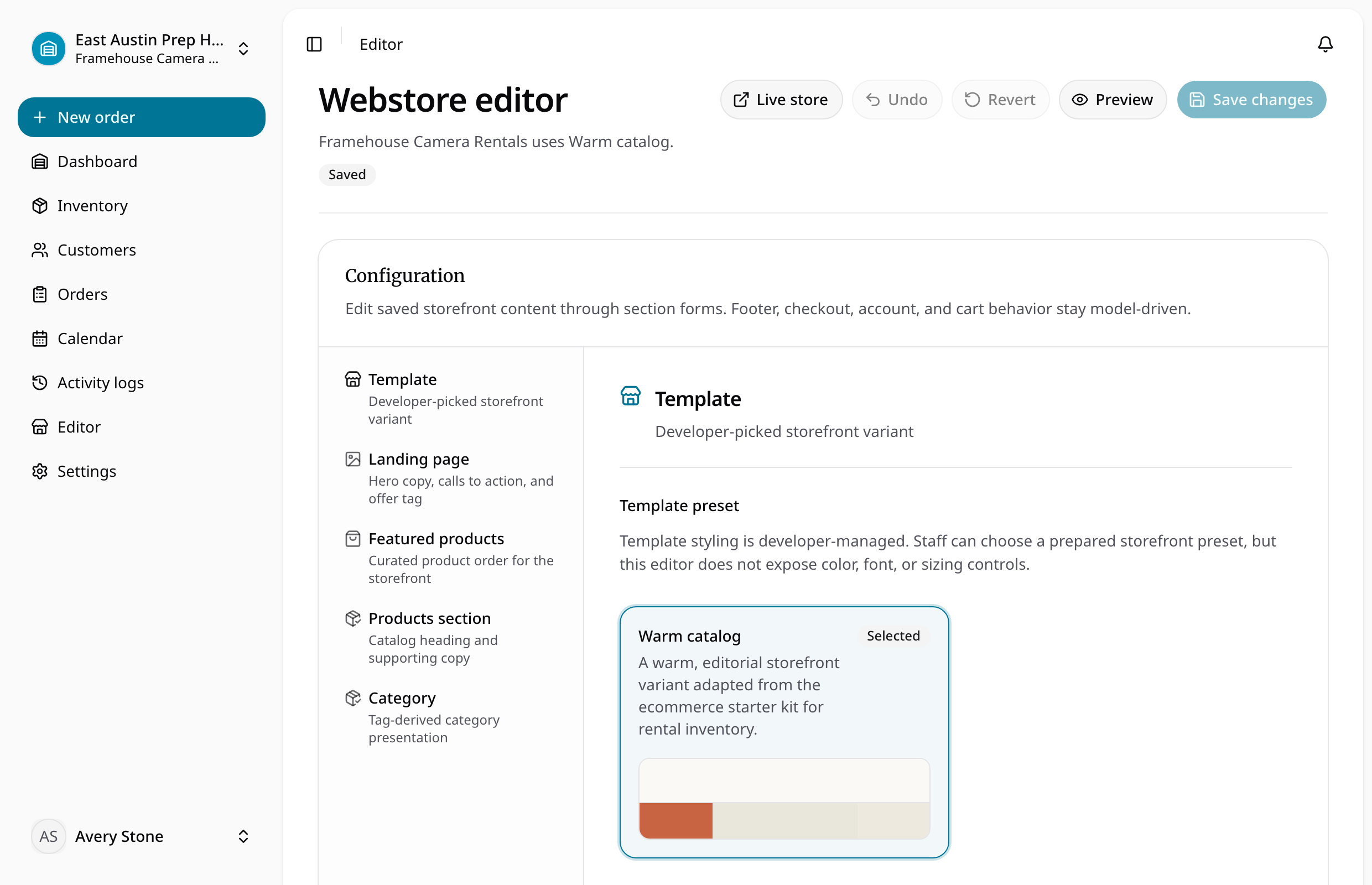
Choose storefront branding, content, template, status, and domain.
- 2
Does the handoff have the full context?
Publish products and variants from the rental catalog.
- 3
Can staff see what changed while it was out?
Collect customer, cart, date, pickup or delivery, and payment details.
- 4
Is it actually ready to rent again?
Review the storefront order and move it through the normal rental lifecycle.
Solve the next bottleneck
Feature
Online rental storefront
Publish an online rental storefront and rental ecommerce experience with product pages, cart, checkout, accounts, pickup, delivery, and deposits.
Feature
Equipment rental website builder
Build an equipment rental website with storefront copy, custom domain, product catalog, cart, checkout, pickup, delivery, and deposits.
Feature
Rental deposits and payments
Track rental deposits, payment status, storefront payment readiness, and exposure before gear leaves.
Common questions
What teams ask before replacing spreadsheets with launch an online rental store.