
Orders overview
Orders connect a customer, location, date range, addresses, and one or more rental or consumable lines. They may be created by staff or submitted through the storefront.
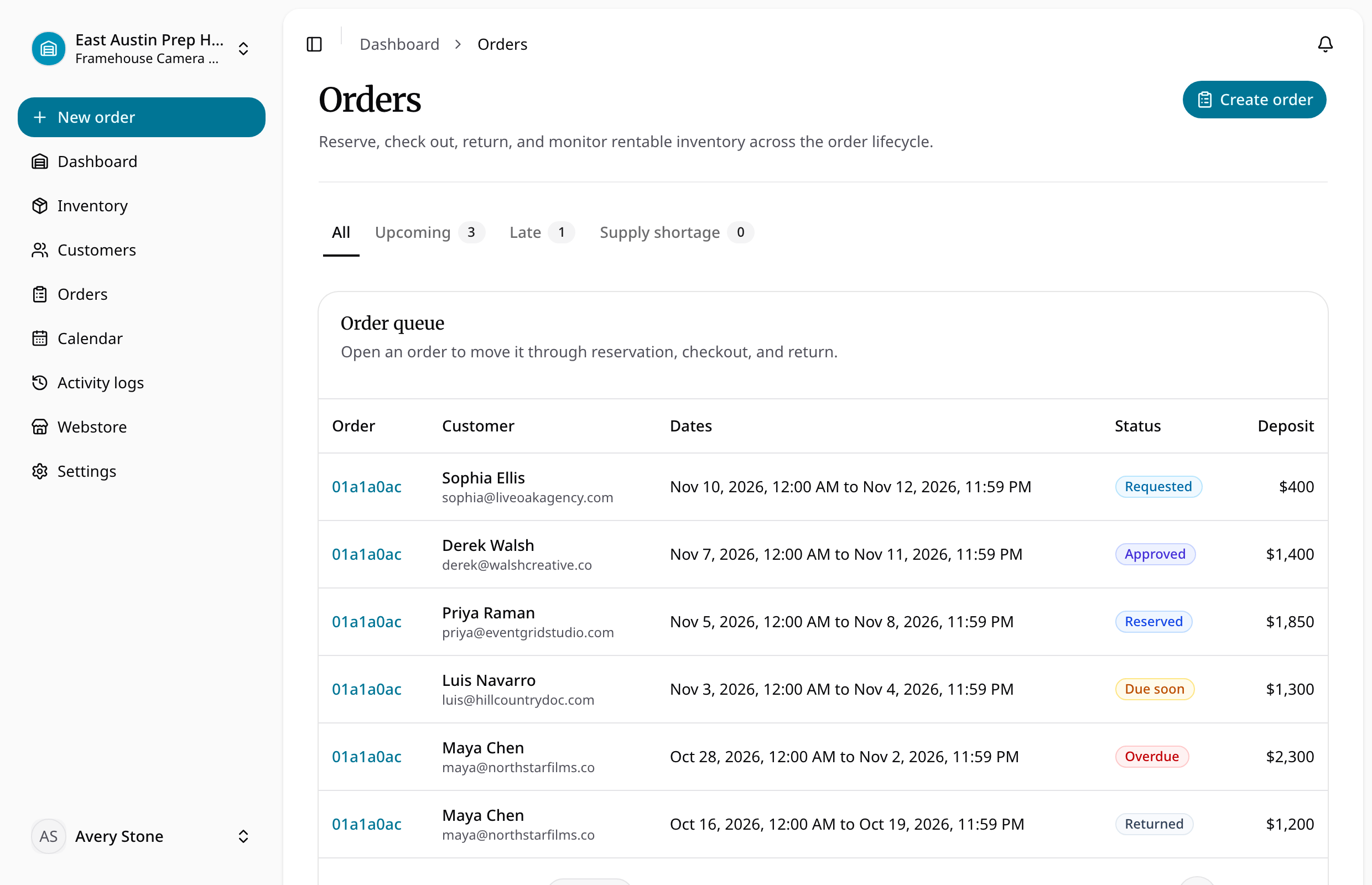
The main statuses are requested, approved, reserved, checked out, fulfilled, returned, cancelled, and rejected. Requested storefront orders wait for staff action. Reserved and approved orders block inventory. Mixed orders remain checked out until rental items finish their return workflow; consumable-only orders become fulfilled after checkout.
Orders preserve price, deposit, tax, address, SKU, product, and variant snapshots. Archiving removes an order from operational lists but keeps it directly accessible from history.
Order tasks
- Create an order
- Approve, reserve, and reject requests
- Check out an order
- Return and inspect rental items
- Cancel or archive an order
Work from the order detail
Use the order's item states and payment state together. An assignment or comment does not advance its lifecycle; use the specific reserve, checkout, cancellation, and return actions.
General order editing after creation is not available. Dedicated lifecycle actions, item tax overrides, and the custom-fields update cover their specific changes. Review customer, dates, addresses, and inventory carefully before saving a new order.
Follow orders on a phone
Order tables can present their fields as stacked, labelled rows on small screens. Items appear before assignment, payment administration, and address details. Use the field labels and the order's current status to find an action; the order lifecycle and payment requirements are the same across screen sizes.