
Review storefront orders and documents
Signed-in customers can open order history and review status, dates, line items, totals, payment state, and available documents. Access is limited to orders belonging to that storefront customer and organization.
Document pages provide authorized previews and PDFs. When staff shares a signable document, the customer receives a secure token link that can be opened without exposing the rest of the account. The signature page records consent and signer details before finalizing the PDF. Archived orders and their issued documents remain available through authorized history.
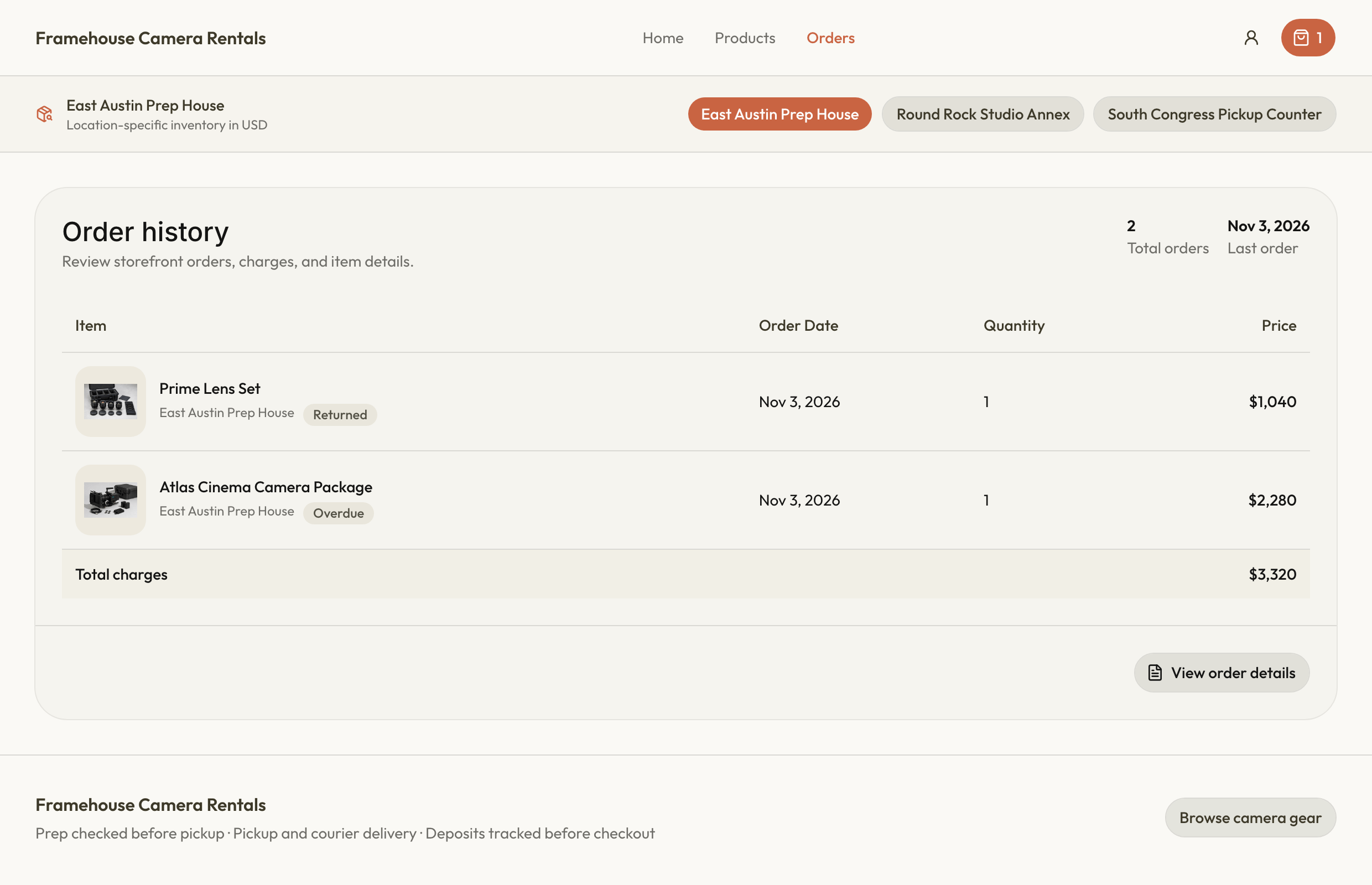
Review an order and sign a document
- Sign in to the relevant storefront and open your order history.
- Open the order to check dates, items, totals, and payment state.
- Open an available document, or use the secure recipient link sent by the business.
- If a signature is requested, review the document and give consent before submitting signer details and the signature.
- Reopen the finalized PDF when available and keep the record you need.
A secure document link is intended for its recipient. Keep it private and contact the rental business if it no longer works or the details are wrong. Updating your current address does not rewrite a finalized historical document. See document sharing and signatures for the difference between shared, signed, and finalized states.