
Storefront customer experience
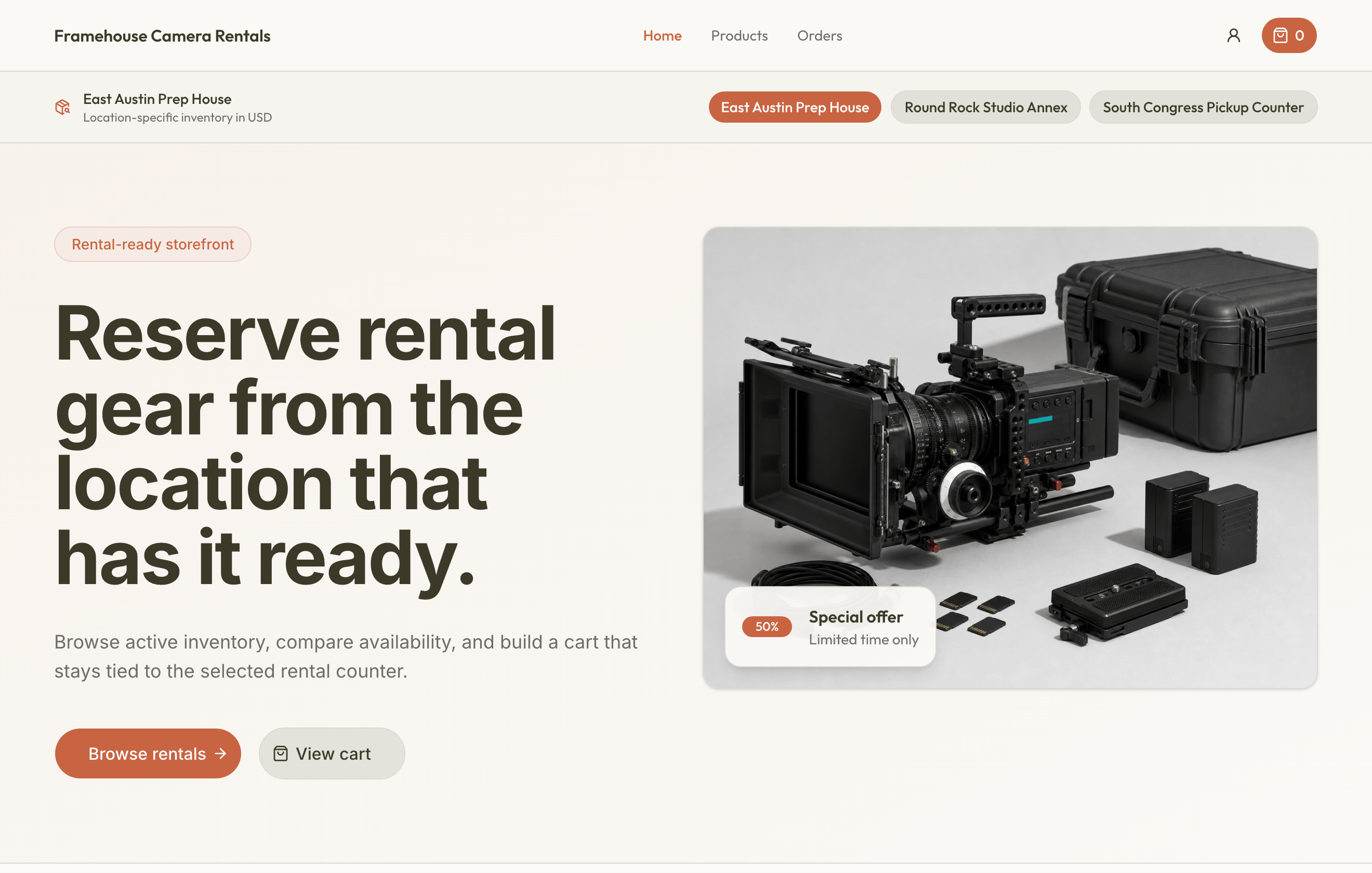
The public storefront lets customers choose a location, browse published inventory, select variants, review availability and prices, build a cart, authenticate, submit an order, and return to order history.
Rental cart lines snapshot variant, cadence price, deposit, and quantity. Consumables snapshot variant SKU, unit sale price, and quantity. Carts are location-specific; switching locations requires replacing the cart or keeping it attached to its original location.
Checkout requires a date range, customer, billing address, at least one item, and delivery details when applicable. Pay on pickup submits directly. Enabled online methods redirect to secure hosted checkout. The resulting order starts requested and does not permanently deduct consumables until staff checkout.
Customer tasks
- Browse products and manage a cart
- Create an account and check out
- Review orders, documents, and signatures
What happens after submission
A requested order still needs the rental business's operational review. Online payment state and reservation state are separate: paying does not mean every document is signed or every rental unit has been handed over.
Use order history to review the request and secure document links to complete signatures when asked. If ordering is paused because the business's billing is inactive, contact the business; creating another customer account will not restore ordering.