StorefrontStorefront customerPlans: Start, Plus, Pro
Browse products and manage a cart
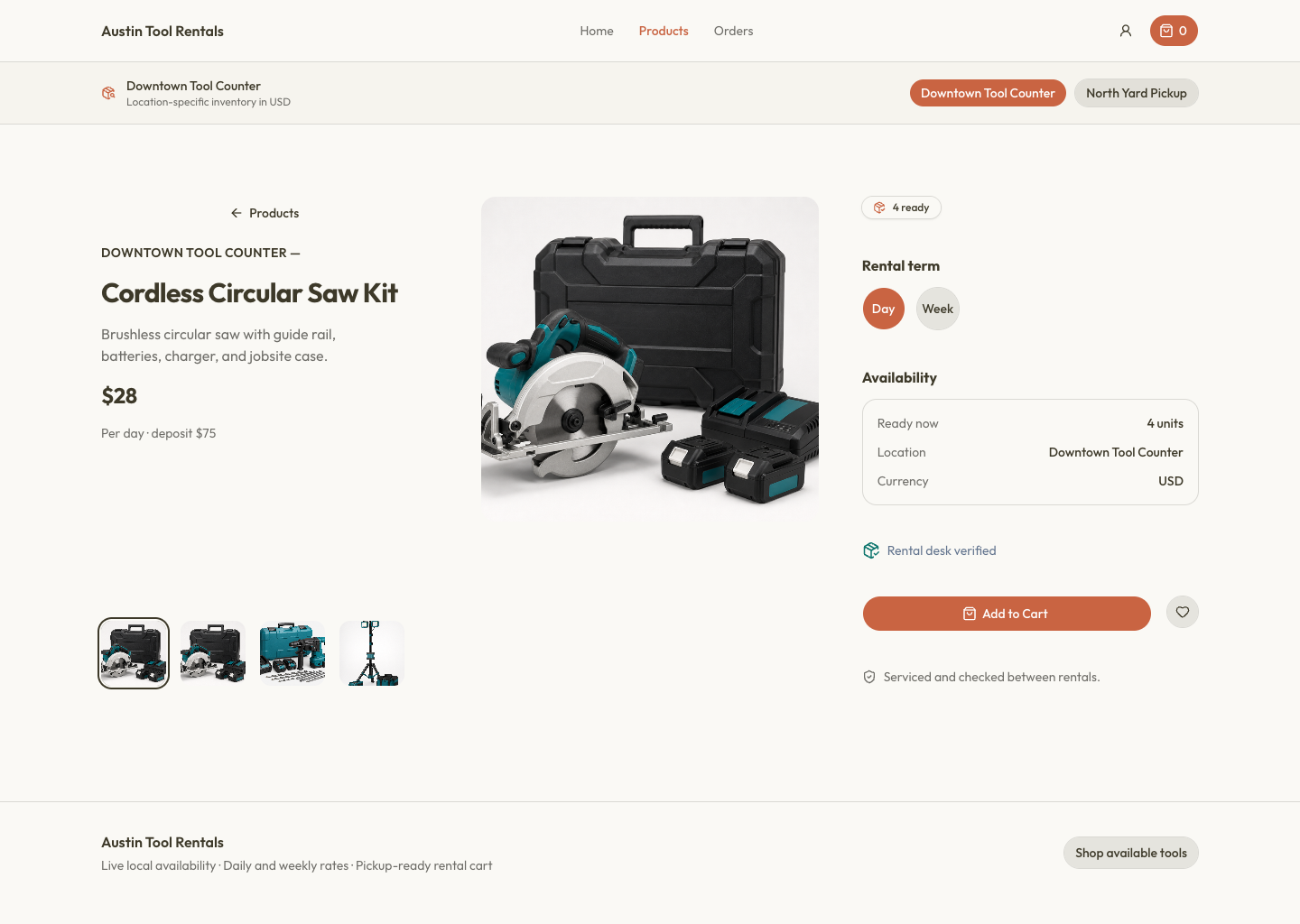
Choose the pickup location before relying on stock counts. Browse or filter the catalog, open a product, and select the exact variant. Variant selection updates images when variant-specific imagery exists and ensures availability or consumable stock is validated against the right choice.
Add the desired quantity to the cart. Rental products show cadence price and deposit; consumables show unit sale price and SKU-backed stock. Review the cart’s rental, sales, and deposit totals. If the location changes, RentalBench keeps the cart tied to its original location or asks to replace it rather than mixing stock between locations.