
OrdersAdminManagerStaffPlans: Start, Plus, Pro
Create an order
Select New order, choose a customer, and enter the rental period. Pickup orders require billing data; delivery orders also require a delivery address.
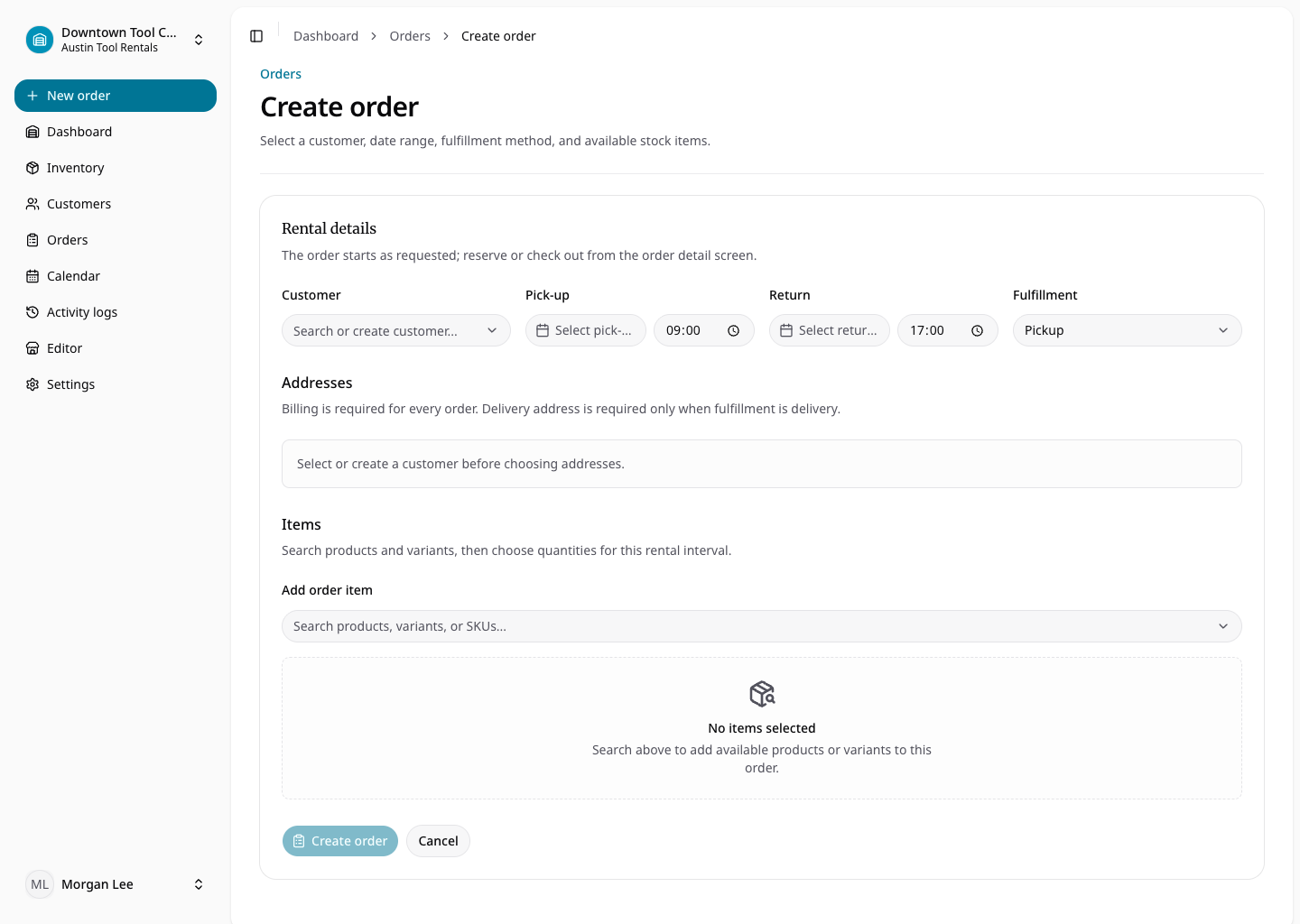
Add product and variant rows with quantities. RentalBench displays type-aware pricing and availability. Rental quantities allocate specific physical items that are available for the selected dates. Consumables create quantity lines against variant stock. A shortage must be resolved by changing dates, variant, quantity, or stock.
Review rental charges, sales, taxes, and deposits before saving. The created order snapshots these values and provisions its standard document set. Organization-defined order custom fields can capture additional operational details.