
Check out an order
Watch: Check out an order
Confirm payment and record the rental handover. · 0:47

Read the transcript
Checkout records that rental equipment has left the counter. Open the reserved order and verify the allocated kit, dates, and any required payment.
Choose Check out and confirm. The rental items now show Checked out. An order requiring full online payment must be paid before this action is available.
Open the delivery acceptance document and share its signature link. This report records the equipment handed over to the customer.
On the customer page, review the handover details, enter the signer's name, draw the signature, and accept the consent statement.
Open the finalized PDF to confirm the items and customer signature. Once equipment is checked out, use the return workflow rather than cancellation to bring it back into stock.
Checkout records that inventory has left the counter. Confirm allocated units, quantities, payment requirements, and any checkout condition notes first.
Rental lines move to checked out, and their physical items become unavailable until return inspection. Consumable lines are permanently deducted from stock and move to fulfilled. A consumable-only order becomes fulfilled immediately; a mixed order remains checked out while rental lines are outstanding.
Cancellation is blocked after checkout. Use the return workflow for rental lines instead. Customer-visible item status changes may send transactional updates.
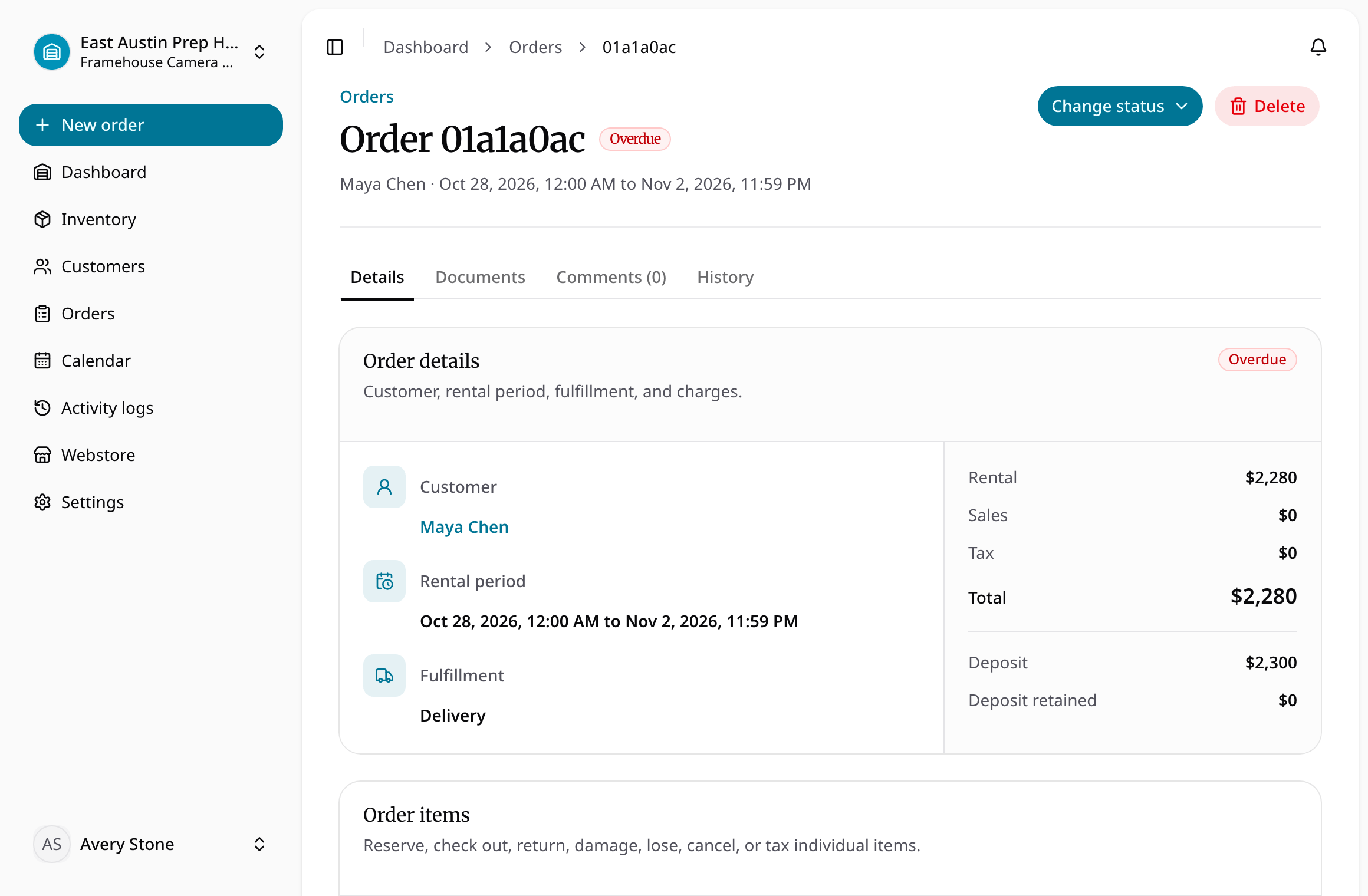
Complete the handover
- Open the reserved or approved order and verify the customer and allocated units.
- Check required payment. If full payment is required, wait for confirmed paid status before checkout.
- Review condition notes and the documents needed for this handover. Share signable documents explicitly when a signature is required.
- Use the checkout action, then confirm rental lines are checked out and consumables are fulfilled.
- Review partial item states when only some of the order has left the location.
Checkout records handover, not a future reservation. Use return and inspection when gear comes back. Signing and finalizing a delivery report are separate document steps; do not assume an order status alone proves a signature exists.