
Return and inspect rental items
Checked-out rental lines must be inspected before the order is complete. Record return condition and choose returned, damaged, or lost for each unit.
Returned units become available. Damaged units move to maintenance. Lost units move to lost. Consumables do not appear in return inspection because they were fulfilled at checkout.
If some or all of a deposit is retained, enter the amount and a reason. The return inspection and deposit report records the disposition. When the deposit was collected online, RentalBench can refund the refundable remainder and records both the refund and retained amount. The order becomes returned when every rental line is terminal.
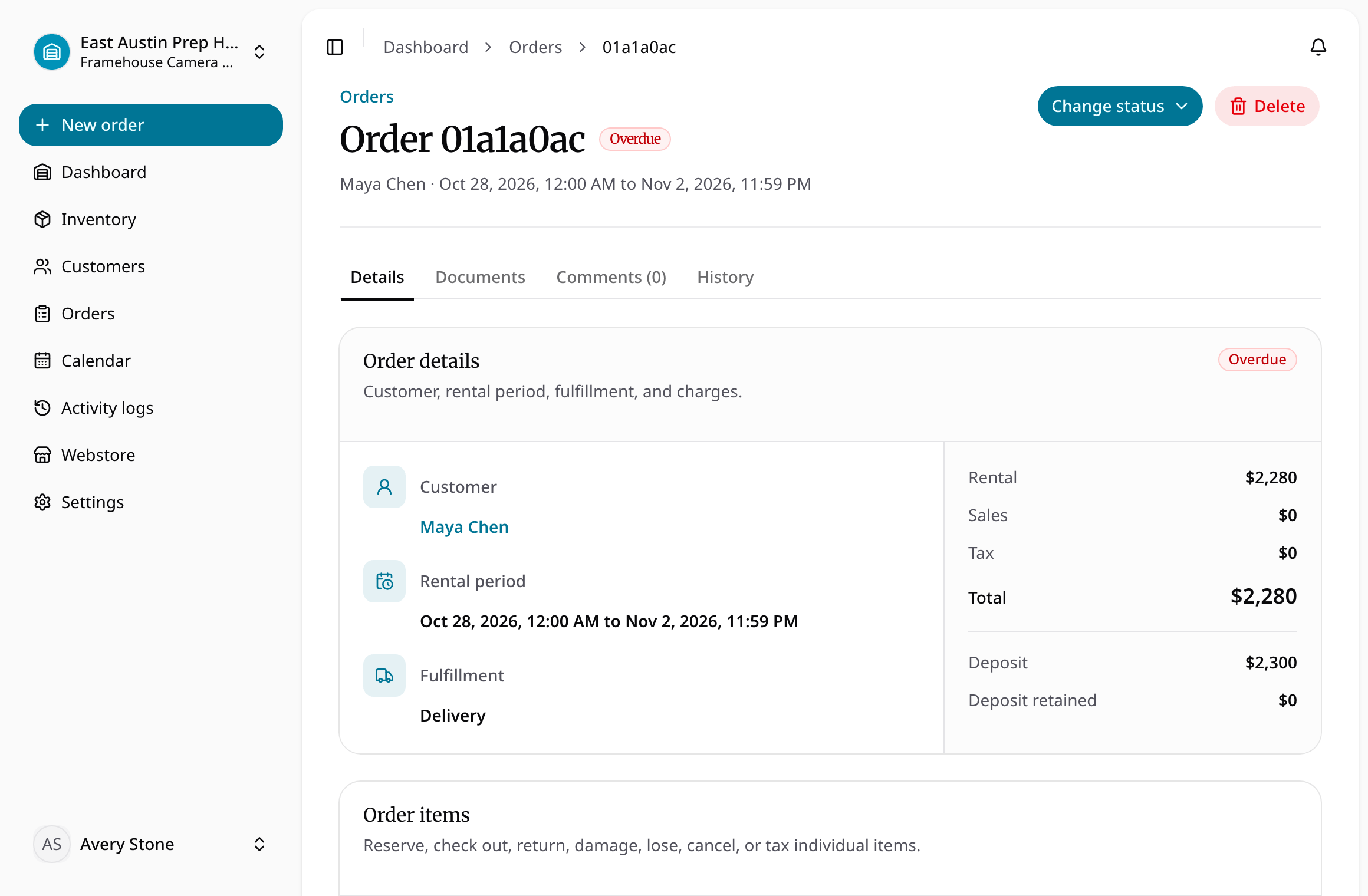
Inspect and complete a return
- Open the checked-out order and identify the physical units being returned.
- Record the condition and the returned, damaged, or lost result for each rental line.
- Enter any retained deposit amount and its reason before completing inspection.
- Review the return/deposit document and the order's resulting item and parent statuses.
- If online money must be refunded, verify the actual recorded refund result. A retained amount or report alone is not proof of a completed processor refund.
Partial returns leave outstanding rental lines to resolve. A damaged item moves to maintenance, and a lost item remains unavailable. Consumables do not use the return inspection flow. Follow document sharing and signatures when the return report requires customer signing.