
InventoryAdminManagerStaffPlans: Start, Plus, Pro
Import inventory
Open Inventory, choose Import, and upload a supported spreadsheet. RentalBench analyzes the file and suggests mappings between columns and inventory fields.
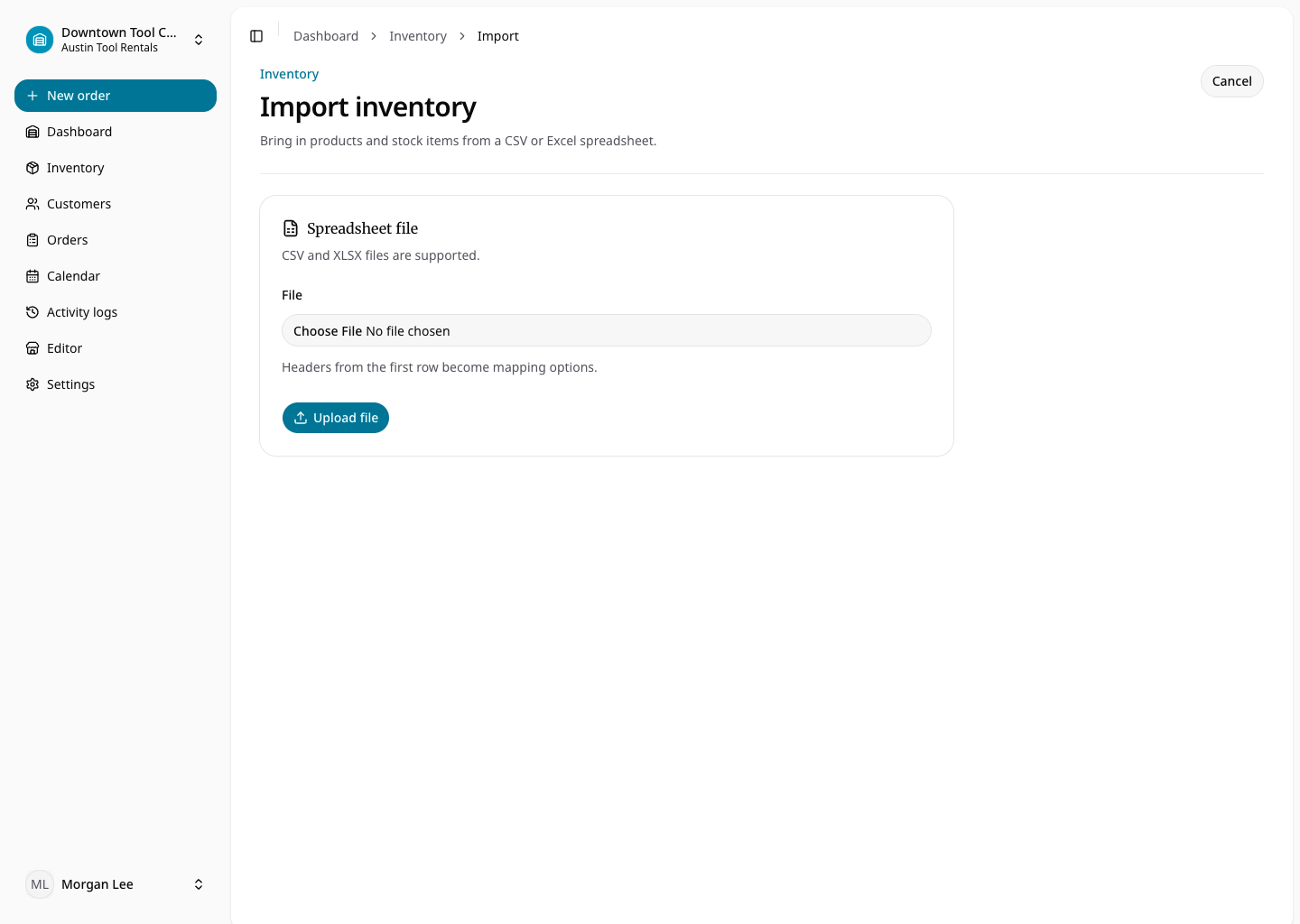
Review the preview before committing. Correct mappings for product name, product type, variant information, SKU, prices, and quantities. Blank product type remains rental for compatibility with older files. Consumable rows can include sale price, variant SKU, and quantity on hand; rental rows create individually tracked product items.
The import moves through upload, preview, commit, completion, or failure. A failed row should be corrected at the source or mapping stage before the data is committed. Imports belong to the selected location and retain their creator for activity history.