
Manage variants and stock
Variants distinguish meaningful versions of one product, such as Power: 18V, Color: Black, or Size: Large. Add or edit variants from the product page and optionally give each variant its own images.
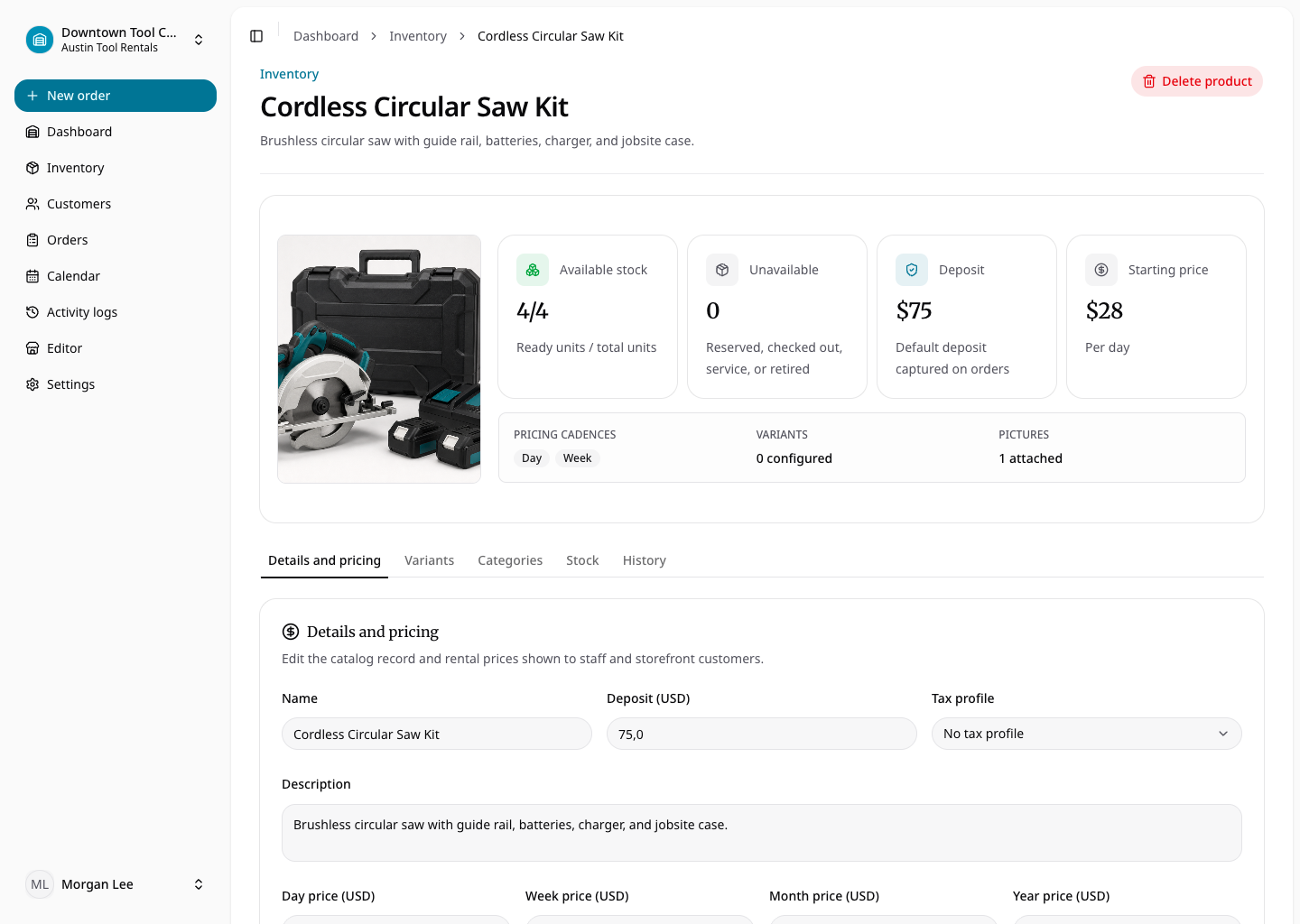
For rental products, every physical item belongs to a location and, when variants exist, to one variant. Add units from the relevant variant and review each unit’s generated SKU and status. Rental SKUs use uppercase product and variant components plus a three-digit sequence, such as CORDLESS-SAW-18V-001.
For consumables, stock belongs to the product variant rather than to individual units. Enter quantity on hand for each location. Available quantity is quantity on hand minus units held by reserved orders. Checkout permanently deducts the quantity; a return workflow does not apply.
Archiving a variant removes it from active selection and also hides its rental units. Historical orders retain their variant and SKU snapshots.