
Archive and restore inventory
Archiving a product, variant, or rental item removes it from active inventory and storefront selection without deleting its record. Prior orders, documents, item snapshots, and activity history continue to work.
Archiving a variant also hides its associated rental units. Restoring makes the record available to active workflows again, subject to its operational status and location availability. Operational statuses and archive visibility are separate. Manual stock-status editing is limited; archiving is the way to remove a record from normal working lists while preserving history.
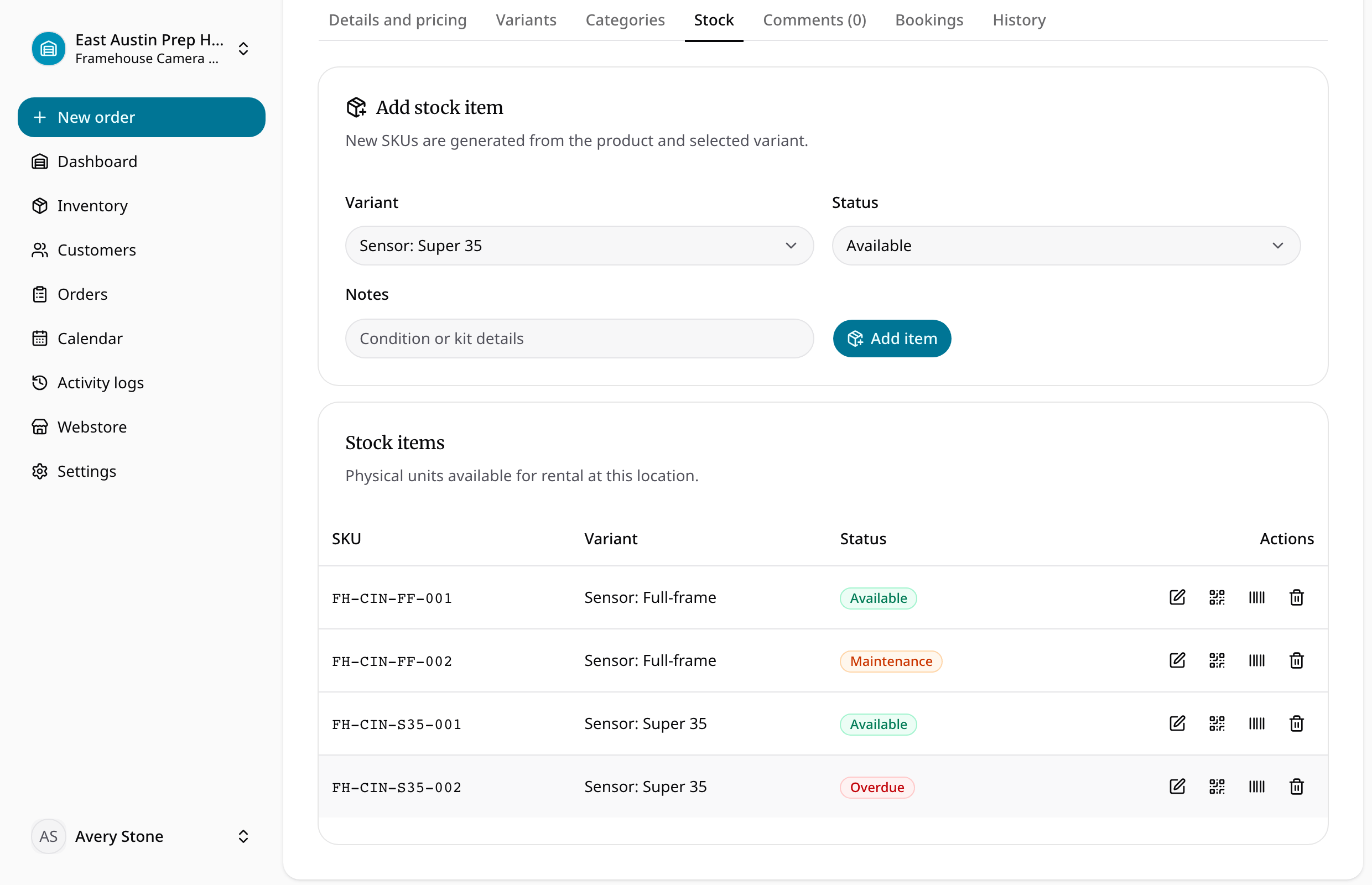
Archive safely
- Open the intended product, variant, or rental item and check its identity and current order commitments.
- Use the available archive control and confirm that it is no longer offered in active selection.
- Check historical orders when you need to find the original unit or SKU afterward.
- When restoring through the available restore flow, review location, variant, and operational status before using it again.
Archiving does not record a customer return, refund a payment, or complete an order. Resolve existing rental work through the order lifecycle. General product-item editing and manual status changes are limited in the current release.