
OrdersAdminManagerStaffPlans: Start, Plus, Pro
Assign an order to a teammate
An order can have one optional assignee. Assignment records who should follow up; it does not reserve inventory, change payment state, or advance the order lifecycle.
Assign or change the owner
- Select the order's location and open the order.
- Find the assignment control and choose an active teammate who belongs to this location.
- Save the assignment and confirm the selected teammate is shown.
- Reassign when ownership changes, or clear the assignee when no individual should own the order.
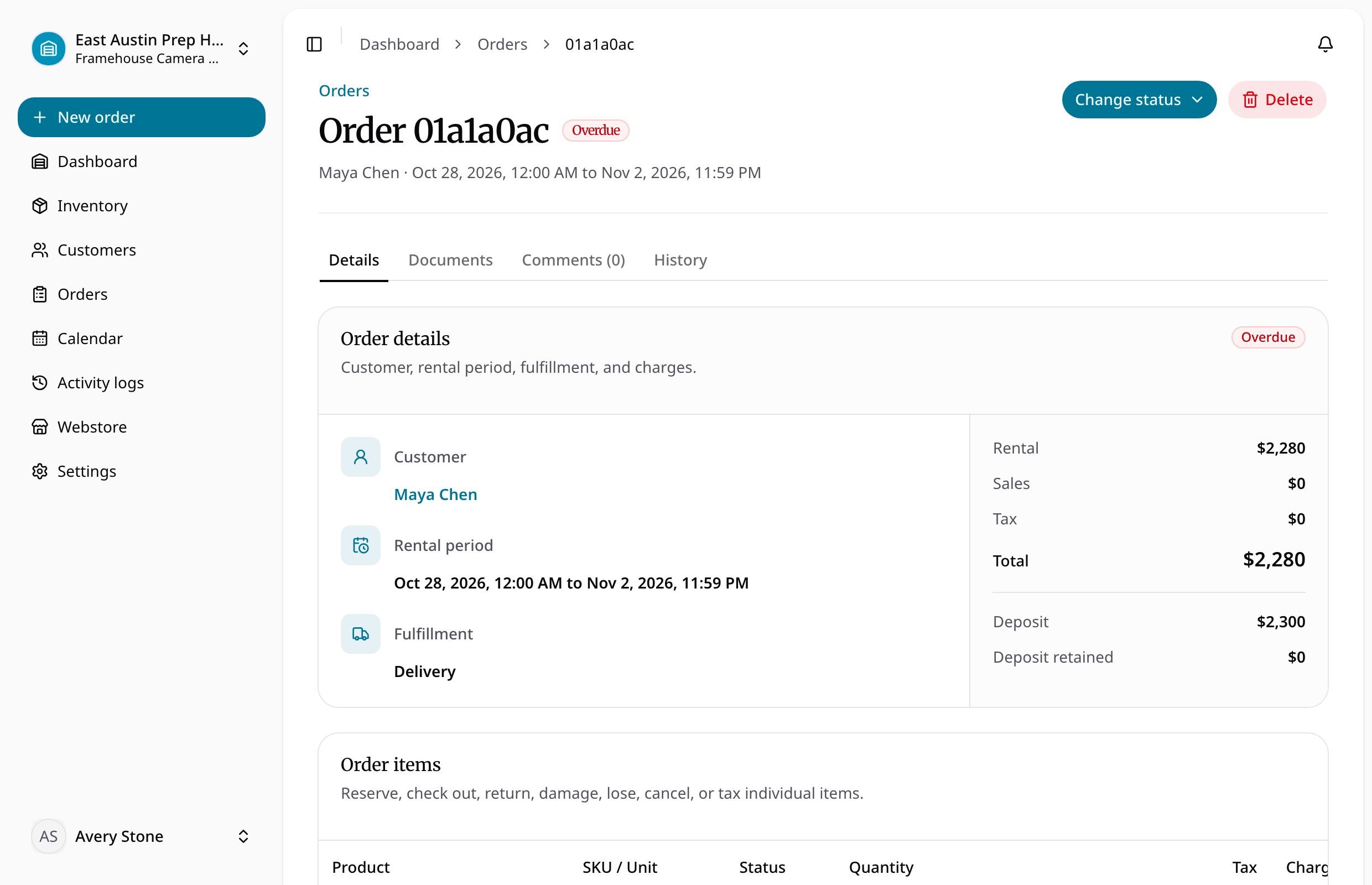
Assignment and reassignment create activity events and notify the new assignee in app. Unassignment is also recorded. The assignee must be an active member of the current location; assignment does not grant new location access.
If a teammate is missing, ask an admin to check their active status and location membership in Team settings. Use comments and mentions for additional context. Continue to reserve, check out, cancel, or return items with the corresponding lifecycle controls.