
SettingsAdminPlans: Start, Plus, Pro
Manage locations and schedules
Each location controls its address, country, currency, time zone, weekly schedule, customers, inventory, orders, calendar, imports, and activity. Update these values from location settings; date ranges and dashboard periods use the location time zone.
Schedules store open intervals for each weekday and inform customer-facing pickup context. Pro organizations can add locations. Existing extra locations remain accessible after a downgrade, but creating another is blocked until plan capacity is restored.
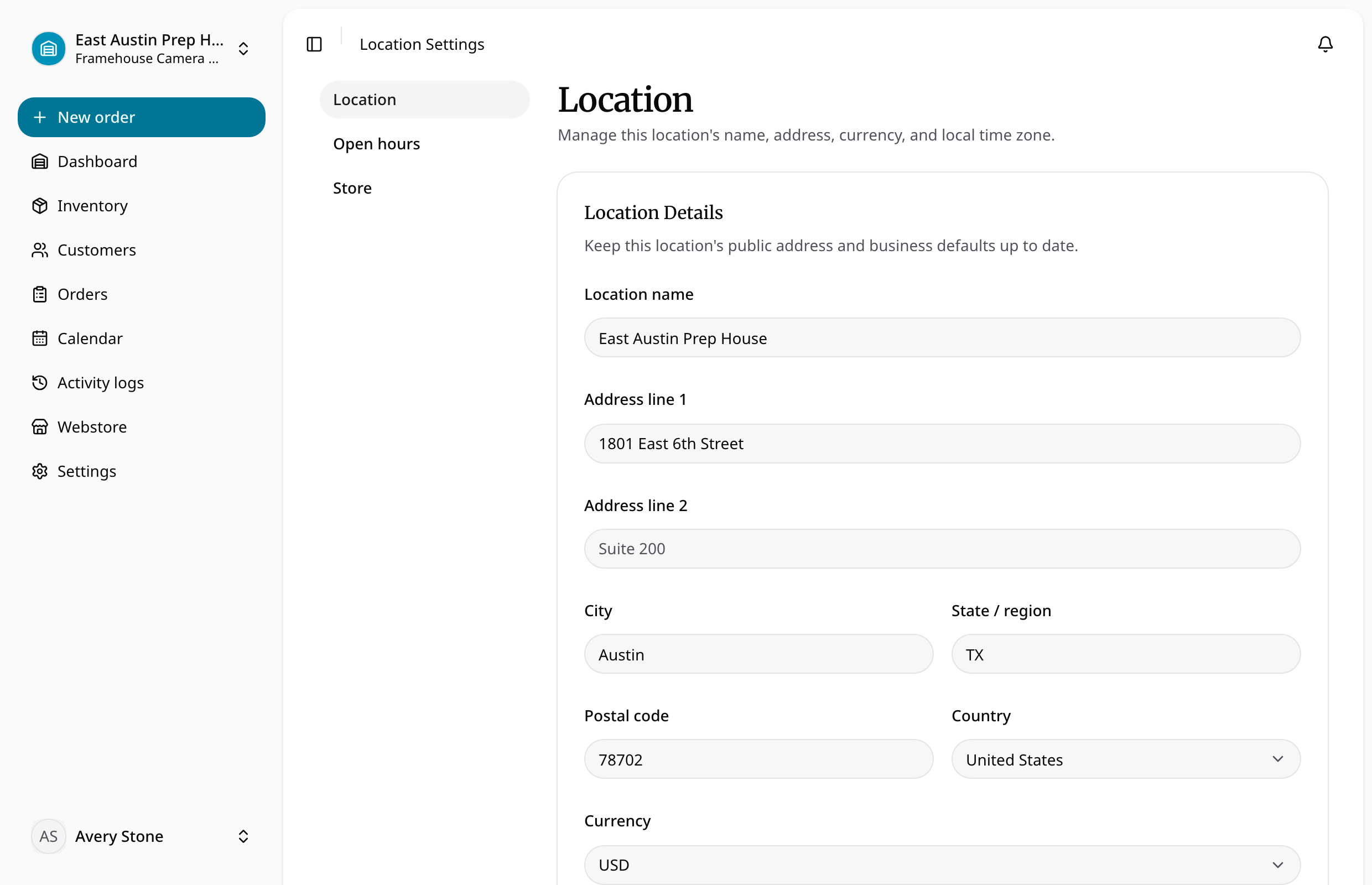
Location tasks
- Set location details: address, currency, and local time zone.
- Set opening hours: open days and non-overlapping weekly intervals.
- Manage team access: which teammates can work at each location.
Location changes do not transfer stock or rewrite existing order snapshots. Check the location switcher before reviewing operational lists or editing settings.