SettingsAdminPlans: Plus, Pro
Manage team members and invitations
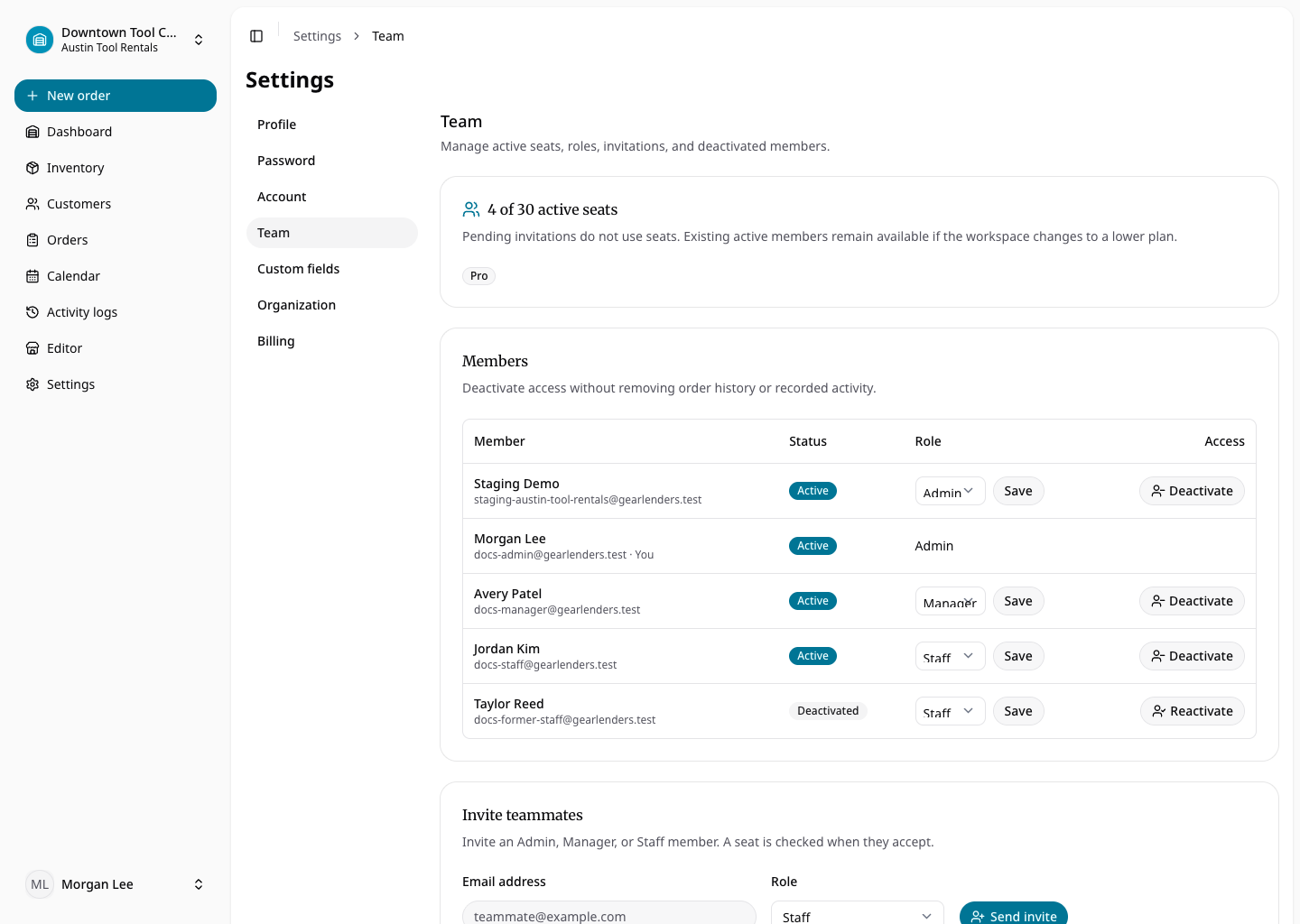
Open Settings → Team to review active and deactivated members, roles, pending invitations, and active-seat usage. Send an invitation with the intended role. The recipient uses its unique link to create an account; the seat limit is checked atomically at acceptance.
Admins can change another member’s role, deactivate access, or reactivate a former member when capacity permits. Deactivation immediately removes all staff sessions while retaining the person’s activity attribution. Self-demotion, self-deactivation, and removal of the last active admin are blocked.